NanaZip 6.0 Final Release – What’s New, How to Install, and the Portable‑Only Caveats
NanaZip 6.0 Final hit the repo just minutes ago, and the team is already pushing it toward a Microsoft Store submission. This article breaks down the most useful changes, points out where the portable build still falls short, and tells readers exactly how to get the right package without chasing unofficial copies.
Getting the Official Build
The safest way to try NanaZip 6.0 is to download the official release from the GitHub page or let a package manager like WinGet pull it straight from the publisher’s feed. The Microsoft Store version isn’t expected until after Microsoft finishes its verification on February 18, 2026, so for now the direct installer is the only fully supported option. Using the store build once it appears will give you automatic updates and proper integration with Windows’ app model.
Portable Package: Handy but Limited
The new portable binaries come in both Modern and Classic flavors, but they omit the NanaZip File Manager because that component still needs a rewrite slated for the 6.5 development branch. The portable mode is designed for debugging, testing on Server Core or Windows PE, and even running under Wine. It works fine for basic archiving tasks, yet several features are deliberately disabled: context‑menu entries won’t appear, file‑type associations stay untouched, and any issues that arise in this mode aren’t slated for fixes. In short, the portable build is a useful sandbox, not a replacement for a fully installed copy.
UI Adjustments You’ll Notice
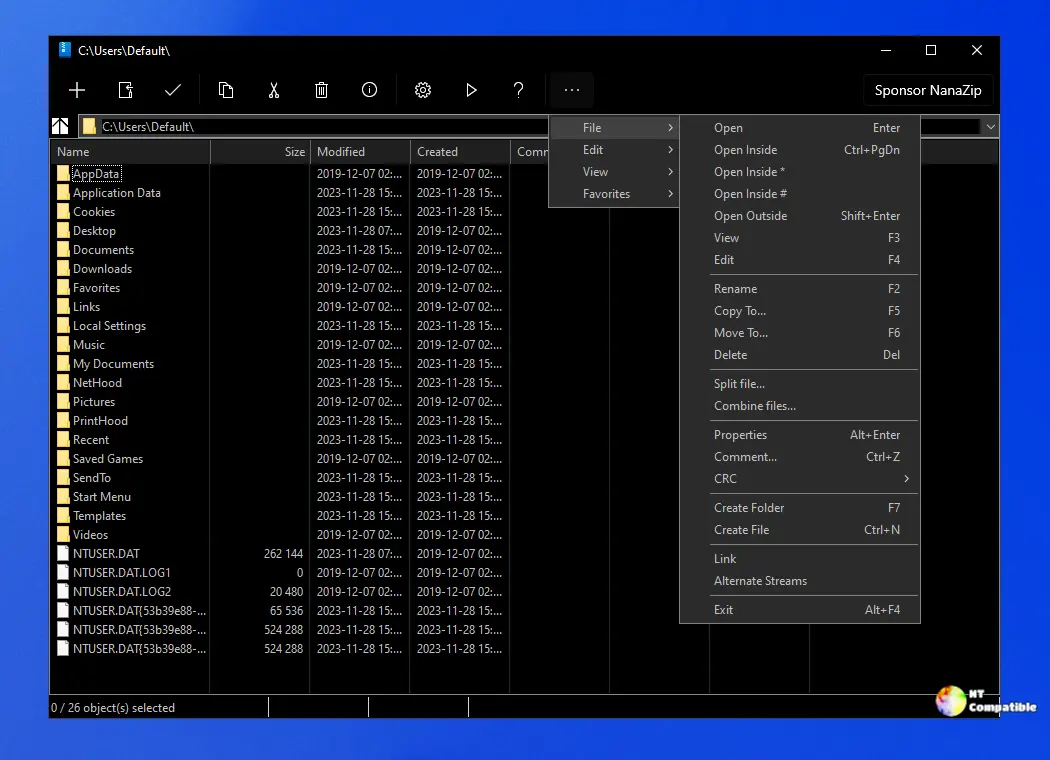
The address bar got a subtle layout overhaul that makes typing long paths less cramped. In two‑panel view the splitter bar now stays pure white in light mode, sidestepping an odd visual glitch that previously left it half‑gray. Dark‑mode users also get a proper Mica effect on the splitter and full support for Win32 task dialogs, which means the “Folders History” dialog looks cleaner and behaves more predictably.
Under‑the‑Hood Fixes That Matter
Several crash‑and‑hang bugs that plagued the .NET single‑file bundle and ROMFS read‑only support have been squashed, thanks to contributions from community members. Context‑menu handling has also been tightened up, though the feature remains unavailable in portable mode. The core compression engine now tracks 7‑Zip 26.00, so you’ll see the same algorithmic performance improvements that the original project introduced.
What Still Doesn’t Work
If you rely on context‑menu shortcuts or expect the file manager to launch from a portable zip, you’ll hit a wall until the next development milestone. Also, extracting NanaZip’s files from an MSIX package (the trick some Scoop users employ) isn’t supported and may lead to missing dependencies. The developers stress using only the official binaries; any unofficial remix is on its own.
That’s the rundown for NanaZip 6.0 Final. Grab the proper installer, give the UI tweaks a spin, and keep an eye on the portable notes if you’re testing in a stripped‑down environment.


