NanaZip 6.0 Update 1 (6.0.1638.0) Tackles Security Flaws and Polishes the File Manager
The newest NanaZip build, 6.0 Update 1, is now available for download. It closes three CVE‑2026 vulnerabilities that could let an attacker read or tamper with compressed archives, fixes quirks in read‑only support for UFS images and .NET single‑file bundles, and cleans up a handful of UI hiccups that frustrated long‑time users.
Security Fixes That Matter
The update patches CVE‑2026‑27709, 27710, and 27711—issues reported by security researcher HO‑9. In practice, these bugs could let an attacker inject malicious code into a ZIP archive or read protected data if the archive was opened from a compromised source. By tightening validation logic in the core extraction routine, NanaZip now rejects malformed headers before they can do damage.
Read‑Only Support for UFS/UFS2 and .NET Bundles Gets a Boost
Users who rely on read‑only snapshots of Mac OS X file system images often hit a wall when the archive contains UFS or UFS2 sections. Prior to this update, attempts to mount such images in NanaZip would silently drop permissions, causing files to appear writable and risking accidental modifications. The patch restores true read‑only behavior by correctly interpreting the filesystem metadata, so developers working with disk images can trust that they aren’t inadvertently corrupting their backups.
The same logic now applies to .NET single‑file applications bundled into archives. Previously, opening a read‑only bundle would trigger an internal exception and leave the file manager in a broken state; the fix ensures that the bundle is treated as immutable from the moment it’s loaded.
UI Polish That Makes Everyday Use Easier
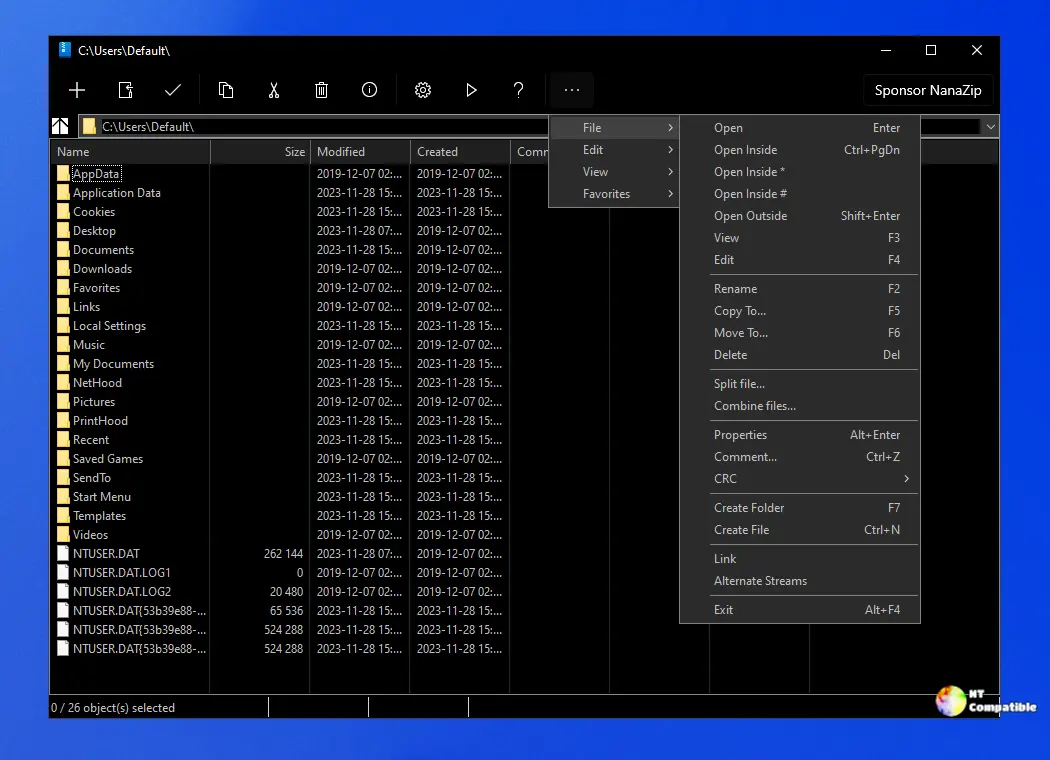
A few subtle UI bugs made the File Manager feel clunky. The white flashes that appeared when the main window first opened are gone—thanks to a small rendering tweak suggested by anhelloooo. Text wrapping in the XAML information dialog was also disabled, which means longer property values no longer wrap awkwardly and can be copied without extra clicks.
The hash calculation output has been reformatted to a more compact layout. When users hit “Copy” after generating MD5 or SHA‑256 checksums, the clipboard now contains just the raw hash string instead of a verbose description, saving time for those who need to paste it into scripts or documentation.
Localization Updates and Minor Enhancements
Japanese and Brazilian Portuguese translations have been updated with fresh contributions from noangel and maisondasilva. These updates make the UI feel more native for non‑English users, especially when viewing error messages that previously defaulted to English text.
Another small but useful tweak disables the Win32 TaskDialog‑based Folders History dialog when navigating to a desktop virtual folder. In earlier builds, clicking “Back” from the Desktop would leave the history panel in an unusable state; the new logic now gracefully ignores those navigation events.
With NanaZip 6.0 Update 1, users can finally breathe easier knowing that their archives are secure, that read‑only images behave predictably, and that the interface feels a little more polished. Grab the update from the Github announcement, and enjoy a smoother compression experience.


