PowerToys 0.98.1 arrives to stop crashes and fix the Command Palette stutter
Microsoft just pushed PowerToys 0.98.1 as a necessary patch for the utility suite that most power users rely on daily. This update targets specific stability cracks found in version 0.98.0 before they cause bigger headaches. It is worth grabbing this now if the Command Palette has been acting up recently.


PowerToys 0.98.1 fixes Command Palette crashes and scrolling glitches
The previous release had some nasty bugs where context menus simply vanished or caused crashes during app searches on the main page. PowerToys 0.98.1 addresses these by cleaning up how resources get disposed when windows close unexpectedly. It also fixes scrolling issues that made navigating long lists feel like wading through mud. Visual blinking artifacts during settings changes are gone too, which is a nice touch for anyone who tweaks things often.
Always On Top gets more control over transparency
Users can now configure opacity hotkeys independently from the main pin function in this version. This means increasing or decreasing transparency does not interfere with keeping windows on top anymore. It solves a common workflow conflict where changing visibility accidentally undid the pinning action. The update adds support for configuring these increase and decrease hotkeys separately to prevent accidental triggers.
Stability tweaks for Keyboard Manager and Settings
The ability to toggle the Keyboard Manager Service separately has been removed temporarily because it caused stability problems. This decision prioritizes reliability over flexibility until the backend is solidified enough to handle the load safely. There are also fixes for crashes related to missing DLL dependencies in PowerToys Run settings. A blank page bug on the What's New screen finally routes correctly back to Home now so users do not get stuck looking at an empty window.
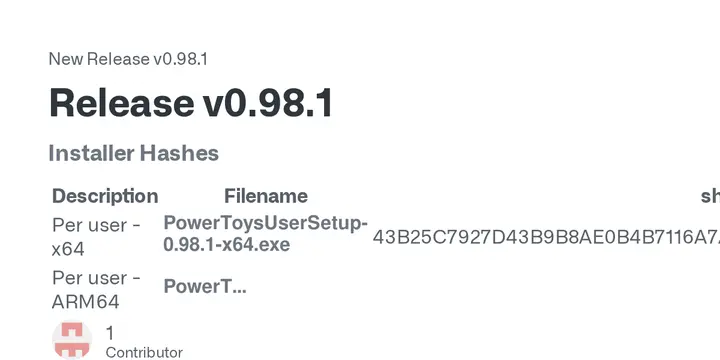
Release PowerToys v0.98.1
Description Filename sha256 hash Per user - x64 PowerToysUserSetup-0.98.1-x64.exe 43B25C7927D43B9B8AE0B4B7116A7A4FFCA66FAE031BCF4B30FE38AC382C6F35 Per user - ARM64 PowerToysUserSetup-0.98.1-arm64.exe E52788F0B199433A56B0CEA5DDA3611DA2F9D0AF123E2E90F9A908D8164AAD20 Machine wide - x64 PowerToysSetup-0.98.1-x64.exe FC417BF42D6497A87682286FB541D4FA789EF0E4A812571BC0C2E4D591E63CAA Machine wide - ARM64 PowerToysSetup-0.98.1-arm64.exe DD9F1E0243A16ADAA831F8E1119AE7394CB031B5B12401A0A243880F8F099545