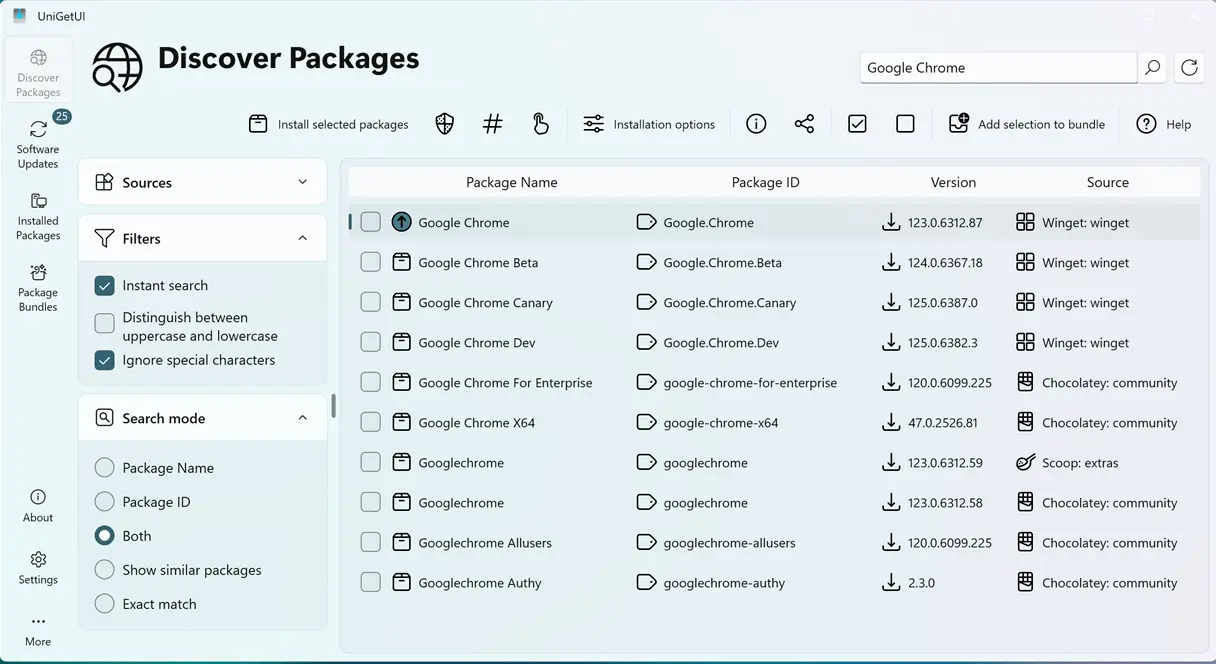
UniGetUI 2026.1.0 delivers a clean, reliable way to handle software updates on Windows 10 by moving from GitHub’s old‑school updater to Devolutions’ product info feed and tightening verification with SHA256 checks. Users will learn how this transition eliminates “update available” surprises that actually point to broken or corrupted packages. In the release pipeline, a PowerShell build system now signs installers in advance, so developers can spot metadata mistakes before users hit “install.” That extra check stops the frustration of dealing with mismatched signatures and missing publisher data.
UniGetUI 2026.1.0: How the Latest Release Turns Package‑Manager Chaos into a Smooth Windows Experience
The newest UniGetUI version fixes several long‑standing hiccups that plague everyday PC users, especially when updating software via WinGet from inside a third‑party front end. The update streamlines how updates are fetched and verified, removes unnecessary clutter, and gives the installer a much tighter grip on binary integrity.
Why the New Update Feed Matters
UniGetUI now pulls version information directly from Devolutions’ product info feed instead of relying solely on GitHub’s legacy system. That extra step matters because it guarantees that every user sees the same set of releases—no more surprise “update available” messages that actually point to a stale or broken build.
How SHA256 Checks Protect Your System
The new release hardens update validation with SHA256 integrity checks and installer signer verification. A common scenario observed is when an automatic driver update on a Windows 10 machine corrupts the installation package, leading to endless “corrupted archive” errors in WinGet. By cross‑checking the hash, UniGetUI stops those corrupted files from ever reaching the system.
Bundling WinGet with Architecture Awareness
WinGet’s command‑line interface is bundled per processor architecture (x86 or x64) rather than a one‑size‑fits‑all binary. This matters because using the wrong build can cause silent failures—like missing “Could not locate the required DLL” messages that only surface after a reboot. The new packaging logic also falls back to an older, stable version if the preferred architecture fails to download.
Cleaning Up Legacy Binaries
All legacy packaged binaries have been purged from the distribution, trimming unnecessary files that previously bloated the installer. Users who had been stuck with duplicate executables and outdated icons will notice a cleaner installation folder and fewer chances of accidental confusion between old and new versions.
What to Expect from the Release Pipeline
UniGetUI has adopted a PowerShell‑based build, signing, and release pipeline that includes draft support and dry‑run signing checks. That means developers can preview what the final installer will look like before pushing it live, catching any missteps in metadata or signature mismatches early on.
Light‑Hearted Wrap‑Up
With these changes, UniGetUI 2026.1.0 feels less like a corporate upgrade announcement and more like an honest fix for users who’ve had enough of stubborn installers.
Release UniGetUI v2026.1.0
Changelog Devolutions UniGetUI 2026.1.0 This is the first Devolutions-branded UniGetUI release. It focuses on the transition to Devolutions distribution and update infrastructure.