Visual Studio Code 1.111 Arrives With Autopilot, Agent‑Scoped Hooks and More
The latest weekly release of Visual Studio Code brings a handful of new AI‑centric tweaks that let the editor do more work for you. In this version users can dial in how much control the built‑in agent has, attach custom pre‑and post‑processing logic to specific agents, and grab debug snapshots right from the chat window. The update also improves terminal usability with a dedicated AI profile group and gives extension authors better local‑string IntelliSense.
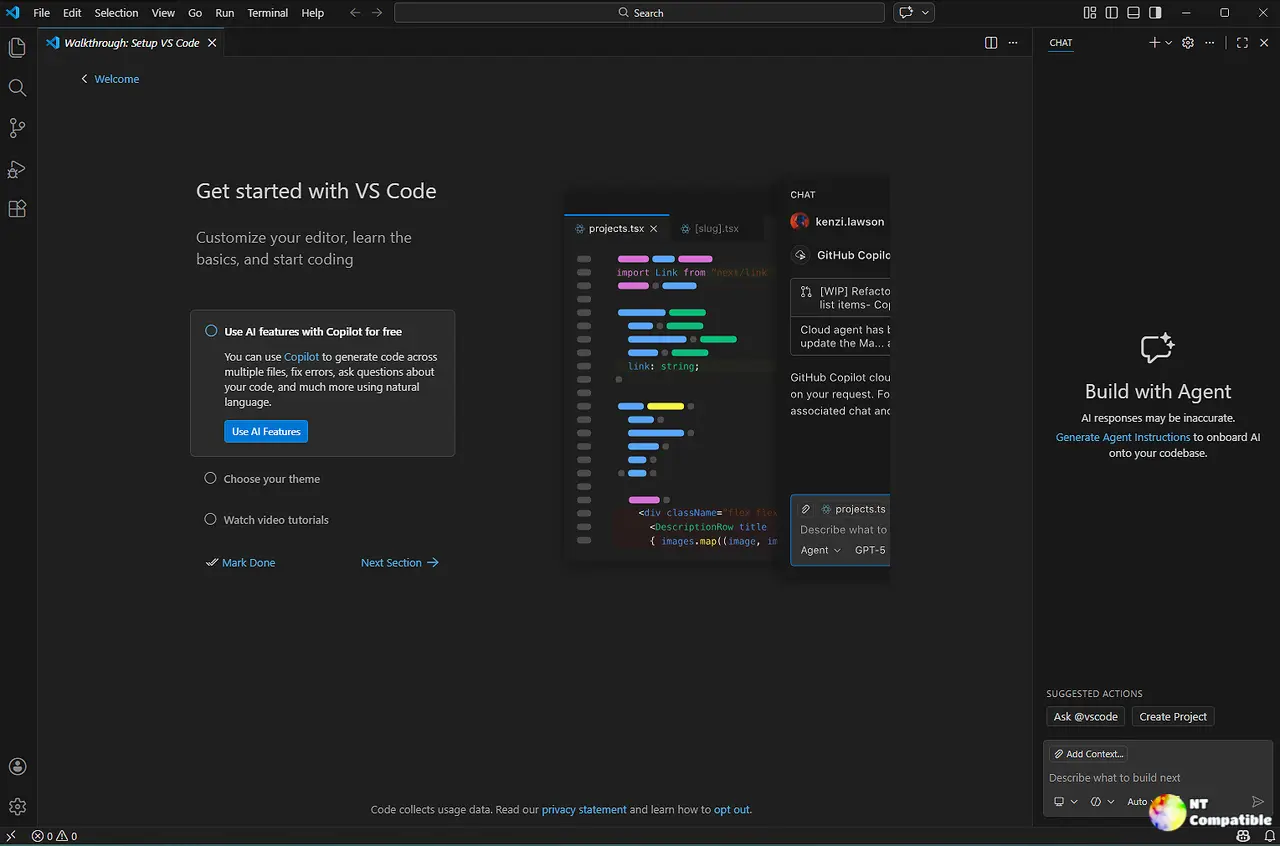
Autopilot and Agent Permissions
The new permissions picker in the Chat view replaces the old hard‑coded approval flow. By default, every tool call is gated behind your configured approval settings. Turning on Bypass Approvals skips those dialogs entirely; Autopilot (Preview) takes it further: the agent auto‑approves, keeps retrying on errors, and even answers follow‑up questions until a task_complete signal fires. This level was enabled by default for Insiders, but Stable users can opt in with chat.autopilot.enabled.
A developer I helped last week noticed that, after enabling Autopilot accidentally, the agent started executing terminal commands without prompting—an example of why the warning dialog is hard to ignore.
Agent‑Scoped Hooks (Preview)
Agent‑scoped hooks let you attach pre‑ and post‑processing logic only to a specific agent or when it’s invoked via runSubagent. To enable this, set chat.useCustomAgentHooks and add a hooks: section to your .agent.md. The change is subtle but powerful: the same chat can now run different validation steps for distinct agents without leaking side‑effects into unrelated conversations.
Debug Events Snapshot
Troubleshooting an agent’s behavior has never been easier. During any session you can click the sparkle icon in the Agent Debug panel and attach a snapshot of all debug events to the current chat. The attached log is automatically filtered to the timestamp of the snapshot, making it trivial to correlate what the agent was doing at that moment.
Chat Tip Improvements
Chat tips now surface in a structured onboarding flow—foundational topics like using the Plan agent appear first, followed by quality‑of‑life tricks such as /init and /fork. Tips are suppressed when you have multiple chat windows open to keep the view tidy. The update also adds keyboard shortcuts next to each tip so users can discover bindings without hunting through settings.
AI CLI Profile Group in Terminal Dropdown (Experimental)
Terminal profiles that run AI commands, like GitHub Copilot CLI, now appear in their own group at the top of the profile dropdown when terminal.integrated.experimental.aiProfileGrouping is enabled. It’s a quick visual cue to separate AI tools from regular shells.
Extension Authoring – Localized Strings IntelliSense
Package authors can now jump straight to the definition of a localized string with “Go to Definition” and find all places it appears across package.json and its corresponding package.nls.json. The new feature reduces the risk of missing references when translating an extension into multiple languages.
Engineering Updates
With weekly Stable releases, VS Code now supports one‑click test plan item creation directly from a feature request issue. Verification steps can be auto‑generated with a button on the issue page, ensuring that any PR merge triggers a media attachment if images or GIFs are included in the description—handy for visual regressions.
Notable Fixes
A handful of bugs were squashed, including a regression where certain agent calls would hang after a failed retry and an issue that caused the Chat view to flicker when switching between agents.
That’s the low‑down on 1.111. If you’re on the Stable channel, give the new permissions picker a spin—just remember that Autopilot can run wild if you don’t read the warning.


