Visual Studio Code 1.113 Release Brings Better Agent Control and New Themes
The latest update to the editor focuses heavily on making AI interactions less chaotic while refreshing the look for new users. This release adds specific controls over how models reason and fixes long-standing issues with self-signed certificates in the built-in browser. Users can expect a more unified chat experience that keeps context without requiring constant manual tweaks within Visual Studio Code 1.113.
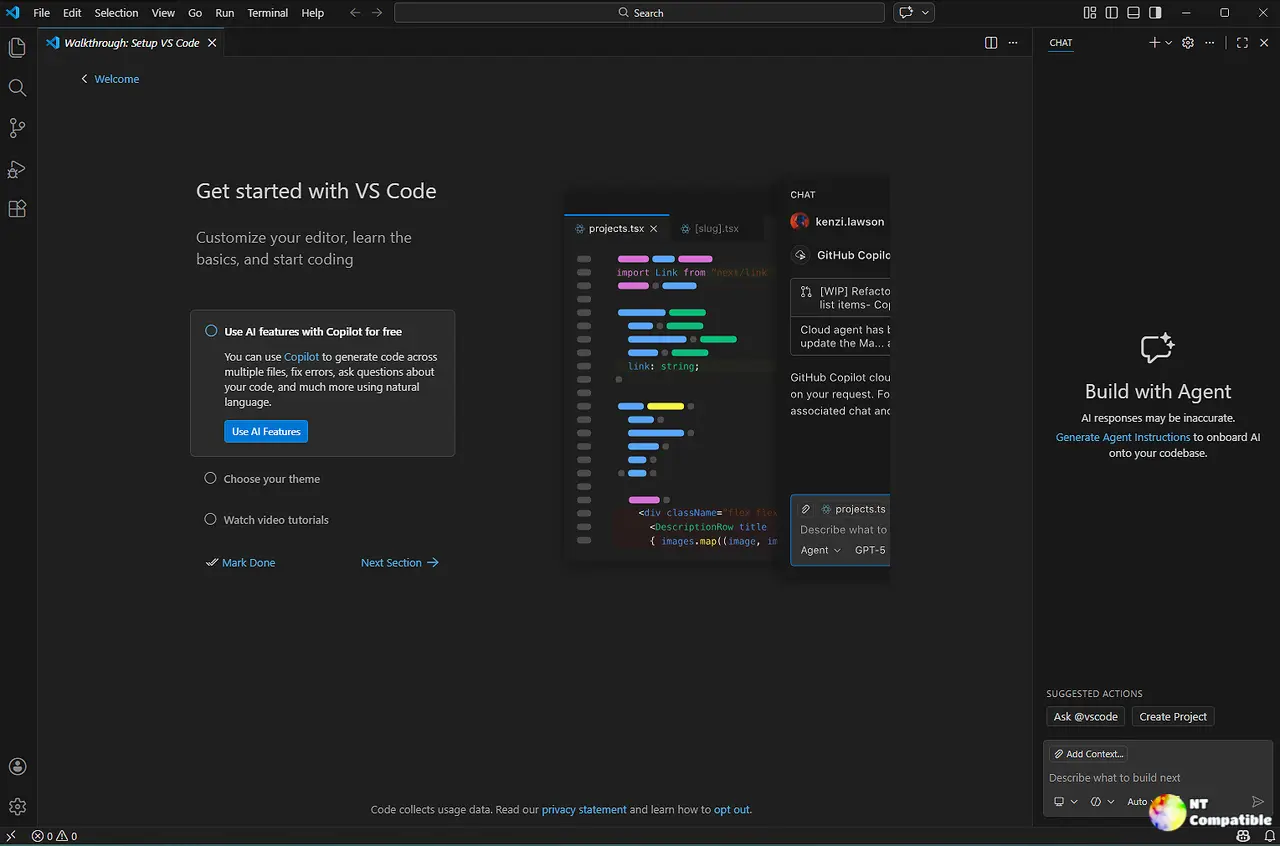
Agent Workflow Improvements in Visual Studio Code 1.113
The team has tightened up how agents handle complex tasks by allowing subagents to invoke other subagents for multi-step workflows. This capability was previously restricted to prevent infinite recursion but can now be enabled via the chat.subagents.allowInvocationsFromSubagents setting when needed. Developers working with CLI agents will find MCP servers bridged directly so they do not need to reconfigure tools inside the editor versus the command line. Forking sessions in Copilot CLI allows forking an existing session at any point to explore different lines of thought without losing context. Debug logs are also available for CLI and Claude agent sessions now which helps understand exactly what happens during a prompt interaction. Users who have seen their agents get stuck in loops will appreciate the ability to manage subagent invocations manually rather than hoping the system handles recursion safely on its own.
Chat Customizations and Image Viewing
Managing chat customizations used to require hunting through various menus but the new editor provides a centralized UI for instructions, prompts, and skills. Users can control how much reasoning a model applies by selecting thinking effort directly in the model picker instead of digging into settings files. The interface now displays the selected effort level alongside the model name so it is clear which mode is active during a conversation. Image attachments received from chat or generated by tools open in a full viewer that supports zooming and navigation through thumbnails at the bottom. This viewer is also accessible from the Explorer view context menu for image files within any folder. It saves time when reviewing screenshots attached to requests without needing to launch an external application just to check details on a build artifact.
Editor and Browser Tweaks
Web developers often struggle with self-signed certificates during local testing because the integrated browser previously refused to load untrusted sites. Visual Studio Code 1.113 now allows temporary trust of these certificates to unblock development workflows similar to standard browsers. The connection status in the URL bar will indicate when a site is not secure and offers an option to revoke trust at any time during the week. Browser tab management has also received attention with a new Quick Open command that filters open tabs for quick access or closing all tabs in a group. New default themes arrive alongside these changes to provide a modern look while maintaining familiarity for long-time users.


