Windows Package Manager 1.28.110 Preview released
Microsoft has unveiled a preview release of Windows Package Manager 1.28.110, packed with new features and bug fixes aimed at enhancing user experience.
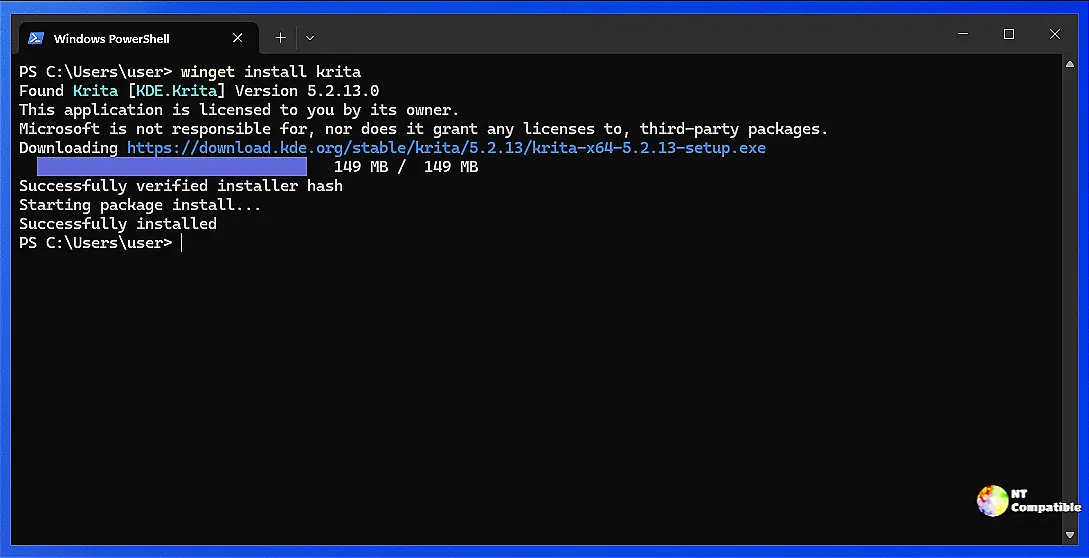
A big part of it is updating the winget component itself to better match its internal package tracking; that helps keep things consistent inside Windows. And there's more user control over logs now; you can adjust how large those log files get, which should help manage system resources without making stuff too slow.
Speaking of managing things, check out this new source manipulation tool called 'sourceEdit.' It adds flexibility to handling sources directly through configuration settings in the package manager. You basically tell the PM whether a particular source is explicitly defined (a specific instance you control) or implicitly included (like from an environment variable). For example, if winget-font was explicitly set somewhere and you want it to blend into your default list of implicit sources, just run the appropriate command.
There's another experimental feature debuting too, 'listDetails.' This expands the usual list command output. Instead of a neat table with all packages, using --details gives you much longer, more specific information for each installed application directly pulled from its manifest data. Think of it like getting an overview plus detailed specs for each item individually.
Here's how to get started: Just flip a switch in your settings file under the "experimentalFeatures" key, set "sourceEdit": true or "listDetails": true depending on which feature you want to explore, and then use specific winget commands as examples show. These updates aren't just for tinkering; they represent real progress towards making managing packages smoother over time.
While new features grab attention, don't forget this update also cleans things up internally. Portable Packages now correctly handle directory separators across different systems; good stuff, ensuring reliability regardless of how manifests are structured elsewhere. There's also some refinement related to the experimental font feature property itself, clarifying what needs to be displayed and making sure the settings match user expectations accurately.
And for those using winget configure test commands, you'll find this new release makes them compatible with --suppress-initial-details, removing that nagging requirement for --accept-configuration-agreements beforehand.
Release Windows Package Manager 1.28.110-preview
This is a preview build of WinGet for those interested in trying out upcoming features and fixes. While it has had some use and should be free of major issues, it may have bugs or usability problem...
Release Windows Package Manager 1.28.110-preview · microsoft/winget-cli