Microsoft has released a new preview build, Windows Server vNext Preview Build 29531, to its server preview program insiders. This latest drop introduces ReFS (Resilient File System) boot support, allowing for faster integrity checks and better protection against data corruption at startup. However, enabling this feature requires a mandatory 2 GB WinRE partition, which can cause issues if it runs out of space. If the recovery slice is deleted to free up space, it may render the machine unbootable unless reinstalled from scratch.
How to Clean‑Install Windows Server vNext Preview Build 29531
If you’ve been living on the edge of Microsoft’s server preview program, the latest drop – Windows Server vNext preview build 29531 – is finally here. This article shows exactly what you need to do to get a fresh install running, why an upgrade from older previews will likely bite you, and which quirks you should watch out for before you spin up that new VM.
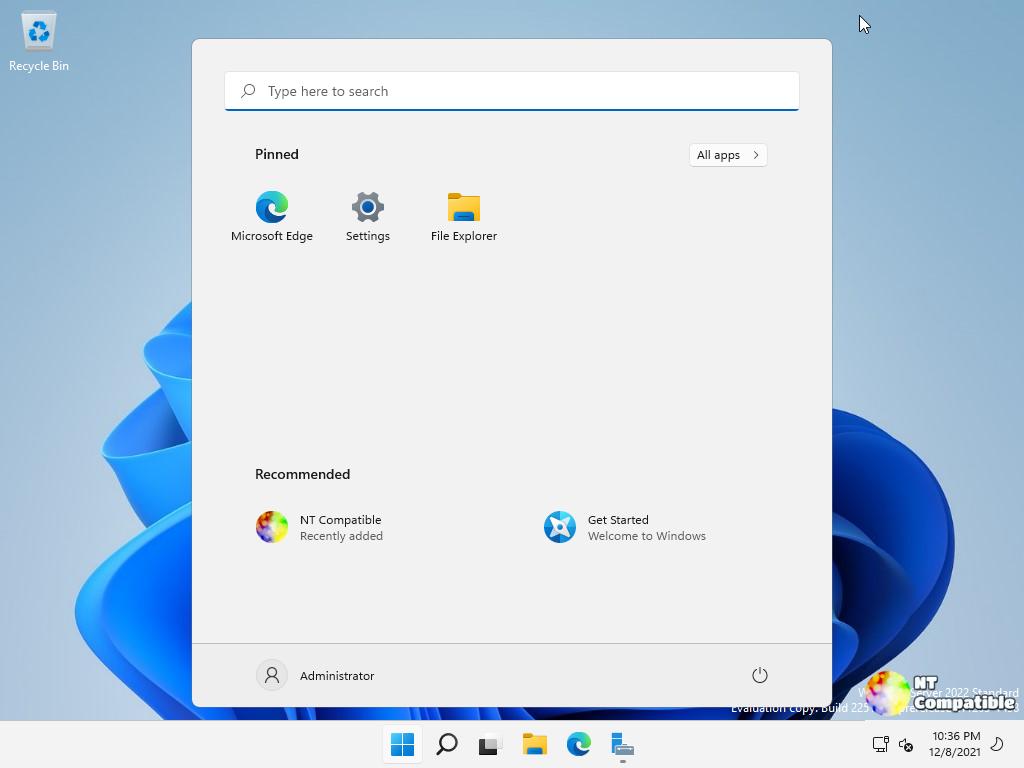
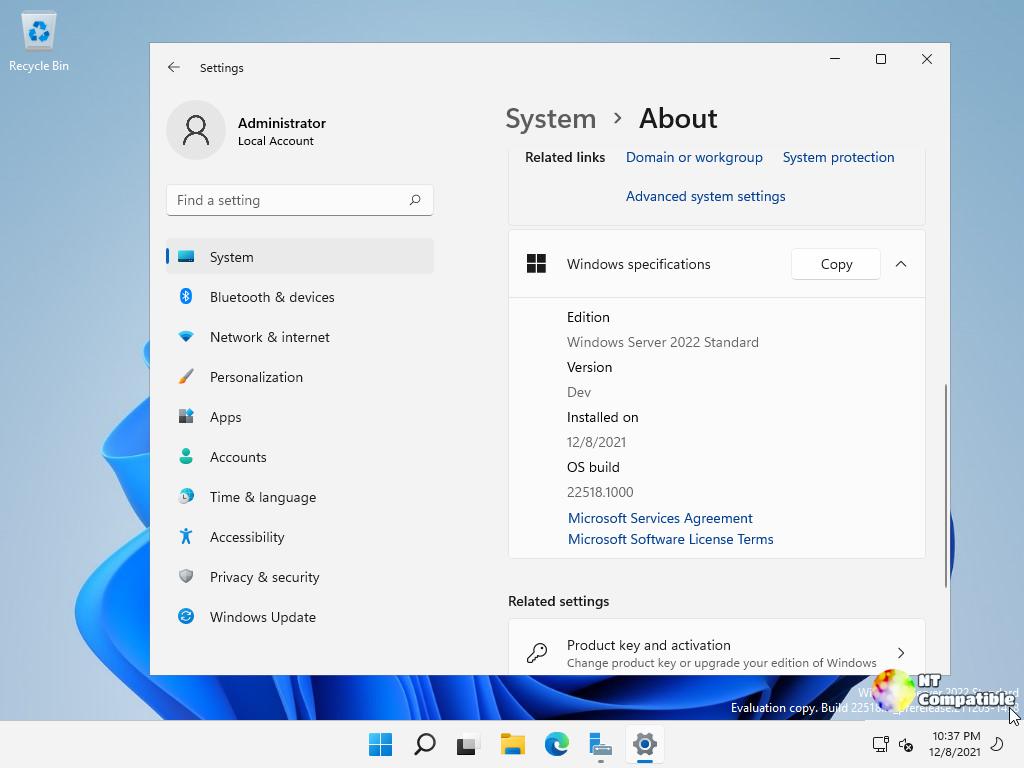
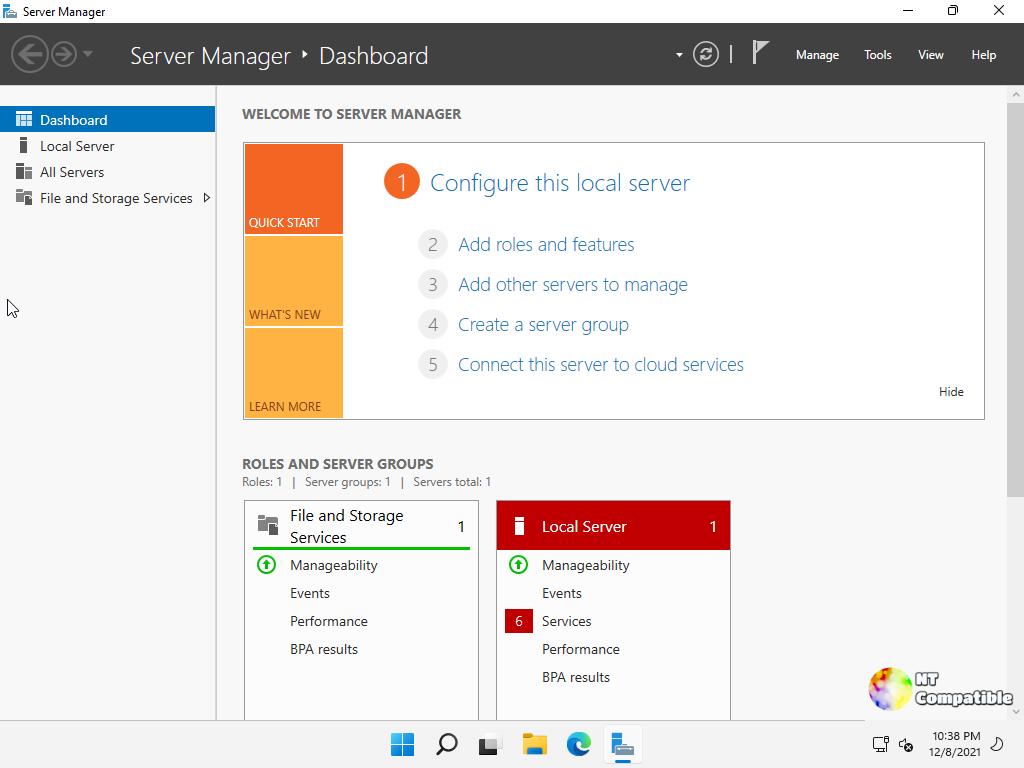
What’s New in Build 29531
The headline feature is ReFS boot support. Microsoft finally enabled the Resilient File System as the system volume, which means faster integrity checks and better protection against bit‑rot right from start‑up. The trade‑off is a mandatory 2 GB WinRE partition that sits between the EFI system and the OS volume; if that tiny recovery slice runs out of space, Windows will simply turn off WinRE without deleting the partition. Deleting it yourself and then extending the boot volume makes the machine unbootable unless you start over with a clean install.
Why You Must Do a Clean Install
Upgrading from any preview earlier than build 26525 is officially unsupported, and in practice it’s a nightmare. Sysadmins who tried to push a 26525 VM straight into 29531 reported failures during live migration and cluster failover – the VMs either refused to start or crashed mid‑upgrade. The installer will let you click “Upgrade” for older builds, but hidden errors in the setup routine corrupt the boot configuration, leaving you with a half‑functional server that refuses to join a domain.
Because of those issues Microsoft has declared build 29531 a new baseline. The only safe path is to wipe the target machine (or VM) and perform a clean installation from the fresh ISO or VHDX media. That also sidesteps the “Flighted” label bug that still shows “Windows 11” on the download page – the package you receive is definitely the server preview, not a mis‑named Windows 11 build.
Clean‑Install Procedure (no bullet points)
First, log in to the Windows Insider portal and grab the appropriate ISO – choose the Datacenter or Standard edition, or pull the Azure Edition VHDX if you’re only testing in a virtual environment. Next, burn the image to a USB stick with a tool like Rufus; make sure the partition scheme is set to GPT for UEFI boot. After the media is ready, reboot the test machine and press the firmware hot‑key to select the USB as the first boot device. When the Windows Setup screen appears, click “Install now,” then when prompted for a product key enter the preview key supplied by Microsoft. The license keys needed for test installations are provided in the official release announcement.
The installer will ask whether you want to keep existing partitions – choose the option that deletes all partitions on the drive, which creates a fresh layout with the mandatory WinRE slice automatically. Continue through the prompts, select “Server Core” or “Desktop Experience” based on your workload, and finish the setup. Once Windows boots for the first time, run Windows Update to pull the latest cumulative patches; this also refreshes the Feedback Hub app that now appears in Server Desktop editions.
Known Limitations You Should Remember
Because ReFS boot forces a 2 GB WinRE partition, any attempt to shrink or merge it after installation will break recovery. If you ever need to reclaim that space, you must back up your data, wipe the disk again, and reinstall – there’s no supported way to resize the hidden partition in‑place. Also note that the preview build expires on September 15 2026; after that date the installer will refuse to boot unless you upgrade to a newer preview or a retail release.
Where to Get Help If Things Go South
The Feedback Hub is now preinstalled in Server Desktop previews, so any strange behavior – from failed VM starts to missing updates – can be reported directly from the OS. For deeper troubleshooting, Microsoft’s public symbol server still hosts debug symbols for these builds; attaching them to a crash dump will reveal the exact call stack that caused the failure.
That’s the skinny on Windows Server vNext preview build 29531. Grab the media, wipe the slate clean, and you’ll be ready to experiment with ReFS boot without tripping over upgrade ghosts.


