FluentCleaner's newest release makes sure it doesn't wipe out your installed apps
The open-source Windows cleaning app ships a safety-first update after one user lost 112,000 files, including programs still in daily use.
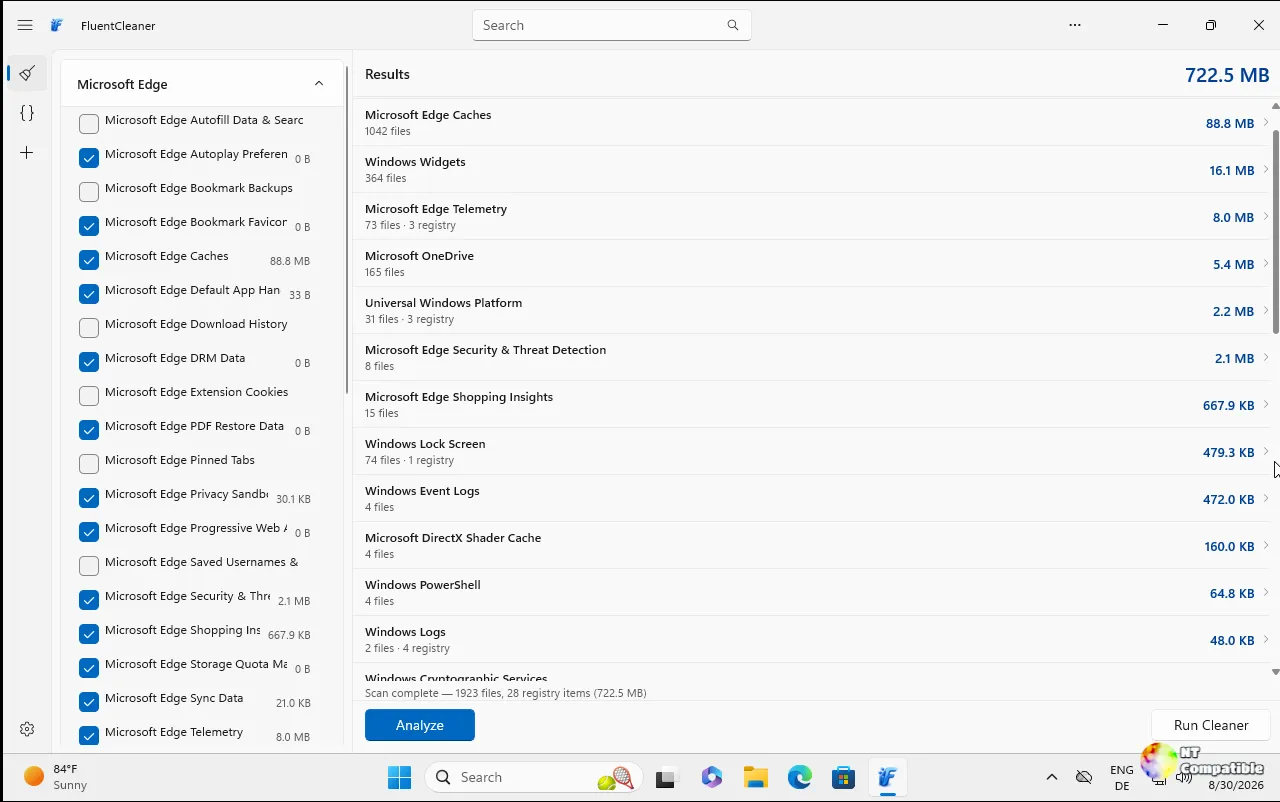
Belim, the developer behind open-source Windows cleaner FluentCleaner, shipped version 26.11.123 today. The working title is "Back to the Future," which is a fitting name for an app whose entire job is deletion. It lands on both editions of the tool: Modern (WinUI 3) at build 26.11.123, and Classic (WinForms) at 1.20.280. The headline change is a safety fix. A cleaning mode that, in one reported case, deleted dozens of installed programs across a whole drive now starts with nothing selected.
The incident that prompted it happened fast. On November 15, a GitHub user going by weironz opened issue #217 reporting that turning on Winapp3 had triggered cleanup of 112,843 items totaling about 29.7 GB. That wiped the data directories needed to launch programs and uninstallers still sitting inside install folders. Apps they still used stopped opening: Notion, SiYuan, WorkBuddy, Devin, Antigravity, and codync-desktop. The install directories had been gone by 10:29 AM.
Belim's diagnosis was that Winapp3 has no explicit default lines for many rules, and FluentCleaner had treated a missing default as "checked." Flip the database on and every rule gets ticked at once, including ones that delete across the entire drive.
The fix is simple enough. Nothing from Winapp3 starts ticked anymore, in either edition. A badge in Settings now labels the database "aggressive, own risk." Existing user ticks are preserved but stick until you hit "Restore default state," which lives in the ∨ menu on Modern or per-category right-click on Classic. Because it's a database change, even older builds pick it up once you refresh cleaning rules.
"Winapp3 is marked experimental for a reason. Some of its rules delete across the whole drive," Belim wrote. "What made it worse is that Winapp3 has no 'default' lines and FluentCleaner treated a missing one as 'ticked,' so everything was on at once."
That's honestly a good model for how community cleaning tools should ship power. They're dangerous precisely because their rule sets are vast, and "vast" quietly slides into "can delete the wrong thing at drive-wide scale." Default to safe. Name the danger. Keep the reset one click away.
Head here to the release announcement.


