Fort Firewall 3.21.2 Ships as a Polish Release That Fixes a Windows 7 Regression
Fort's latest build does exactly what you'd expect from the third and final release of a three-release sprint: no grand new features, just polish and a regression fix. It dropped today and its headline move is simple. Traffic graphing finally gets pulled out of the Options menu and into its own dedicated window. The change that matters to more people is quieter but more important: it fixes a Windows 7 service hang that the previous build introduced.
Fort is quietly becoming one of the last free, open-source host firewalls for Windows that still runs its own kernel driver. SimpleWall, the project's most direct rival, was archived in 2025. That leaves Fort as arguably the only actively maintained option in this space, which is why each release carries more weight than a routine update usually would. And for what it's worth, it's a fair amount to carry.
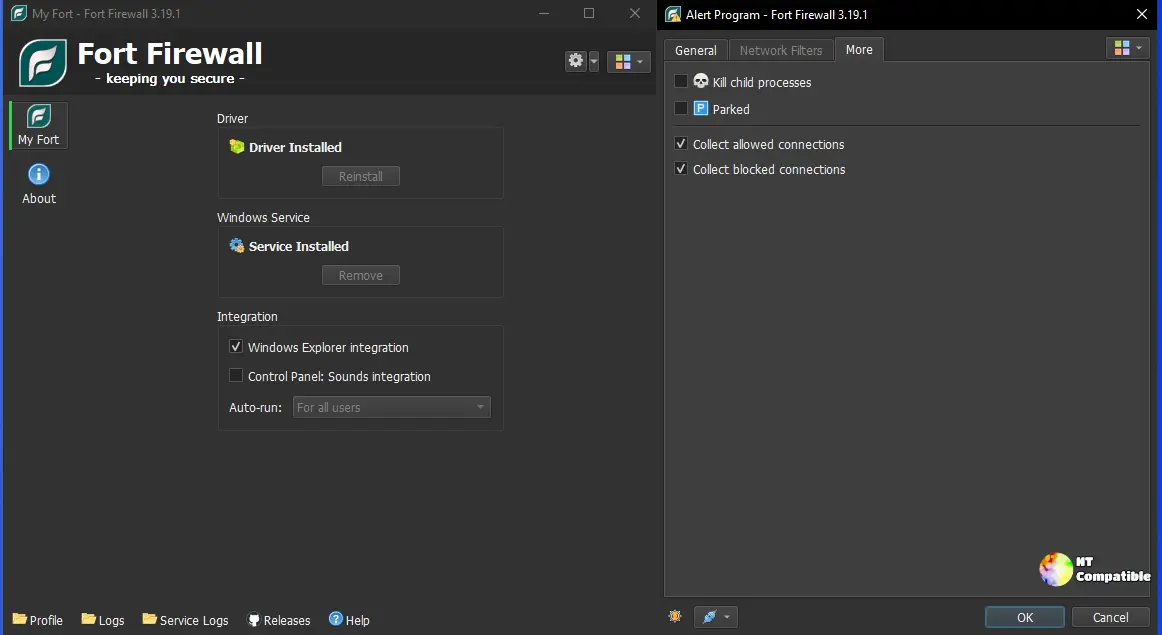
What's actually new in 3.21.2
The graphing change is the biggest. The single "Traffic Graph" tab that used to live under Options is gone, replaced by a dedicated Graphs window and a Graphs tray menu, plus several separate traffic graphs. The options gained a "Show in Taskbar" toggle along with controls for speed positioning, grid lines, border width, and label fonts.
There's a pile of smaller list updates too. The Services window now carries a Command Line column. The Programs window gets a Filters column. Program Edit shows both Allow and Block quick buttons now. Program Connections gains a Clear All action, and Connections always show host names, with the address and host name appearing in the tooltip.
The DNS Forwarder self-check improved as well. It re-tests the system's queries on Test and after a failed check, which makes diagnostics more reliable. It's a small thing, but a failed self-check used to leave you guessing.
Then come the bug fixes. The important one is a Windows 7 service hang in the "Starting" state at boot, a regression 3.21.1 introduced. There's also a driver fix for the DNS Forwarder blocking loopback queries when local addresses are filtered. Windows now default to 800 by 600, and the command-line options finally got documented in the built-in help.
It's a quality-of-life and stability release more than anything else. Not bad for a version whose number suggests it should barely change anything.
The trade-off that shapes Fort's use
Here's the caveat you need to understand before installing anything in this category. Fort runs its own kernel-mode driver, fortfw.sys, built on the Windows Filtering Platform. That driver is what gives it deep per-application control, and it's also the source of the whole controversy. It loads kernel code that is both writable and executable, which Windows Memory Integrity (HVCI, part of Core Isolation) explicitly forbids. So Fort simply cannot run with Memory Integrity turned on.
Old builds refused to install if HVCI was active. Since 3.21.0, the installer just soft-warns you instead. The Service loads the driver only when HVCI is off. Practically, that means you have to manually disable Memory Integrity in Windows Security on Windows 10 and 11 first. It's a genuine trade-off. You gain fine-grained control of every connection and give up a layer of kernel protection. For anything corporate, get IT sign-off before a rollout, since re-enabling HVCI later can silently break the firewall.
Where Fort fits and how to get it
Fort is free and open-source under GPL-3.0, runs on Windows 7 and later, and sits at roughly 20 MB of RAM. That's considerably leaner than GlassWire or Portmaster for comparison. It tracks around 3,800 GitHub stars and 255 forks, with a single open pull request floating around. That's about as solo-maintained as a project can get, and there's no sign of a team behind it.
The competition is thin right now. SimpleWall is archived. Portmaster, now owned by IVPN, draws criticism for being slow. GlassWire is heavier and less granular. TinyWall doesn't ship a kernel driver. Comodo caps out at Windows 10. Fort's mix of an own WFP driver, per-program control, svchost service-name filtering, bandwidth shaping, program groups, and domain blocking is hard to match among free tools.
There are three builds: x86_64 (Windows 10 1809 and up), x86 (Windows 7 through 11), and ARM64. Each installer links to a VirusTotal scan page, and the WinGet package (NodirTemirkhodjaev.FortFirewall) is also available. The download runs about 7 MB, and installers carry a GPG signature.
Keep in mind that Fort needs administrator rights. Older builds still wanted the Visual C++ Redistributable, though that's gone for the 3.21 line. Windows 7 users still need KB4474419 for SHA-2 support. Settings are password-protected, which is handy until you forget the password. Then you clear it by removing the passwordHash line from FortFirewall.ini along with the matching registry key.
Head here to the GitHub release announcement.


