NanaZip 6.5 syncs 7-Zip mainline and fixes Windows 10 crash
The modern fork of the archiver updates crypto libraries and stabilizes context menu hooks.
NanaZip has released version 6.5 (build 6.5.1767.0), bringing the project's compression engine in sync with 7-Zip mainline 26.02. The update is available now via the Microsoft Store, WinGet, and GitHub.
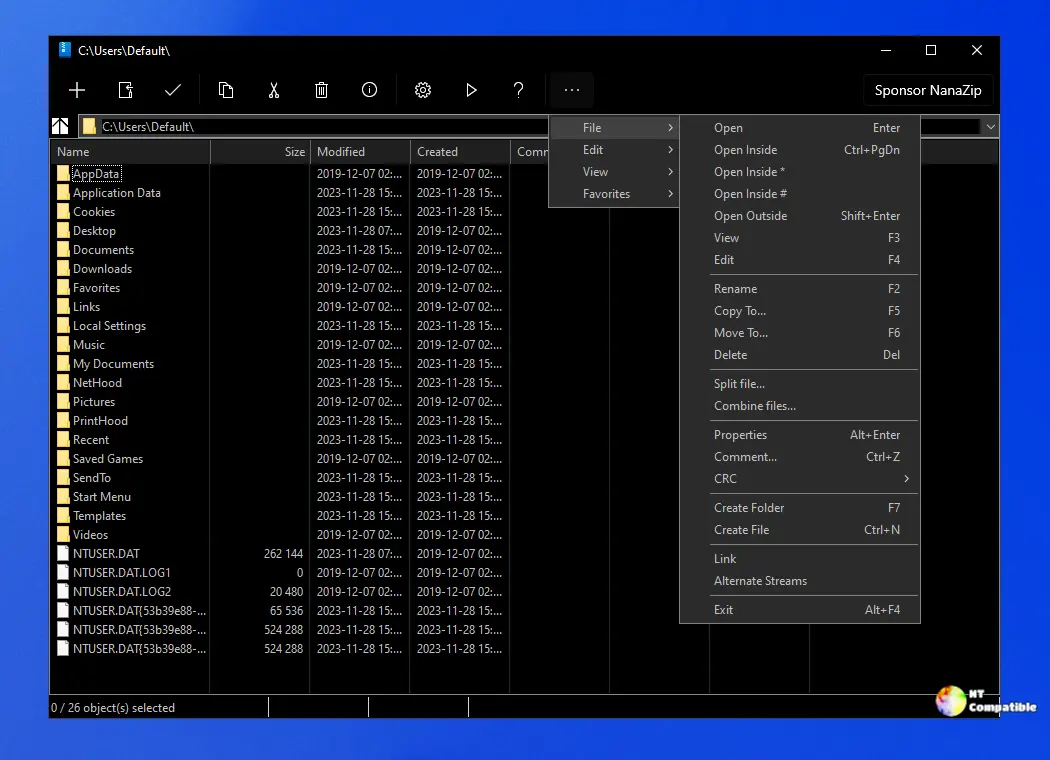
For those who've been following the fork, this keeps NanaZip chewing through upstream changes while polishing the Windows integration. The project aims to give 7-Zip's core a modern face, swapping the dated Win32 GUI for a XAML interface with dark mode, Mica effects, and native context menu hooks.
Core Syncs and Stability Fixes
If you're keeping score, NanaZip 6.5 updates the BLAKE3 implementation to 1.8.5 and pulls in GmSSL v3.2.0. You'll also see the Zstandard library synchronized to the latest mcmilk commit, though the release notes offer a helpful dose of honesty: "Actually no useful changes since last synchronization."
More tangible improvements address crashes and leaks. A report from Mapaler (#930) highlights a crash when extracting selected files on Windows 10. That's resolved. dinhngtu contributed backport fixes for archive extraction callbacks to the NanaZip File Manager and another patch to try and fix an EnumSubCommands refcount leak in the shell extension.
The update also bumps Mile.Mobility to 1.1.602 and Mile.Windows.Internal to 1.0.3648. Polish translation updates arrived via ChuckMichael.
Modern Windows, Modern Constraints
NanaZip's modern flavor is MSIX-only by design. That brings benefits like package integrity checks and dynamic code generation controls, but it also imposes constraints. The app won't run in Windows Safe Mode due to Desktop Bridge file system virtualization.
Context menus might not appear until you restart File Explorer. Drive context menus require Windows 11 22H2+. If you're running a stripped-down Server Core or Windows PE environment, the classic flavor is still a work in progress. The current roadmap targets that for portable use, but it's not ready for production just yet.
System requirements start at Windows 10 2004 (Build 19041) or Windows Server 2022. The project supports x64 and ARM64. It's C++ (57.8%), C (39.7%), and Assembly (2.0%), with the remainder in HTML, C#, and Astro.
The software is free. However, lead developer Kenji Mouri offers a Sponsor Edition add-on for those who want to support the project. You get that via the Microsoft Store APIs. For the source code, you can check the repository, which has gathered around 14,700 stars.
Kenji Mouri points readers to the 'NanaZip Technical Focus' document to clarify future directions. It's worth a look if you're wondering how the XAML interface evolves or how the Classic flavor fits into the architecture.
Head to the GitHub releases page or nanazip.org to grab the files. If you prefer the package manager route, you can install it directly with winget install M2Team.NanaZip.


