PowerShell 7.6.8 ships as a maintenance patch whose headline move is a deletion
PowerShell's newest LTS patch deletes its startup update prompt, and quietly fixes the crash that prompt used to trigger.
PowerShell 7.6.8 is out, and honestly the most surprising thing about it is that there's almost nothing new to see. Microsoft published the latest servicing release for its 7.6 LTS channel roday, and the headline change is a feature that simply vanishes. The in-product Update Notification is gone, quietly folded into a patch that otherwise changes barely a thing.
Here's the framing worth knowing: a point release that removes something is unusual. Most patches add. This one deletes, and it's a move that quietly explains a lot about how Microsoft now delivers PowerShell.
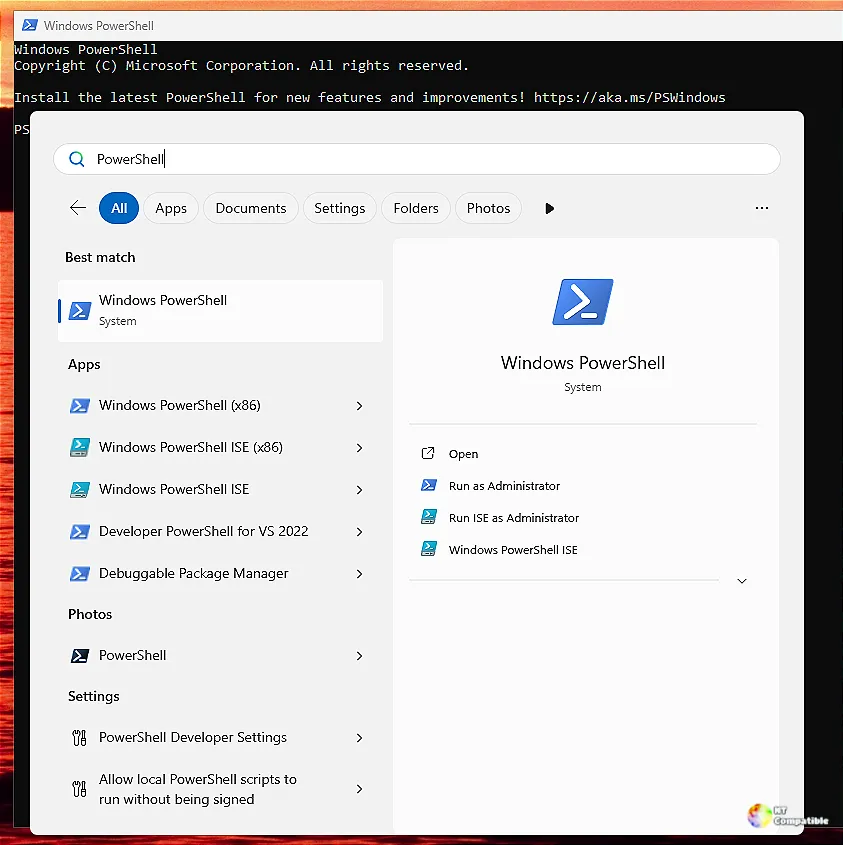
For those who missed it, the notification was the little banner that showed up when you launched pwsh. PowerShell hit Microsoft's update servers in the background, checked for a newer release, and offered a friendly nudge to upgrade if one was there. Behind that tiny prompt sat a chunk of machinery you never wanted to think about: a startup network call, a local cache, sync logic, and a pile of maintenance code.
Why delete a feature?
The removal (PR #28242) kills all of it: the background check, the banner prompt, the UpdatesNotification implementation and its cache-management code, plus a now-useless test hook referencing the POWERSHELL_UPDATECHECK environment variable.
Microsoft's stated rationale is pretty plain. Delivering PowerShell updates through Microsoft Update has gotten genuinely reliable. And an MSIX install can auto-update straight from the Microsoft Store. As those paths matured, the in-product prompt stopped earning its keep.
"Removing the feature also eliminates its background network request, local cache and synchronization logic, startup notification, and associated maintenance overhead," the PR reads.
There's a second, quieter reason it went in now. Issue #28131 reported that PowerShell could crash on startup when it tried to render the notification under the zh-Hans (Simplified Chinese) locale, caused by a negative PadRight width. Narrow consoles tripped the same failure elsewhere, with a PadRight call handed a negative total width and the whole session going sideways. Rather than patch fragile layout code, the team just yanked the feature, crash and all.
It's a small thing, but I've noticed how many tools spend release after release piling on options nobody asks for. Deleting one cleanly feels almost radical.
The other documented change is more routine but matters for anyone building against the runtime. The build toolchain moves to .NET SDK 10.0.402, a servicing update in the 10.0.4xx band that shipped around October 14 alongside .NET Runtime 10.0.13. Since 7.6 rides on .NET 10 LTS, staying on the latest servicing band keeps your shell aligned with Microsoft's long-term security fixes. The 10.0.4xx band is even tied to a CVE fix (CVE-2026-70190). Check your own SDK version with dotnet --version.
Why 7.6 (LTS) still matters
PowerShell runs on a rhythm of feature releases (7.5, 7.7) and LTS releases (7.4, 7.6). The 7.6 line went GA on March 18, 2026, and it's PowerShell's first track built on .NET 10 LTS. Microsoft calls it the recommended version for production automation.
The track's support runs until November 14, 2028, roughly two years out. But here's the part that adds a little urgency: both 7.4, the previous LTS, and 7.5, the current feature line, hit end-of-life in November 2026. If you're still on either, you're on borrowed time.
"As an LTS release, PowerShell 7.6 becomes the recommended version for production automation environments," Microsoft said when it announced 7.6's GA.
No breaking changes were declared for 7.6.8 itself, so your scripts should behave exactly as they did in 7.6.7. The only real difference is that startup banner being gone, plus a couple quieter updates under the hood.
To check what you're running, use pwsh -version or $PSVersionTable inside a session. Keep in mind that you can also verify your runtime with dotnet --version.
The release lives on the GitHub releases page for v7.6.8, with the key change authored by Dongbo Wang and backported by Justin Chung from the master branch.
Is removing a startup prompt worth the fuss? Maybe not on its own. But bundled with a crash fix and a runtime refresh, it's a tidy little patch that does exactly what a servicing release should.


