VS Code 1.121 cuts terminal bloat and adds native Mermaid and HTML previews
Visual Studio Code 1.121 arrives on May 20, 2026 with changes that matter for daily workflow efficiency. The update focuses heavily on reducing noise in agent sessions, bringing essential preview features into the core editor, and giving users more control over model usage. Terminal output compression and automatic cleanup address some of the most common complaints about resource waste, while built-in support for Mermaid diagrams and HTML files removes the need for extra extensions that often lag behind updates.
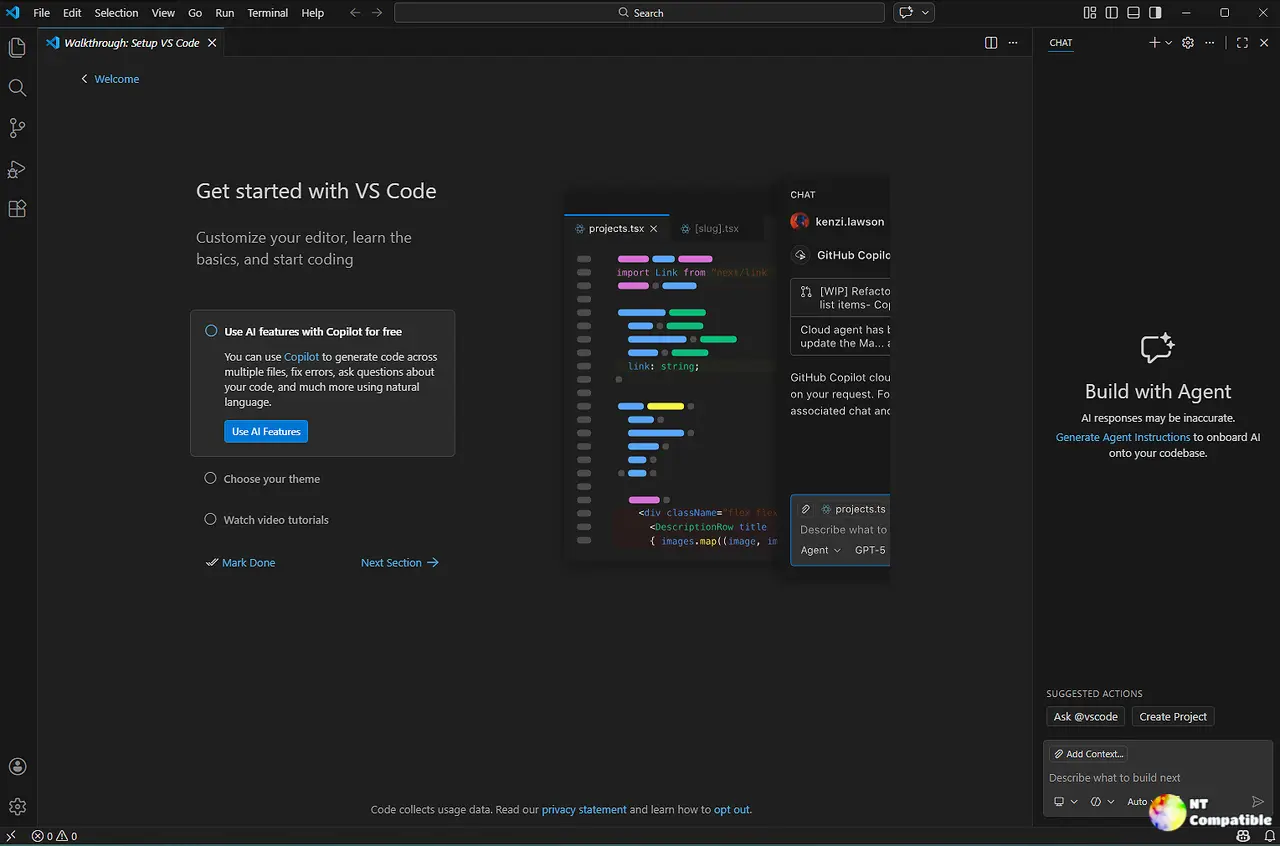
Visual Studio Code 1.121 brings native Mermaid and HTML previews
The Mermaid Markdown Features extension merges into the core, enabling diagram rendering directly in Markdown previews and notebooks without installing third-party code. Diagrams support panning and zooming for easier inspection, and users can copy source code via right-click context menus. Local HTML files gain a first-class preview experience through the Integrated Browser. Right-clicking an HTML file or tab reveals an option to open it instantly, eliminating the friction of hunting down extensions just to view web content locally. YAML frontmatter in Markdown documents now offers configurable rendering options, allowing users to display metadata as a table, code block, or hide it entirely via the markdown.preview.frontMatter setting.
Terminal tools get leaner and safer
Agent sessions used to choke on verbose output from test runners or build tools. Visual Studio Code 1.121 introduces output compression via the chat.tools.compressOutput.enabled setting, which trims repetitive progress information before sending it back to the model. This saves tokens and keeps the context window focused on actual results rather than boilerplate noise. The editor also sets a VSCODE_AGENT environment variable for agent-initiated commands, allowing scripts to detect when they are running in an automated flow and skip interactive prompts that would otherwise block execution. Background terminals now dispose themselves once a command finishes, keeping the terminal list clean unless the user explicitly chooses to keep it open. Sensitive prompts like passwords stay trapped in the terminal window, preventing agents from accidentally capturing credentials during chat interactions.
Remote agents and model configurability
The Agents window gains experimental support for remote sessions over SSH or Dev Tunnels. An agent host process runs on the target machine and persists even if the client disconnects, allowing long-running tasks to continue in the background. Model configuration expands with chat.utilityModel and chat.utilitySmallModel settings, letting users override which models handle lightweight tasks like commit message generation or title creation. Bring Your Own Key workflows improve with a Custom Endpoint provider available in Insiders builds, supporting Chat Completions, Responses, and Messages API families for broader compatibility.
Claude agent auto permissions
The Claude agent introduces an Auto permission mode controlled by github.copilot.chat.claudeAgent.allowAutoPermissions. This mode executes actions without manual prompts while running a classifier to block operations that escalate privileges or target unrecognized infrastructure. A separate setting allows bypassing all safety checks for fully unattended execution, though this approach carries significant risk and should only be used when users trust the model completely. OpenTelemetry integration also arrives with prebuilt Grafana dashboards for monitoring agent token usage and response times across Azure Managed environments.
Release VSCode 1.121.0
https://code.visualstudio.com/updates/v1_121
Visual Studio Code 1.121 feels like a release focused on polishing the rough edges around agents and daily editing tasks. The terminal optimizations alone make this worth installing, as they address real pain points that accumulate over time. Check out the full changelog if you want to dig into every detail, but the core improvements here should make the editor feel snappier and less cluttered right away. Happy coding.


