Visual Studio Code 1.144 makes the editor an agent command center
Microsoft and GitHub shipped Visual Studio Code 1.144 (build 1.144.0) as a Stable release today. The headline isn't a single feature. It's a bet that the tool has stopped being a text editor and started being the hub where you coordinate teams of AI agents across machines, clouds, and apps.
You can grab the stable build from code.visualstudio.com. The Insiders channel keeps rolling separately, of course. But the 1.144 message is explicit: the central workflow is shifting from "edit a file" to "coordinate agents."
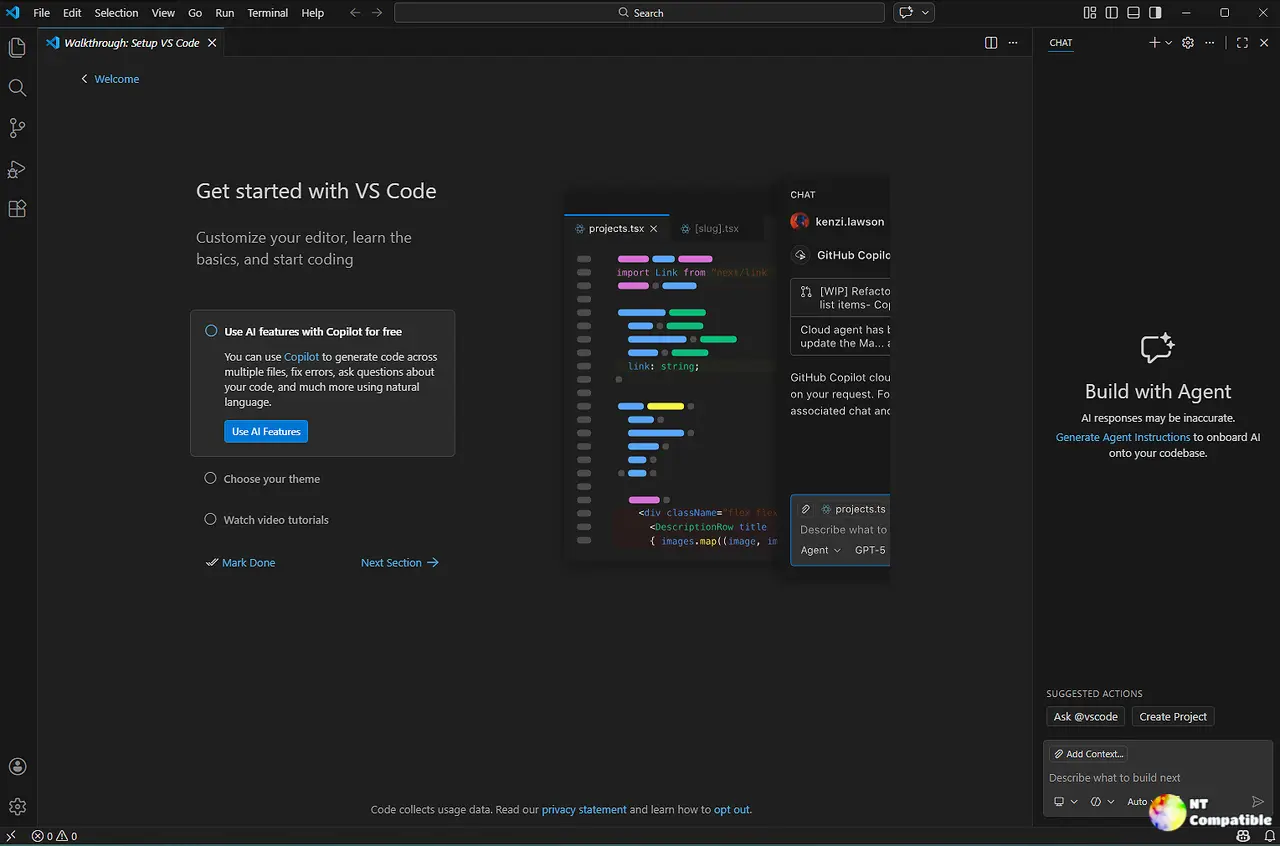
It's not the kind of release you'd mistake for a routine point update. Microsoft framed it in the same breath as its "VS Code Wrapped: GitHub Universe 2026" recap, which positions 1.144 as the culmination of a year that "started" at last year's conference. Hailey Victory put it plainly: "When we gathered at GitHub Universe in October 2025, working with agents in VS Code was still relatively new. A year later, working with agents has become the new normal."
From editor to orchestrator
The structural change underneath everything else is session continuity, powered by the newly standardized Agent Host Protocol (AHP) 1.0. Historically, closing VS Code meant killing your running agent. Now there's an Agent Host, a separate background process that keeps sessions alive locally or remotely.
Microsoft built AHP on its experience with the Language Server Protocol and Debug Adapter Protocol, and the design point is deliberate: the protocol is open. That means a session started in VS Code can be picked up in the GitHub Copilot app, on github.com, in the GitHub Mobile app, or via the Copilot CLI. Third parties can build their own clients that talk to the same live sessions, too. The protocol now ships libraries in six languages.
Think of it the way GitHub does. "Just as a language server makes code completion and Go to Definition available to different editors, an Agent Host brings agent functionality into an independent process," the company explains.
Here's the part worth raising an eyebrow at. By making agent-to-host communication an open standard instead of proprietary lock-in, GitHub is positioning AHP as infrastructure, the way LSP made code intelligence portable. It's genuinely clever. And it simultaneously deepens your attachment to the Copilot paid ecosystem. Both things are true at the same time.
The six headline features
Microsoft organized 1.144 around six things. Here's what actually matters.
Session continuity covers remotes in one place, cloud sessions, a new Remote Environments dialog, Cloud Automations (Preview), and the AHP 1.0 standard itself.
Copilot Fusion and Compare Models. Fusion lets Copilot pick and orchestrate models automatically, or you can run the same prompt across multiple models side by side (the "Agent Bake-Off") to see which wins.
Image generation (Preview). Create and edit images in chat using GPT Image 2.5 Flare, generate a website asset, icon, or wireframe, or feed in an existing image and ask for variations.
Computer Use (Experimental). Agents can now see and drive desktop apps on macOS or Windows, not just edit code or shell out to the terminal.
Working set (Experimental). Review the files an agent edited and Keep or Undo per file, right in the editor.
Assisted permissions (GA). An LLM-based risk assessment auto-approves low-risk tool calls while still pausing for higher-risk or uncertain ones.
Not cheap in the "free everything" sense, several of these are gated behind a paid Copilot plan. Cloud sessions need one, for instance, and Fusion is generally available on Copilot Pro+, Max, Business, and Enterprise only.
The details under the hood
Cloud sessions run tasks on GitHub's managed infrastructure, so your repository and tools keep going with the laptop shut. You follow up, approve requests, and review changes from VS Code, GitHub.com, or the phone, then reopen the session to continue. Note the catch: cloud sessions use a separate workspace, so local uncommitted changes don't auto-copy over.
Cloud Automations (Preview) give you scheduled, event-driven agents. Triage an issue the moment it's assigned to you, or build a shared workflow visible to everyone with repo access. You can scope allowed tools and add filters, like triggering only on issues with a specific label. These run on GitHub's infra, computer off.
The Remote Environments dialog is a genuinely useful consolidation. VS Code now aggregates GitHub Environments, Dev Tunnels, WSL distributions, and SSH hosts into one window where you can check status, connect or disconnect, and choose which ones show up in the pickers. If you juggle a few machines, this was overdue.
Copilot Fusion combines multi-model orchestration with task-aware auto model selection. One model might draft a solution on a hard task while others review it. You pick an effort level, Standard, High, or Max, and each underlying model bills at its standard rate. Paid Copilot plans get a 30% discount on Fusion through November 30, 2026. If you're on a paid plan and using Fusion, that window is closing fast.
Compare Models is on by default for eligible new sessions and now works in folderless chats and repos without an initial commit. Shortcut is ⌥⌘M (Ctrl+Alt+M on Windows/Linux).
Image generation runs on AI credits on top of the conversation model's usage, comes with an opt-in "Made with AI" watermark, and can be switched to off entirely.
Computer Use lives in locally run Copilot harness sessions on macOS or Windows. The agent asks permission to enable it, or you run /computer on; it stays on until you run /computer off. Organizations can disable it via policy, which is smart given that agents can now move your mouse.
Assisted permissions needs Folder isolation and can be restricted by org policy. It's a reasonable middle ground, honestly: you get most of the convenience without handing the agent total control on day one.
The native Markdown editor is the feature long-time users actually cheer for. You edit rendered Markdown in place, clicking a heading or list item to edit it, while raw-source editing still works when you want it. Related preview improvements have rolled out over recent releases, but this closes the loop.
The Copilot harness becomes the default
1.144 makes the Copilot harness the default for new sessions in both the editor and the Agents window. Built on the Microsoft Copilot SDK and combining the old Local VS Code harness with the Copilot CLI harness, this means customizations, instructions, skills, hooks, plugins, written once work consistently across VS Code, Copilot CLI, the Copilot App, and cloud sessions.
Those who want out can still opt for Anthropic's Claude Code harness or OpenAI Codex through the Agent Host, using a Copilot subscription. So the open protocol buys you interoperability even if you don't like the default.
Companion pieces include Copilot Memory, a cloud service letting agents recall repository facts and preferences across sessions (reviewable and deletable on GitHub anytime), plus a Worktree storage cleanup tool that flags reclaimed disk space when less than 5 GB remains.
Other things that landed
A few worth naming quickly:
Copilot Connectors (Preview) are GitHub-managed MCP servers pulling context from Slack, Notion, Postman, Sentry, Microsoft Learn, Statsig, and Work IQ, no local server setup. Connect once, reuse across clients signed in with the same account.
A new customization marketplace ("Browse") aggregates the GitHub Feed and third-party marketplaces with curated sections and search/filter. Deep-link sharing now supports vscode:// links for one-click plugin installs.
On the housekeeping side, you can drag-and-drop nested chats to reorganize them into sessions, give session groups custom icons and colors, and try Voice Mode (Experimental), which uses an OpenAI live model with your own API key and now supports approvals in 25 languages.
The new Issue Reporter is a single-page form with built-in screenshot and screen-recording capture, attachments, and filing into additional repositories, a small thing, but filing GitHub bugs has been a chore for years.
A redesigned look
Tied into the release is the UI modernization detailed by Lee Murray in a October 15 blog post. After "over a decade of adding and refining features," Microsoft introduced a shared design foundation, consistent spacing, typography, surfaces, colors, controls, first built in the Agents window and now extended into the editor.
Community feedback shaped two moves. Layout Density adds a Compact mode that tightens spacing while keeping the new structure, answering complaints that the roomier default ate code real estate. Connected tabs now visually join the active tab to the editor surface below it, retiring the detached "pill" design. Microsoft also claims a targeted CSS change trimmed style-recalculation time by 8.2% in an early benchmark.
You can still fall back to the classic UI via workbench.experimental.modernUI, but Microsoft plans to eventually retire it, with advance notice before it goes. The modern look ships in both light and dark themes today.
"It's an interface that's always evolving... refining the familiar interface to make its hierarchy clearer, reduce distractions, and give VS Code a shared design foundation," Murray wrote.
Head here to download the release.


