Microsoft ships VS Code 1.145.3, a security patch that maps the AI-agent attack surface
Microsoft has now released VS Code 1.145.3, a security-only update bundling 17 fixes. They span everything from AI-agent command execution to plain old workspace-trust bypasses. All 17 issues were opened and closed on the same day, November 10, 2026. That's a coordinated response, not a slow trickle of individual patches.
VS Code is no longer just a text editor you paste code into. Microsoft has spent the last two years folding a full AI-agent runtime into it. It reads files, runs commands, manages projects and drives a built-in web browser. That's the part that makes the editor genuinely useful. It's also the part that makes it a prime target, since each of those capabilities is simultaneously a door an attacker could try to walk through. 1.145.3 is really a snapshot of where those doors sit right now.
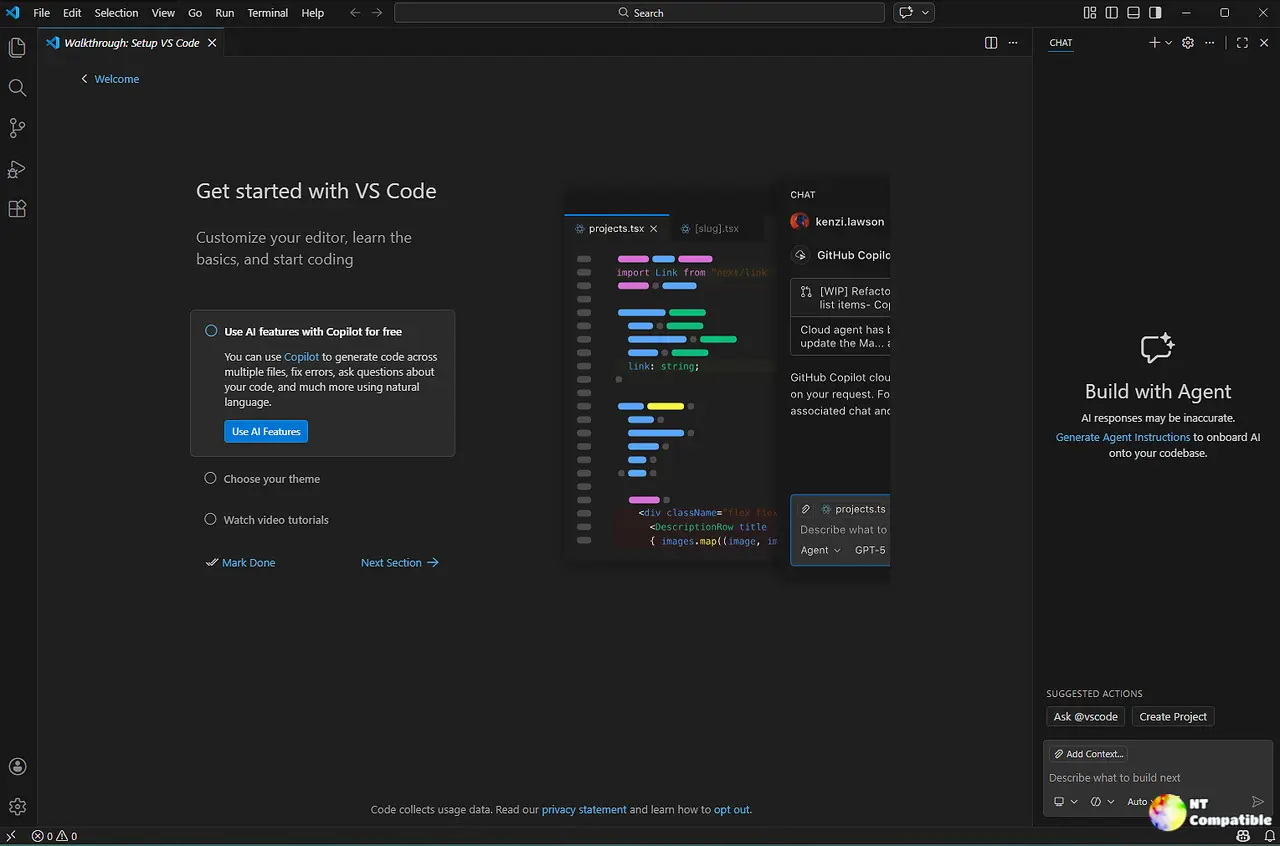
Microsoft tracks these bugs publicly in the microsoft/vscode GitHub repo. Issues get tagged security and candidate, then get dropped into a milestone once fixed. Query that repo for the 1.145.3 milestone and you land on exactly 17 closed issues, every one a security fix. Microsoft's own release notes confirm the shape of the update, calling it one that "addresses these security issues."
Keep in mind that 1.145.3 rides the 1.145 feature line. The base 1.145 shipped November 4. The .1 and .2 builds in between handled everyday bugs. Only .3 is the security consolidation, and it covers VS Code 1.145.2 and earlier.
Where the fixes actually land
Six of the 17 fixes live in the AI-agent stack, and that isn't coincidence. Microsoft's Copilot harness and Local harness let agents run commands, fire up an integrated browser and talk to external tool servers over MCP. Each got weaponized here. Take the MCP install-link flaw (#347430, CVE-2026-114171): a crafted vscode:mcp/install link could carry inputs that weren't rejected before installation, letting VS Code run a command with your permissions. It's one of several remote code execution holes Microsoft closed this week, and it's not the worst.
The JS debugger auto-attach flaw (#347423) is arguably the most alarming. Startup auto-attach could pull executable-lookup config from an untrusted workspace and run attacker code before Workspace Trust even had a chance to kick in. Starting a debug session wasn't required. Neither was running a task. Just opening a malicious folder did the trick. Microsoft says the fix keeps the bundled JS debugger from trusting that config in an untrusted workspace. The lesson sticks regardless: opening a folder you didn't review is no longer a safe act.
Four of the remaining five fixes share one root cause: configuration parsing. Malformed or unregistered settings, dotted child keys, even __proto__-based prototype pollution all managed to trick the settings engine. A single commit (7a1a8e4) handles several at once. The pattern is defensive and a little clever — treat config input as hostile rather than authoritative.
The extension marketplace fixes are cross-site-command-injection problems transplanted into VS Code's Markdown rendering. Gallery publisher names, descriptions and versions could render as live Markdown, links included. Microsoft now escapes that text before it hits the screen. Since the untrusted source is the gallery itself, these bite everyone who browses the marketplace, not just people who clicked something.
Then there's a small scatter: CSS injection through font settings, UNC-path images leaking local files on Windows, and a couple that touch everyday surfaces like notebooks. Nothing that should keep you up at night, but they show how broad the patch reaches.
The CVE coverage here is uneven. Eight of the 17 fixes carry public CVE-2026 identifiers and GitHub Security Advisories. The other nine are tracked purely by commit hash on the release/1.145 branch. That's normal for coordinated batches where some findings land faster than a public CVE gets assigned, but it means the GitHub milestone is about as good a record as MSRC right now.
For a moment it's worth remembering how much VS Code has become the default environment. Released back in 2015, it now runs on Windows, macOS and Linux with a debugging system, an integrated terminal, Git tooling and, increasingly, an autonomous agent sitting in the room. The more it can do for you, the more there is to defend.
The overall severity is high. Several fixes are genuine RCE, one needs no user interaction at all, and the blast radius is enormous given how near-ubiquitous VS Code is among developers. Exploitability varies, though. Some flaws want you to click a link or approve an install. The folder-open and marketplace ones don't.
The practical takeaway is simple. Update to 1.145.3 or later through Check for Updates. Only install MCP servers from sources you trust, and don't open untrusted vscode:mcp/install links. Treat folders and repositories as potentially hostile until you've actually looked inside them.
If you run VS Code in an enterprise, push the update through managed settings and deployment pipelines, prioritizing people on remote agent hosts, Dev Containers or SSH workspaces. Keep serve-web bound to localhost and put an auth layer in front of anything reverse-proxied. And verify your Workspace Trust settings, since a malformed security.workspace.trust.enabled value could previously flip Restricted Mode off.
Head here to the Visual Studio Code download page.


