Windows Package Manager 1.29 Preview Fixes Result Ordering and Export Reliability
Microsoft just pushed Windows Package Manager 1.29.160-preview to the preview channel, bringing a few changes that actually address long-standing workflow friction points. The update focuses on result ordering, export reliability, and automation tweaks that should save time when managing software across multiple machines.
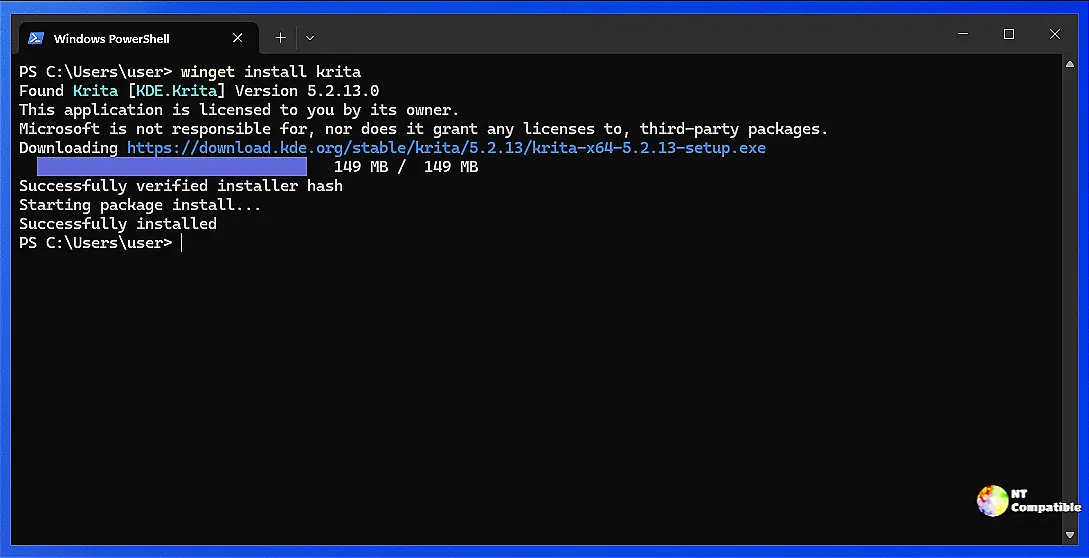
Source priority changes how results get sorted
The new source priority feature lets users assign a numerical value to each configured repository, with higher numbers taking precedence in search results. This setting sits under an experimental flag and stays disabled by default until the team decides it is stable enough for general use. The real benefit shows up when multiple sources return overlapping packages. Instead of forcing a manual disambiguation prompt every time community and official manifests clash, the tool now automatically picks the highest priority source that returns a single match. Many sysadmins have noticed how frustrating it gets when Microsoft Store results bubble to the top just because they hit a loose keyword match. The updated REST result matching logic fixes that by properly weighting match quality over simple source order, which keeps search output predictable without constant manual filtering.
Export and import now remember installer tweaks
Running an export command used to strip away custom installation flags, forcing users to manually retype silent install switches or override parameters when rebuilding systems. The preview build now captures both the override and custom arguments directly into the exported configuration file. When importing that file on another machine or after a fresh install, those exact values get reapplied automatically without any extra command line typing. This matters because keeping track of per-app installer quirks across dozens of machines quickly becomes a manual nightmare. The feature treats each argument type as independent, so packages installed with default settings remain completely unaffected by the new export format.
Automation gets cleaner with progress flags and GitHub tokens
CI pipelines and background scripts finally get better control over output clutter thanks to a universal no-progress flag that disables all spinners and progress bars. This setting overrides any visual configuration and keeps redirected logs clean when running in headless environments. The PowerShell module also picks up GH_TOKEN or GITHUB_TOKEN environment variables automatically, which bumps up the GitHub API rate limit for manifest lookups. Developers who have watched builds fail mid-download due to throttled requests will appreciate the automatic authentication check that shows exactly which token is active when verbose logging is enabled. AI agent tooling gets a similar treatment with new upgrade parameters that let scripts list only outdated packages or force an update on existing installations without guessing package states.
Bug fixes that actually matter for daily use
The preview release quietly patches several edge cases that break automated workflows and deployment pipelines. Exporting configuration to hidden files now works as expected instead of throwing path errors, while the DSC schema finally treats the latest version flag as a proper boolean instead of a broken string value. Signing tools get quoted file paths so spaces in directory names stop breaking package creation, and an optional RFC 3161 timestamp server keeps signed manifests valid long after the original certificate expires. These fixes might not make marketing slides, but they prevent silent failures that waste hours troubleshooting broken scripts or expired signatures.
Release Windows Package Manager 1.29.160-preview
This is a preview build of WinGet for those interested in trying out upcoming features and fixes. While it has had some use and should be free of major issues, it may have bugs or usability problem...
Release Windows Package Manager 1.29.160-preview · microsoft/winget-cli
Grab the preview build if you want to test these changes before they hit stable. The team is tracking issues closely, so reporting broken source ordering or export glitches helps everyone avoid headaches later. Keep those manifests tidy and your automation pipelines running smooth.


