Fort Firewall 3.20.1 ships two days after the big 3.20.0 rework, with a "Filter Simulator" that explains each connection decision
The new patch adds a tool that shows why a connection is blocked or allowed, expands command-line control, and fixes a driver-level path bug.
If you've ever cursed a firewall for chopping off a program you're sure was harmless, Fort Firewall 3.20.1 wants to make peace. Released October 6, the patch introduces a Filter Simulator that walks you through exactly why the driver allowed or blocked a given connection.
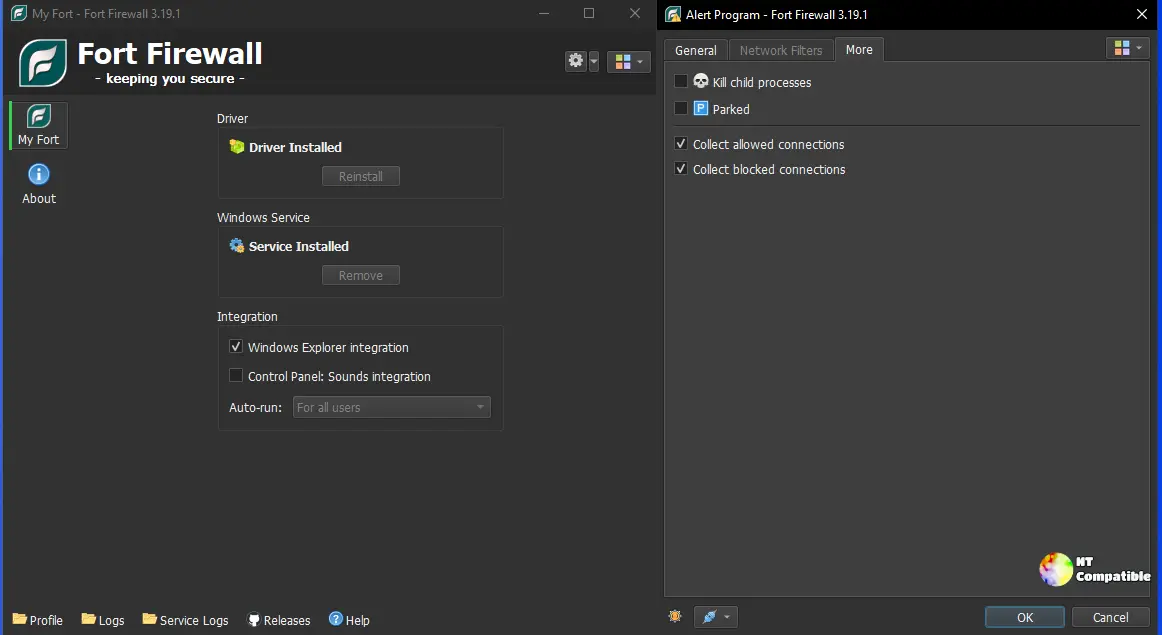
It's genuinely useful. The simulator opens straight from the Connections window, so when something gets unexpectedly cut off you can watch which of the roughly fifteen decision steps rejected it. The chain runs from loopback and broadcast handling, through Block-Traffic modes, global rules, the filter mode, program actions, groups, and zones, and finally lands on application- and global-level rules. Fort evaluates every connection that way by default. The Simulator just makes that reasoning visible.
Keep in mind this is a patch, not a comeback story. It landed two days after the landmark v3.20.0, a 64-commit rework that rewrote the app and group model into nested groups, added per-program speed limits, and introduced time-period scheduling. Only two commits ride on top of that in 3.20.1. Fort is polishing the rework, not reinventing it.
What else changed
The biggest theme here is automation. The command-line Control interface gains new verbs: issue #727 adds rule on|off|report and rule set-text|get-text, so scripts can flip rules and read or rewrite their text. Issue #743 ships a graph show|hide|switch command for controlling the Traffic Graph from the command line, while #680 makes prog add jump straight into the Edit Program dialog instead of dragging you through the whole Programs window first.
The windowing gets tidier too. The single Statistics window splits into two: Traffic and Connections. It's a small move, but one you'll appreciate once your connection list grows past a handful of entries. The rest of the UI rounds out with the ability to unlock password protection "till" a set number of minutes (#686), schedule tasks in minute intervals (#422), restore window geometry from backups (#742), and have the tray icon reflect a rule's action by its enabled state (#678).
The most consequential usability fix is arguably #472. You can now install or remove the Windows Service from an ordinary, non-elevated UI. The issue opened in March 2025 and was modeled on Sandboxie-Plus, prompting you to set up the driver and service the moment they're needed rather than forcing you to run everything as Administrator from the start. That matters most in portable mode, where Fort otherwise needs admin rights to touch the driver.
The single driver-level fix in this release addresses a real regression. Bug #696: when a path existed both as a regular program entry and as a wildcard entry, removing the regular one silently dropped the wildcard's paths. Add C:/app.exe as regular, then as wildcard, then delete the regular, and the wildcard tracking breaks. The patch keeps those paths intact.
Why it stands out
On paper, Fort is a rare combination. It's one of a handful of Windows firewalls that ship their own WFP-based kernel driver (fortfw.sys), and it stacks that alongside program groups, speed limiting, traffic statistics, and wildcards in program paths, all under GPL-3.0. Memory usage sits at roughly 20MB, and the project holds about 3,600 GitHub stars and 246 forks as of this release. That said, it's a project run in spare time and propped up by donations. There's no marketing budget, just a steady release cadence dating back to 2017 and a changelog that reads like a well-maintained issue tracker. Against NetLimiter, Portmaster, Simplewall, GlassWire, and Comodo, Fort holds its own on the features power users actually care about, even if the brand recognition lags a few pegs behind the paid names. The low profile is arguably part of the appeal for folks who want to read what their security software is doing.
Before you install
Fort supports Windows 7 SP1 and later, though the 64-bit build wants Windows 10 1809+ and the ARM64 build wants 2004+. It ships three installer builds: a 64-bit Windows 10/11 exe, a 32-bit x86/x64 exe for Windows 7 up, and an ARM64 exe. Installers are GPG-signatured and each badge links to a VirusTotal scan, so you can verify authenticity before running them.
Keep in mind a couple of gotchas. You'll need the matching Visual C++ redistributable — the 32-bit installer wants the x86 package even on 64-bit Windows. On Windows 10 and later, HVCI (Core Isolation: Memory Integrity) should be disabled or the driver won't load. Windows 7 users also need update KB4474419.
Grab the release, the repository, and the full changelog. Head here to the release page for the direct download.


