Fort Firewall 3.20.0 brings nested groups and per-program speed limits to free open-source Windows firewalling
The free, open-source Windows firewall from Nodir Temirkhodjaev finally resolves a request that's been open since 2022.
Fort Firewall 3.20.0 shipped today. The update delivers per-application speed limits, a feature backers have asked for since August 2022. It's the kind of change that would make GitHub issue #38 look a little foolish for how long it sat waiting.
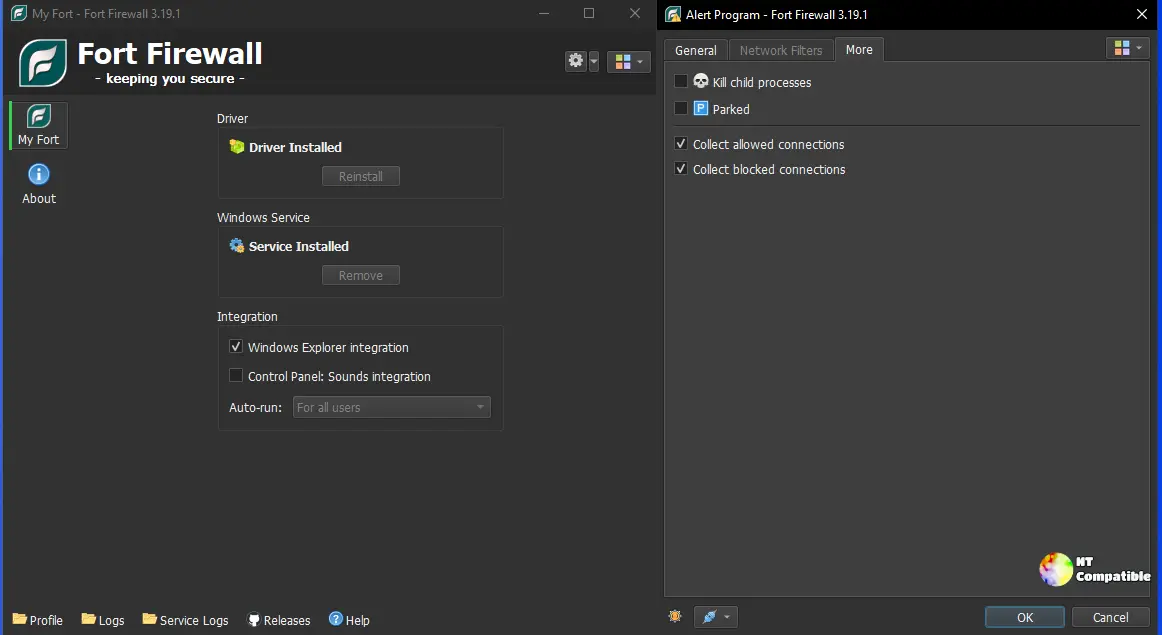
The update isn't just one feature. It reworks how Fort groups and throttles applications, adds time-based scheduling, and tidies up several windows power users touch daily. The headline is the app model.
Groups can now contain groups. That nested hierarchy lets rules and settings inherit down a tree instead of flattening into one messy layer. Combine it with per-program speed limits and you can throttle individual applications instead of entire buckets.
Keep in mind that the whole thing hinges on a new concept called time periods. These are schedules you attach to groups or speed caps. Want a download limit that only kicks in overnight? That's what they're for. They don't stand alone. They're the glue making the rest of the scheduling work.
The rest of 3.20.0
Then there's a per-program Block Inbound flag. Useful for anything that should only ever call out rather than accept connections. Telemetry-heavy or upload-happy software benefits most. It's a small hardening win for the power-user crowd.
Several windows got polished too. The Programs window was reworked to fit the new groups and periods model. The Services window caught a real pain point: Windows Update resetting svchost.exe services, which used to break Fort's ability to track shared services. The Connections window now shows live and logged connections more cleanly.
On the quieter side, Fort added Turkish and Vietnamese to its translated interface and bumped the embedded database to SQLite 3.53.4. The kernel driver itself got better speed-limit shaping accuracy plus a handful of fixes.
For what it's worth, this feels like Fort growing up. The project's change log traces a steady path from the Rules system introduced years ago toward this more flexible configuration model. It's arguably the most capable Fort has shipped.
The project stays deliberately small, though. It carries roughly 3,600 GitHub stars and a couple hundred forks, run by Temirkhodjaev in his spare time with donations flowing through GitHub Sponsors and Patreon. A project that size shifting this much machinery at once is worth a second look.
Fort isn't chasing mainstream attention, but it earns respect in a packed space. It's one of only a handful of Windows firewalls shipping its own WFP-based kernel driver, the same approach paid tools like NetLimiter lean on. Stack a driver, program groups, speed limiting, traffic statistics, and open-source licensing together and you've got something rare. Memory usage sits around 20 MB. The price? Free.
Installation and requirements
Three installer builds ship alongside 3.20.0. There's a 64-bit build for Windows 10 1809 and up plus Windows 11, a 32-bit build reaching back to Windows 7 SP1, and an ARM64 build for Windows 10 2004 onward. Each release badge links to a VirusTotal scan. Installers are GPG-signatured too, so you can verify they haven't been tampered with.
A few caveats worth knowing. If you're on Windows 10 or later, turn off HVCI (Core Isolation: Memory Integrity) or the driver won't load. Windows 7 users need update KB4474419. You'll also want the latest Visual C++ redistributable matching your architecture.
Install options include a Windows Service, Explorer right-click integration, and a portable mode that leaves nothing behind, handy for a USB stick.
Grab it from the GitHub release page, where everything else including the detailed change log lives.


