WSL Manager 2.6.0 Adds Container Creation and Fixes a macOS Disk-Corruption Bug
Bostrot's open-source WSL manager lets Windows users build containers with Microsoft's own engine, and stops Linux VMs on Apple silicon from corrupting their own filesystems.
WSL Manager 2.6.0 shipped today, letting Windows users create containers through Docker, Podman, or Microsoft's built-in wslc engine. That's the headline. The part that actually matters more is a fix for a macOS bug that was corrupting Linux filesystems under heavy write load.
The update lands nearly seven weeks after 2.5.0. It's the eleventh release since the app's 2.0 relaunch in September, and the first substantial one since then
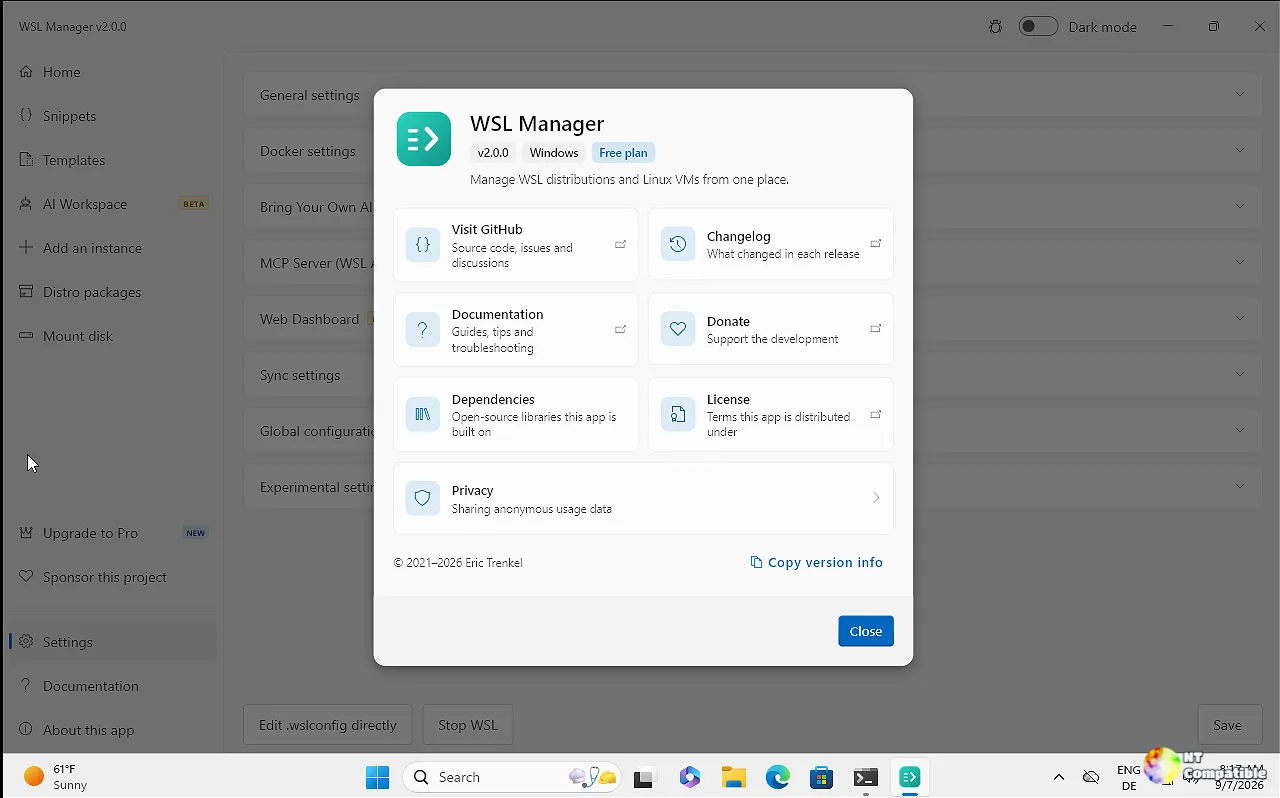
Container creation and Microsoft's own engine
Containers have been an opt-in experimental feature since 2.3.0. You could list, start, stop, inspect and remove them. You couldn't create one. 2.6.0 finally adds a Create button and a form that maps each field onto the engine's own run arguments: image, an optional name, published ports, volumes, environment variables, and a command.
The form deliberately offers only the subset that all three engines spell the same way. Terminal-only flags like -it are left out. A GUI has no stdin to hand them.
The validation is stricter than it looks. Each field becomes its own argv entry, so quoting isn't the risk. Flag injection is. An image named --privileged or a container named --network=host would otherwise be read as options instead of values. The code rejects leading dashes on every field and shape-checks ports, volumes, and environment keys.
The more consequential half is the engine itself. On Windows running WSL 2.9.3 or later, WSL Manager probes for wslc, the container CLI Microsoft ships inside WSL. Its containers now show up alongside Docker's and Podman's. No Docker Desktop. No separate daemon. wsl --update does the trick.
Microsoft has been building container support directly into WSL. WSL Containers hit public preview in WSL 2.9.3 on 29 June 2026 and reached general availability with WSL 3.0.1 on 29 September. It ships wslc.exe plus a container.exe alias, a Docker-shaped CLI, and an API that lets Windows apps run Linux containers directly.
It's arguably the most interesting part of this whole release, even though the macOS fix is the one that'll actually save people data. It's not a full Docker Desktop replacement, though. Compose support, the top feature request, is still missing. Neither is top or system df. The app declines those reads rather than dumping a usage dump in whatever language your Windows is set to.
Here's the kind of friction the developer ran into. wslc's --since flag wants an instant, not a duration. Feed it "15m" and it quietly reads that as epoch 15. "The last fifteen minutes" becomes "since 1970," with no error at all. The workaround is to resolve durations against the clock and send a Unix timestamp. The JSON listing is a localisation move too: on a German Windows, the table headings come back as CONTAINER-ID, BILD, NAMEN, while the JSON keys stay English. Parse the JSON and the list is stable.
One thing worth flagging. Container creation is GUI-only in this release. The AI assistant and MCP server can drive wslc for the usual operations, list, start, stop, restart, logs, exec, stats, remove, but there's no container_create tool. A search of the 2.6.0 source finds the create request only in the container service, the dialog, and its tests. It's not exposed to external MCP clients yet.
A macOS bug that was quietly eating Linux VMs
This isn't a feature. It's a fix for Linux virtual machines on Apple silicon that were corrupting their own ext4 filesystems under sustained write load.
The commit message puts it bluntly. Linux guests on the default disk caching and sync modes got ext4 checksum failures within minutes of heavy writes. With Virtualization.framework's default .automatic caching, a guest could read back blocks that didn't match what it wrote. ext4 reported metadata checksum errors on fresh files, and freshly installed binaries died with "Exec format error" or SIGILL.
It's the kind of bug that looks like a random application crash until you check the filesystem.
The fix attaches Linux disks with .cached caching and .full synchronisation, so a guest fsync actually reaches stable storage. macOS guests keep the previous path. The code also stops two VMs from touching one disk. There's now an exclusive flock on a per-VM disk.lock, plus an lsof check for any process still holding the image, including a Virtualization-framework XPC service that outlives the daemon. A second start gets refused. A resize is refused while the disk is in use.
Shutdown is gentler now. A VM gets 120 seconds after the ACPI power button before it's forced off. That's enough for systemd's 90-second stop timeout to finish. Powering off a guest mid-write is exactly how a journal ends up replaying over a half-written disk.
Every VM's serial console is now saved to serial.log, rotated at 8 MB each. The app also moves the kernel console to hvc0 through cloud-init, because cloud images expect ttyS0 or ttyAMA0, neither of which exist on Apple's virtual hardware. Without that change, the log held only GRUB's screen setup.
Head here to the release page.


