Fort Firewall 3.20.7 arrives as polish, capping a near-daily October sprint
The solo-developed free Windows firewall's latest release is mostly fine-tuning, but it lands at the end of a surprisingly relentless update cycle.
For a moment, let me just lay out what 3.20.7 actually does. Released today, it's a small, UI-focused maintenance update. Four changes, all specific.
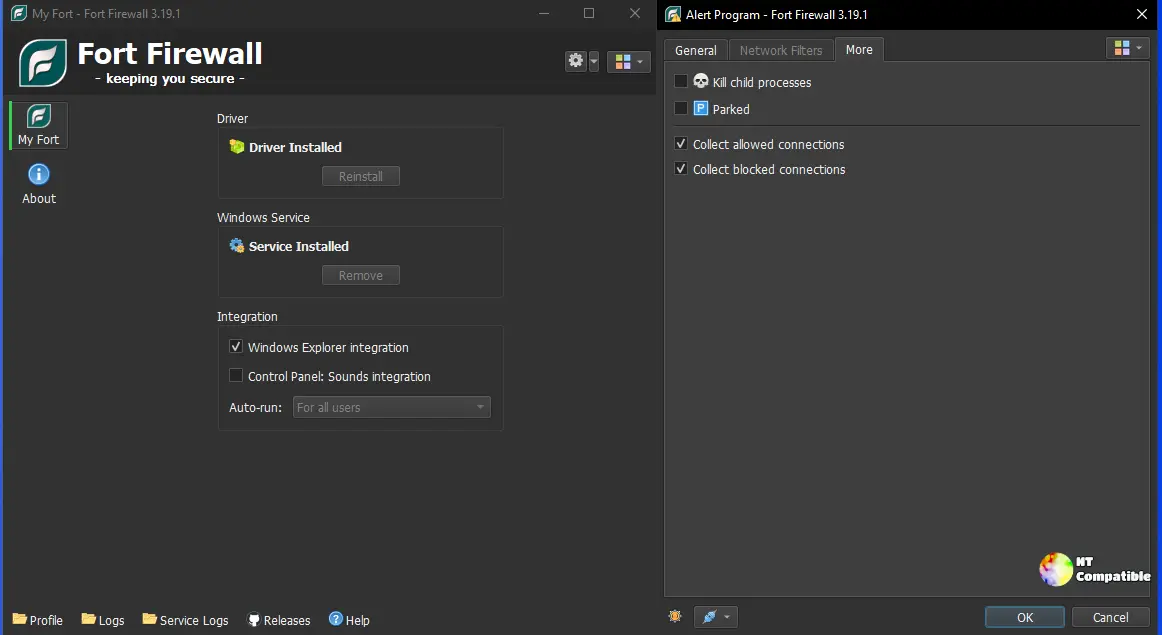
You'll get Font and Icon Size in Lists options, which resolves community issue #731. The traffic Graph window now remembers its position and size (#785). The programs list can finally be sorted by any column. And it repairs an option-loading regression that had been broken since the 3.20.0 rework (#784).
Not a feature milestone. More like a tune-up. What's genuinely interesting here is the pace.
Keep in mind that the 3.20.x series shipped nearly every other day this month. Author Nodir Temirkhodjaev has been clearing out a backlog of feature requests and bug fixes one small build at a time. This week's release is just the latest in the batch.
A sprint that brought back the long-requested stuff
Jump back a couple of weeks. The 3.20.0 release on October 4 was a genuine rework, rebuilt group/subgroup structure, per-program speed limits, and time-period-based rules. Then the cadence climbed. Three.20.1 added a Filter Simulator that previews how Fort would decide on a connection before any traffic actually flows. And three.20.6, released the day before 3.20.7, reintroduced the long-awaited "Ask to Connect" mode, where connections pause until you allow or block them (#30).
It's odd, in a way, that this project, around since December 2017, took until October 2026 to deliver a feature people had been asking about for years. That's the tradeoff of a one-person shop. It moves fast in bursts, then goes quiet.
For context on why Fort's activity matters right now: the comparable open-source tool SimpleWall was recently archived, leaving Fort as one of the fewer actively-maintained free host firewalls left on Windows.
The tradeoff you'll have to swallow
Here's the bit that trips people up. Fort doesn't lean on Windows Defender Firewall at all. It installs its own kernel-mode WFP driver, fortfw.sys, which makes every allow-block decision at the lowest possible level. That independence is the whole selling point. It's also the part that costs you something.
On Windows 10 and later, Fort asks you to disable a core Windows hardening feature. Memory Integrity, also called HVCI, blocks unsigned or unverified code from running inside the kernel. Fort needs to load a driver image that's writable and executable, which Memory Integrity forbids. The installer actually checks for it and refuses to proceed if it's on. You disable it by hand in Windows Security, then restart.
Not cheap. Turning off Memory Integrity removes a real layer of kernel protection, and it's the kind of change enterprises should get sign-off on before rolling out.
One more accuracy note, because it keeps coming up: a third-party review got this backwards, claiming HVCI has to be enabled. It has to be disabled. Read the wiki.
One person, three funding links, no paid tier
Fort is essentially a single-developer operation. Temirkhodjaev lists himself on his Patreon as "the author of Fort Firewall, a firewall for Windows." Funding comes through GitHub Sponsors, Patreon, and BuyMeACoffee. No company behind it, no enterprise support, no paid tier. The entire feature set sits behind a GPL-3.0 license.
The upside is how present the author actually is. He answers GitHub questions, replies to reviews, and posts meticulous changelogs. GitHub tracks roughly 3,600 stars and 250 forks. The driver is signed, the source is publicly auditable, and the author says Fort doesn't phone home.
The downside is just as simple. The whole product lives or dies on one person's time. That's a real risk if you build anything on top of it.
Fort Firewall 3.20.7 is a fine, low-risk update for people who already trust Fort. It fixes regressions, smooths the interface, and rides along behind some meatier changes from earlier in the month. Whether you value that deep per-app control enough to disable a Windows protection is a separate question, and one worth answering before you install.
You can grab 3.20.7 from the official GitHub releases page.


