Fort Firewall Ships v3.20.2 with Kernel-Level Network Filter Enforcement and Per-Rule Scheduling
Fort Firewall has landed v3.20.2. It is the third release in just four days for its massively expanded v3.20.x series. If you run it on Windows 10 or 11, you will want to disable Core Isolation first. The new kernel-driver enforcement for per-program network filters makes it worth the switch.
The open-source firewall from Nodir Temirkhodjaev has been moving faster than most paid security suites. The v3.20.x wave dropped between October 4 and October 8, 2026, stacking major features on top of each other. v3.20.0 rewrote the program grouping system and introduced Time Periods. v3.20.1 added a Filter Simulator, split the stats window, and brought in password-protection timers. And now v3.20.2 rounds out the rollout with UI polish and deeper driver integration.
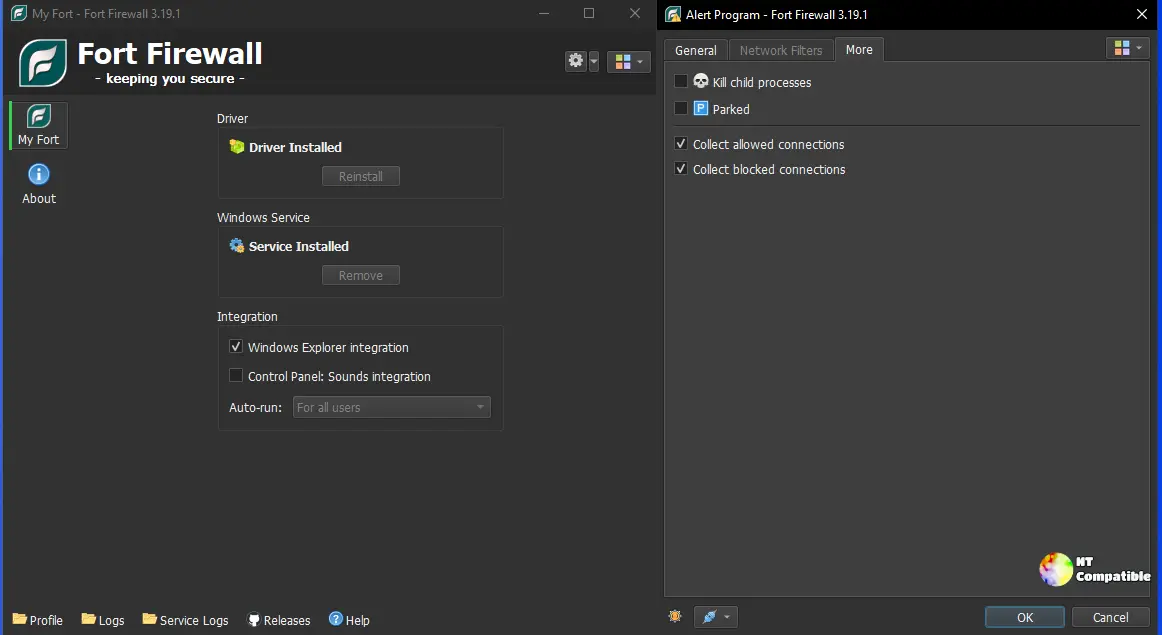
The Real Change: Driver Enforcement and Time Periods
The biggest technical win in this build is that per-program Network Filters now run at the kernel level. Previously, those allow/deny lists lived in userspace. That meant they could theoretically be bypassed or missed if the UI process hiccuped. fortflt.sys handles them now. It evaluates them alongside Zones and Rules without the extra hop. Honestly, it is a small architectural shift that closes a genuine gap.
Time Periods were originally tied to Groups. They are first-class citizens on individual rules now. You can schedule blocking traffic on weekdays from nine to five directly on a rule instead of juggling group toggles. The Edit Rule dialog got some general cleanup to match. The project's official changelog states the shift plainly: per-program network filter rules are now enforced at the kernel-driver level rather than only in userspace.
Worth the switch.
Temirkhodjaev has been steadily chipping away at Fort since its initial 2017 release. The last four days feel like a deliberate squeeze of every heavily requested feature before locking the v3.20.x branch. If you haven't checked Fort in a while, you are in for a surprise. Per-program speed limits now actually stick around, inbound traffic can be blocked on a per-app basis, and the connection log finally shows which parent process inherited a child app's network access. There is also a Filter Simulator that lets you test hypothetical connections against your current rules without actually sending traffic. It is honestly one of the more useful debugging tools I have seen in a free firewall.
The Rest of the Stack
Fort still runs on a modest twenty megabytes of RAM. The kernel driver evaluates each packet through a seventeen-step arbiter before making a final call. The background service keeps its standalone FortFirewall instance running even when you lock the screen. Portable mode is also fully supported. The GPL-3.0 license covers nearly 5,700 commits, and it sits comfortably under thirty megabytes in memory across the board. That is meaningfully leaner than NetLimiter or GlassWire. It actually ships its own WFP driver instead of leaning on the native Windows firewall.
The experience is not without friction. The driver still needs Memory Integrity disabled on Windows 10 and 11, which bothers some security-conscious users. You cannot coexist it with other WFP-based firewalls either. The 32-bit build lacks dark mode and remains stuck on an older Qt version. But if you are already past those caveats, the latest round of updates is the strongest iteration yet.
Fort Firewall 3.20.2 is available now for Windows 7 through 11 across x86, x86_64, and ARM64 architectures. You can grab the installers and portable builds directly from the GitHub releases page. The full changelog and source tree for commit 94f9d3e are pinned right there as well. Keep an eye on the issue tracker for follow-up tweaks to the new driver enforcement path.


