Microsoft PowerToys Dev Preview Adds a Lock-Screen Awake Toggle and Rewrites Command Palette Cards
The November 13 development preview brings finer control over Awake, native bar charts in Command Palette, and a pile of behind-the-scenes build fixes.
Microsoft PowerToys has a fresh development preview, and if you've been hunting for a way to keep your display on while your PC is locked, this is the release. v0.103.3151.0 shipped on GitHub on November 13. It adds a long-requested Awake lock-screen option, rebuilds Command Palette's performance cards, and quietly kills a couple of false shortcut warnings along the way.
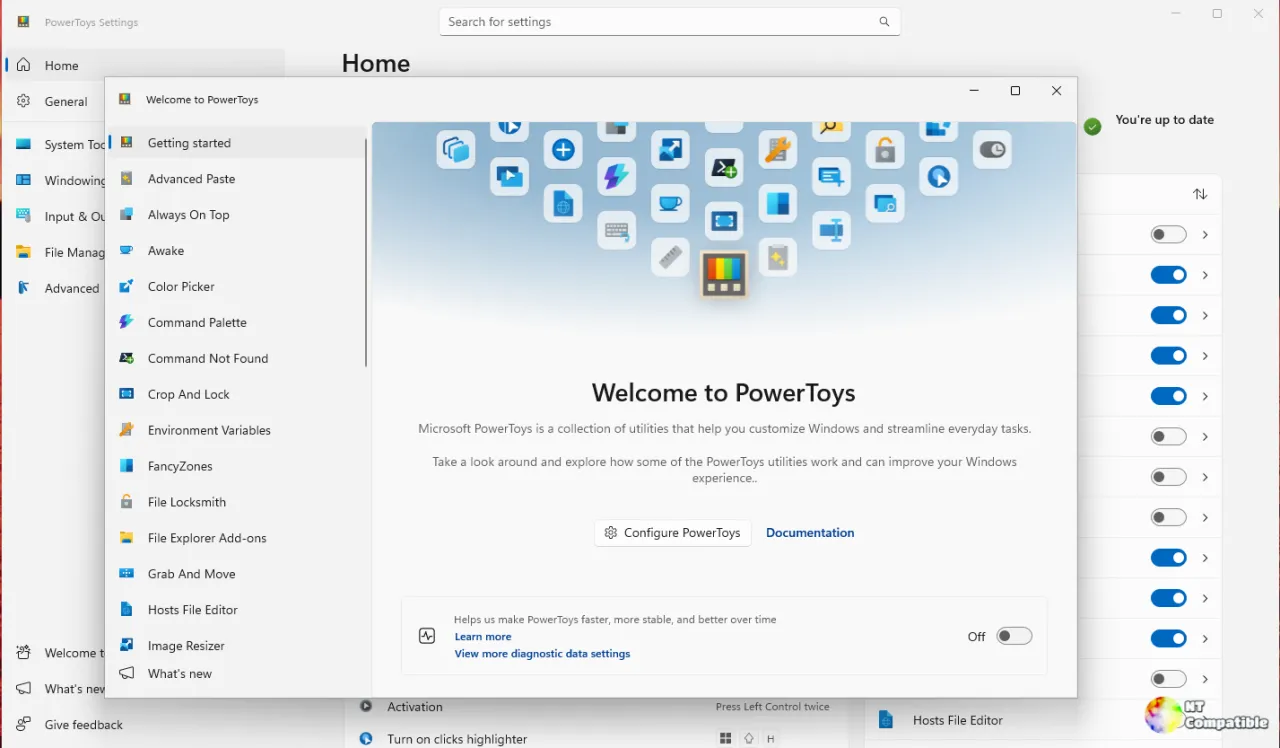
Let's deal with the release-channel housekeeping first. This one rides the Dev preview track, the prerelease line that moves fastest. The stable channel is still sitting at v0.102.3101.0, which landed November 6. Dev previews push new stuff early, which means you get the features first and also get the bugs first. If stability beats novelty for you, hold off until these changes work their way down.
Awake, now with a lock-screen setting
PowerToys Awake is the utility that keeps your PC awake without rewriting your power plan. It spawns background threads that tell Windows the machine wants a certain power state, and when Awake exits, those threads die and normal behavior resumes. Timed, indefinite, and expiration modes are all supported, plus a tray menu and command-line controls for good measure.
Here's the quirk that's been there since day one: lock your Windows session, and Awake stops keeping the display on. The screen goes dark based on your power plan even if "Keep screen on" was toggled, since a locked monitor is just wasted light. Now there's a toggle to change that.
The new "Allow screen to turn off while locked" setting shows up in both the Settings page and the tray menu. Flip it off and the display request stays active even through a locked session. The default is unchanged, so existing users aren't forced into anything. It landed in pull request #51880, authored by @lorinc-ambrozy-work and @Meister1977.
Keep in mind that a couple of caveats apply. On Modern Standby machines, Windows can still blank the screen regardless of your choice, since that's a platform constraint. And flipping the toggle mid-timer restarts the session, which is exactly how every other Awake setting already behaves.
A security debate
This is where it gets interesting. The toggle sits right in the middle of an argument simmering in the PowerToys community. Earlier this year, when Microsoft floated a redesign of the Awake flyout, one user pushed back hard in issue #49141.
That person pointed out that enterprises disable Awake through group policy precisely because it behaves like a mouse jiggler, letting people bypass session timeouts on locked machines. They called it an invitation to worse security posture. The comment picked up 11 downvotes, which tells you how the community leans, but the concern is real for IT shops. Microsoft puts it plainly in its own docs: "PowerToys Awake temporarily overrides your power plan choices and is intended for use while you are at your computer or in private environments."
The practical picture is mixed, then. You get finer control for unattended presentations and long downloads, sure. It's also another knob a policy maker might want to lock down.
Command Palette gains native charts and a Task Manager-style CPU card
Real engineering weight in this preview lives inside Command Palette. Extensions build their interfaces with Adaptive Cards, a markup format that draws rich UI. Historically the renderer simply dropped any card element it didn't recognize, fallback or not.
Core contributor @crutkas, the guy who originally wrote PowerToys, added native support for three bar-chart types in pull request #51210. You get a vertical bar, a horizontal bar in a few display modes, and a stacked horizontal variant. The implementation bothered with accessibility: charts are named for screen readers, tooltips expose individual bars, and the PR shipped with 113 passing unit tests.
It's layer four of a 13-layer stack splitting the bigger charts project into reviewable chunks. Later layers will redraw the Memory, GPU, Disk, Network, and Battery cards.
Also from @crutkas is a complete rebuild of the CPU card, pull request #51211. It mirrors Task Manager's own CPU page: a live 60-second history, tiles for processes, threads, handles, and uptime, plus the five busiest processes and a per-processor utilization chart.
The sampling logic got an overhaul here. Each metric samples at most once per second, and the first sample renders instantly instead of flashing a placeholder. There's also a subtle correctness fix for base speed on multi-cluster chips. On a 20-processor chip with clusters rated 2808 and 4004 MHz, the old code could report the wrong clock speed. The rebuilt card got 4.00 GHz right, using the same query Task Manager uses.
Two smaller fixes
The rest of the preview trims minor annoyances. A false conflict warning for Win+Shift+C on Windows 11 is gone, since that combination isn't actually reserved by the OS. That came from pull request #51236 by @linghengqian.
Mouse Without Borders gets its fix too. It now honors administrator-defined IP mappings even when a user has no rules of their own, and previously those admin rules got ignored, which hurt managed deployments. Pull request #51127 from @rarepops should make cross-PC control more reliable in enterprise setups.
Under the hood
A big chunk of this release was invisible to you but clearly useful to maintainers. The MSIX build had bugged out when compiling a single project, accidentally packing intermediate files into the installed package. One package ballooned from 26 entries to 1,392 and even broke builds in worktrees over path-length limits. Fixed now.
Continuous integration got a real speedup too. Moving C++ code analysis into a parallel job cut the main build from 24.3 minutes to 15.3 on x64, and from 25.1 to 16.4 on arm64. Dependencies got modernized as well, with the Windows App SDK bumped to 2.6.5.
It's the kind of infrastructure work that never shows up in release notes but keeps a fast-moving project from rotting. Seven contributors touched 125 files across 12 commits for this single preview.
Worth a look, with one caution
It's a solid incremental update for people who live in Command Palette and tweak their power settings. The CPU card rewrite is genuinely nice, and the Awake toggle does answer a real request.
The Awake setting is the only thing I'd approach with an open mind. It's useful, but it's also the exact behavior that enterprises are actively trying to block, so factor that in before you flip the switch at an office desk.
Head here to the GitHub release page to grab the installers, or install through winget or the Microsoft Store. Available as signed installers in both per-user and machine-wide configs for x64 and ARM64, Microsoft posts a SHA-256 hash for every artifact so you can verify before running. It's a preview, so it may carry bugs, meaning stability-focused users should wait for the stable v0.102 line.


