Open Shell Menu 4.4.198 Pre-release Fixes the File Dialog Hang and Search Glitches
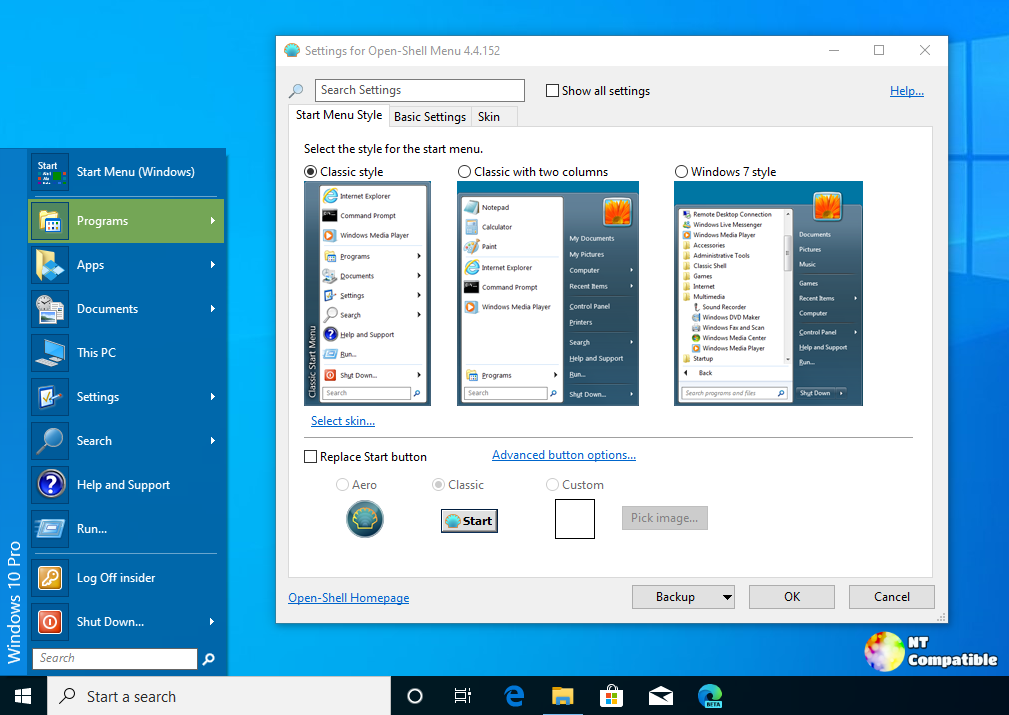
The Open Shell Menu 4.4.198 pre-release drops some annoying bugs that have been making the classic start menu feel broken on modern Windows. Testing this version reveals a few targeted fixes that actually matter for daily use, especially for anyone relying on the start menu to launch programs or open files without hitting dead ends. The update skips the usual bloat and focuses on stabilizing search behavior and dialog windows.
Why the search fix actually matters
The developers finally addressed the issue where the search bar would auto-select the wrong program before background processes finished loading. This has been a persistent headache for anyone who relies on quick launching to keep workflows moving. The previous behavior often highlighted a background app instead of the actual target, forcing users to manually clear the selection or wait for the interface to catch up. The new logic waits for the application list to stabilize before locking in a selection, which prevents accidental launches and keeps the start menu responsive during heavy system activity.
The file dialog hang is no longer a mystery
Windows 11 updates have a habit of breaking third-party shell extensions, and the open or save file dialog was another victim. Users reported the dialog freezing completely after a minor system patch, which usually meant restarting the explorer process or rebooting just to attach a document. The fix targets the underlying shell integration that handles these dialogs, restoring normal communication between the start menu and Windows file management. This kind of targeted patching is exactly why the project remains useful, since Microsoft rarely fixes broken third-party shell behavior in their own updates.
Testing Open Shell Menu 4.4.198 Without Breaking the System
Running a pre-release version requires a bit of caution, but the installation process stays straightforward for anyone who has used the start menu before. Users should download the installer from the official project page and run it over the existing version to apply the patches directly. The installer handles the backup and replacement of shell files automatically, which keeps the configuration intact while swapping out the buggy components. Skipping the cleanup step after installation is fine since the project does not leave behind unnecessary registry entries or leftover services. The update runs quietly in the background once applied, and users can verify the fix by opening a few programs and testing the file dialog on a Windows 11 machine.
Release Open-Shell-Menu 4.4.198
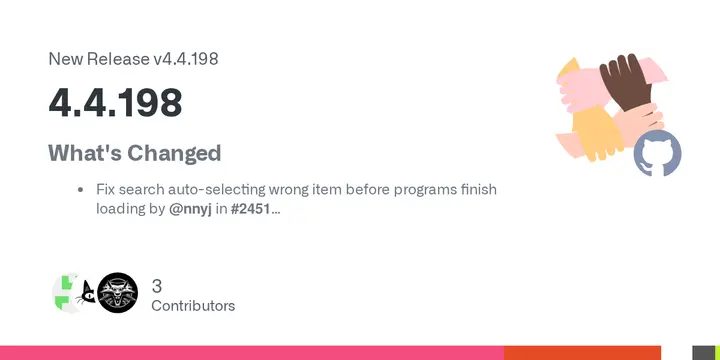
What's Changed Fix search auto-selecting wrong item before programs finish loading by @nnyj in #2451 Update font face names in Japanese localization by @coolvitto in #2409 Fix open/save file dialo...
The project keeps moving forward without chasing every Windows UI trend, and this pre-release proves that targeted bug fixing still beats feature bloat every time. Give the installer a spin and report any remaining quirks back to the developers.


