PowerToys Dev Preview 0.103.3131 Adds JPEG Paste and Richer Command Palette Cards
Dropped into the Dev channel today, this is the sixth build in a fortnight as Microsoft closes in on stable 0.103.
Microsoft shipped PowerToys Dev Preview v0.103.3131.0 today, straight from the main branch. Maintainer LegendaryBlair published the build, making it the sixth Dev preview for the 0.103 release train in roughly two weeks. That pace says everything: Microsoft is in the final stretch before stable 0.103 lands on November 15.
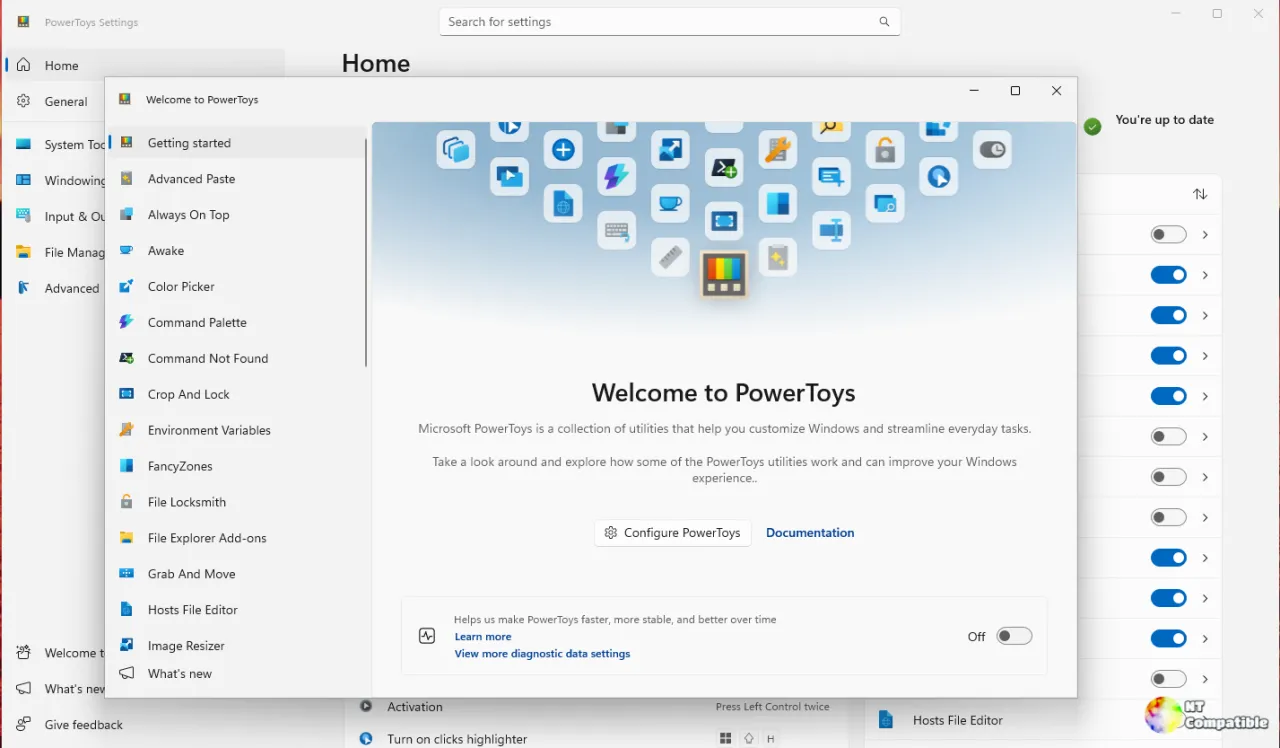
The two headline additions are worth knowing about. You can now paste clipboard images as JPEG files, and Command Palette Adaptive Cards get a fresh wave of native rendering. There are also fixes for FancyZones, File Locksmith, Keyboard Manager, Mouse Without Borders, and ZoomIt. Microsoft's own release notes put it plainly: "JPEG file pasting and richer Adaptive Cards, with fixes for FancyZones, File Locksmith, Keyboard Manager and ZoomIt since v0.103.3099."
This is a pre-release meant for testers. If you'd rather not chase crashes or know how to roll a build back, stick with the stable channel.
Two features that actually do something
JPEG pasting had been on the books for over a year. Someone opened issue #44002 in December 2025 asking for a JPG option plus adjustable quality, because PNG-only output gets limiting once you don't need lossless quality. The fix, PR #50081 by contributor @OrionFOTL, finally landed today.
The numbers make the case. A 4000×3000 photo pasted as a JPEG drops from 13 MB down to 986 kB. That matters when you're shoving a large image into an app with a hard file-size cap. The feature also gains a customizable shortcut, Shortcut Guide integration, and a CLI action named paste-as-jpg-file for scripting.
Command Palette gets the second feature: richer native Adaptive Cards supplied by extensions. This one, PR #51209 by @crutkas (Clint Rutkas), is officially "Layer 3 of 13" in a larger effort to break native cards into reviewable pieces.
The WinUI 3 renderer silently drops elements it can't recognize, so this layer tacks on four more schema features. ProgressBar draws with the native progress bar and animates value changes, Badge gains style and icon and tooltip support, Icon maps Fluent System Icons to Segoe Fluent Icons with a proper fallback, and roundedCorners plus showBorder now work on containers. Every redesigned Performance Monitor card will lean on at least one of them.
The fixes and housekeeping
Not everything in a Dev build glitters. A good chunk is housekeeping, and this build has plenty of it.
FancyZones gets a fix for its 11-zone Priority Grid falling back to a plain grid instead of the intended layout (PR #51844). Keyboard Manager absorbs three fixes in one PR (PR #50948): global and app-specific remaps of the same shortcut can finally coexist instead of firing a false "Duplicate remapping" error, the classic editor stops crashing on certain run-program options, and settings backups now actually include the editor's settings file. File Locksmith reports a launch failure cleanly rather than claiming a window opened. ZoomIt regains its tray menu Settings and Exit options when launched through PowerToys.
It's exactly the kind of quiet reliability work that keeps a long-running codebase from degrading. Not the sexiest news. But nothing derails a workflow quite like a copy-paste of an error you thought you'd killed months ago.
Microsoft ships four installer variants, each with a published SHA-256 hash so you can verify what you download. There's a per-user and a machine-wide build, both in x64 and ARM64. Filenames run the pattern PowerToysUserSetup-0.103.3131.0-x64.exe and PowerToysSetup-0.103.3131.0-x64.exe, for instance.
Don't let the version numbers trip you up. Microsoft standardized three-component tags in October 2026, but the installers kept the older four-part numbering. So the tag reads 0.103.3131 while the installer says 0.103.3131.0. Same build.
Keep in mind this is a Dev preview, not something you'd hand to a non-technical colleague. If you want to try it, head here to the GitHub release page to grab an installer and check the SHA-256 hashes against your download. Stable 0.103 should follow on November 15.


