Microsoft PowerToys Dev Preview now renders live charts inside Command Palette
Microsoft has shipped the latest PowerToys Dev Preview, and the biggest news is how Command Palette keeps expanding. Version 0.103.3099.0 landed today. It adds native line charts and sparklines to the palette's cards, plus a pile of background cleanup you're unlikely to notice until it matters.
This is a Dev build, cut straight from the main branch. Microsoft wants testers to vet it, not production machines. So point it at your daily driver at your own risk. Two themes do stand out, though: Command Palette picking up a real data-rendering layer, and Microsoft finishing off a utility it buried nearly two years ago.
To place it, the 0.103 release train kicked off October 28 with v0.103.3006. In roughly twelve days, five Dev builds have already rolled out, ending with this one. That's not a leisurely pace. You'll also notice the tag reads v0.103.3099 (three components) while the installer says 0.103.3099.0 (four). It's intentional: a PR standardized three-component tags in October, and installers kept their older numbering. It shows up on every 0.103 Dev build now.
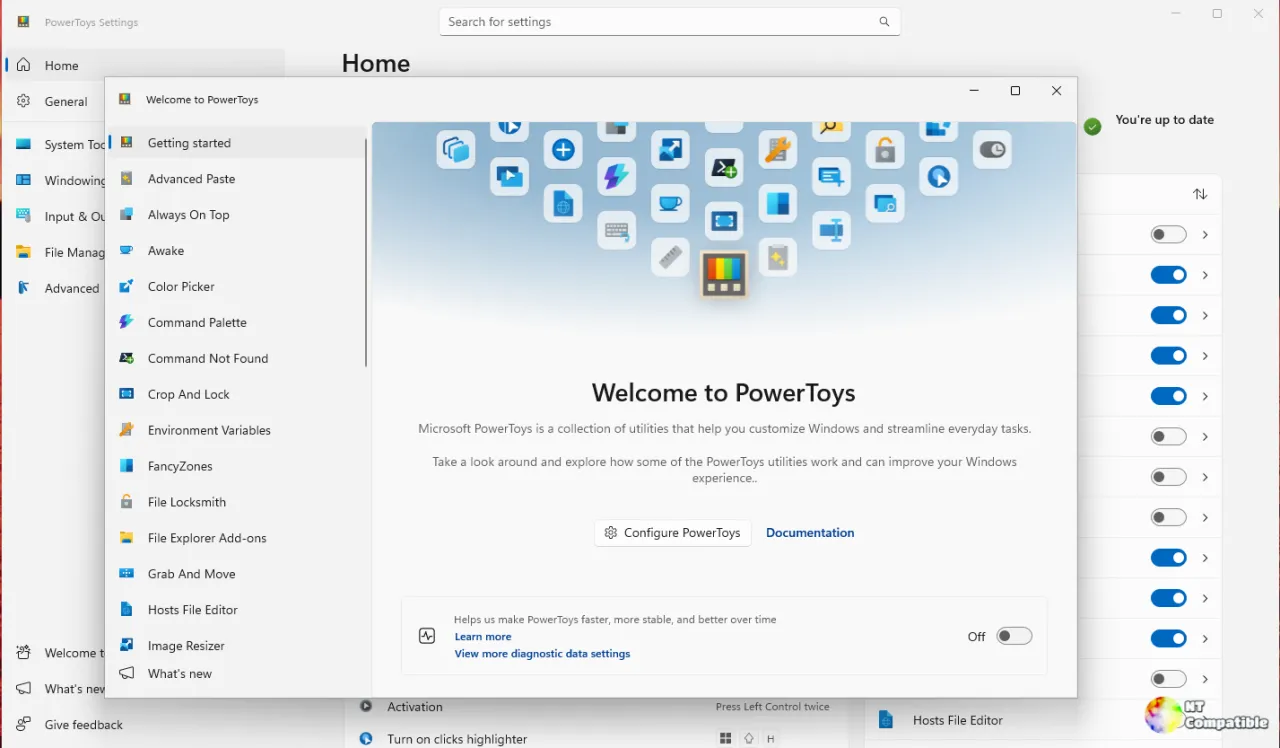
Command Palette gets a data layer
Most of the innovation lives in the Adaptive Cards engine, the cross-platform card format that extensions use to render rich content inside the palette. Two pull requests do most of the work.
The first adds native chart support. Contributor Clint Rutkas wrote a polyfills library that renders Chart.Line elements the WinUI renderer doesn't handle yet. The payoff is a filled line chart, with gridlines, axis titles, a legend, and a marker sitting on the latest point.
It updates in place. When fresh data arrives, the chart scrolls instead of rebuilding the whole card every tick. For live telemetry that's the difference between smooth and jittery.
Narrow it below 400 pixels and the chart collapses into a compact sparkline. Any extension can now hand over a Chart.Line as plain Adaptive Cards JSON, something the renderer used to silently drop. The Performance Monitor cards are the first slated to adopt it.
The second pull request makes the host config theme-aware. Old code hard-coded a light and a dark config string, picking one at startup. Now it builds the JSON at runtime from theme tokens, so cards track the app's live theme.
The visible changes reach every extension. Padding, spacing, text sizes, and fonts all snap to Fluent values. The old web font stack that XAML couldn't resolve is finally gone, meaning monospace text is actually monospace now.
Here's a small piece of behind-the-scenes drama for the road. During review, lead maintainer Mike Griese flagged that this very pull request had absorbed a "totally secondary fix." Rutkas agreed, split it into its own PR, and kept scope tight. Textbook maintainer review.
A bit of polish rides along too: the settings-search layout now behaves in wide windows, and fallback identity, global-result preferences, and ranking stay separate per command provider.
And a tidy-up of the dead
The other real story is a purge. Video Conference Mute went into maintenance in v0.67 and got cut entirely in v0.88. It's been gone for about two years, yet its last traces hung around in the installer, the Group Policy templates, and startup code.
This build removes them all. The old MSIX uninstall probe, a startup thread that used WinRT to hunt down a ~2020 PowerToys package, is deleted along with its toast strings and dead constants. It trims startup work, part of a broader effort to speed up the runner.
The installer loses its Video Conference cleanup action, and admins will see the deprecated Group Policy category stripped from the ADMX templates.
Keep in mind one nuance, though. The elevated runner still runs the camera-registry cleanup, but only once now, gated behind a machine marker. The registry value lingers for anyone still configuring the old policy, but nobody's read it since 0.88. Once the new ADMX deploys, the setting disappears from Group Policy editors entirely.
Two smaller items follow. Telemetry bumped to 2.0.5, and optional diagnostic reporting came back without touching your diagnostic-data preference. Opt into diagnostics and it returns. Skip it and nothing changes. Privacy-preserving by design.
Worth a look, for testers. It's a rather thorough housekeeping build for what's essentially a preview, and the chart support is the more interesting half, quietly redefining what a launcher can do. Command Palette is becoming a place where extensions render live, dashboard-style content, not just a fast box to type into.
Enterprise admins might nod along too. The installer now signs Windows Runtime metadata to play nicer with publisher-based allowlists, and a related fix corrects a pairing failure in signed builds. That work rarely makes headlines. It's exactly the thing standing between you and an update when your IT department's allowlist is the boss.
Microsoft ships four variants here: per-user and machine-wide, in both x64 and ARM64. Each comes with a published SHA-256 hash so you can verify the download before running it.
Head here to grab the Dev build from GitHub.
And remember, this is a preview, so expect the occasional rough edge. The stable 0.103 train is where all of this work eventually lands for everyone else.


