PowerToys Dev Preview v0.103.3052.0 Ships With 23 Bug Fixes
Microsoft's PowerToys utility suite for power users picked up a fresh development preview, and this one is version 0.103.3052.0. Boliang Zhang put it out today. Microsoft describes it plainly as "a development preview from main, containing 23 merged pull requests since v0.103.3012," and flags it for testers, not for the machine you actually use for work.
The 0.103 release train is where you'd expect the heaviest lifting. Its themes are broad WinUI 3 modernization, expanded Command Palette and extension work, and more command-line automation. This build accumulates just behind v0.103.3012, which rolled out the day before on October 29. If you want the freshest take on anything in the suite, that's where you look.
Here's a quirk worth knowing before anything else. The release tag reads v0.103.3052, which is three components. The installer filename and internal version carry a fourth: 0.103.3052.0. The gap comes from PR #51582, which standardized three-component tags in October while the installers kept their four-part numbers from an older convention. You'll spot it the moment you click through the release page. The tag says one thing and the filename says another, but both point at the same build. Keep in mind the commit this corresponds to is 09f9c908ec5addf306dd3c44d6e8810fe251f9bc, in case you want to trace exactly what changed.
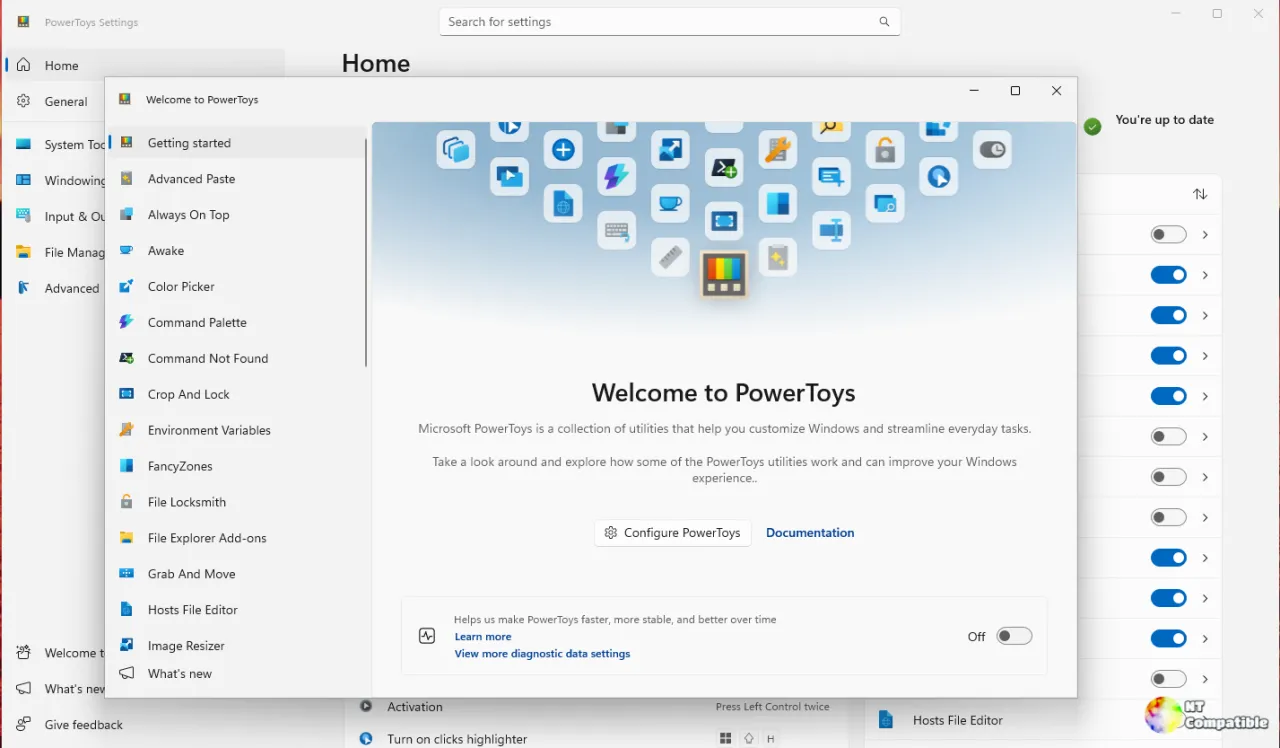
The fixes in this build
The release page lists a dozen headline changes, and most are the quiet, satisfying kind of bugfix that never makes it into a press release. Command Palette no longer hangs when you type fast, wipe the box, and type again. That's a race condition that depends on timing between keystroke handling and result rendering, so fixing both hang states means the team actually traced multiple code paths rather than slapping a band-aid on one.
Command Palette is arguably the best part of modern PowerToys. It's a global search-and-launch overlay that doubles as an extension hub, and PR #51599 closed two distinct top-level search hangs both triggered by the same rapid typing-and-clearing pattern.
The DSC fix is the one that would bite enterprise admins hard. Gijs Reijn (Gijsreyn) patched it in PR #51537. Microsoft DSC lets you version-control PowerToys settings "as code" and push them across machines with commands like winget configure. Since PowerToys started shipping four-part version numbers, the DSC schema generator stripped the trailing zero via GetProductVersion(), emitting something like 0.101.2362 instead of 0.101.2362.0. Generated scripts then compared against a value that never matched, and every PowerToysConfigure apply failed with "PowerToys installation wasn't found."
That's a pretty nasty way to discover your automation is broken. It affected builds like 0.101.2362.0 and, per the bug reporter, the bundled module in 0.102.2933.0.
The fix adds a GetNormalizedProductVersion() helper, treats the uninstall entry as a [System.Version] so the .0 and no-.0 forms compare equal, and handles empty version strings gracefully instead of throwing. Reviewed partly via GitHub Copilot's balanced review and merged by Zhang on October 29, it's exactly the sort of high-impact, low-glare work that keeps bulk deployments from falling apart.
PowerRename now shows previews for linguistically equivalent renames, like the German sharp S expanding to ss, and applies them cleanly. Small change. Meaningful if you do bulk file organization in German.
PowerToys Run got three separate tweaks. Its unit converter finally parses sqmi and sqmil shorthand correctly, so square-mile conversions don't come out wrong. Plugin score modifiers now range from −20,000 to 20,000, giving extension authors more room to shove their results up or down. The calculator also stops popping a misleading failure dialog after the text has already been copied. It's a false error, more annoying than harmful.
Registry Preview landed a flatter, full-page redesign with slimmer splitters and scrollbars that only appear when you need them. It's the WinUI 3 modernization thread made visible, and it's the kind of polish you don't appreciate until your registry browsing used to feel cramped.
ZoomIt is the screen zoom, annotation, and recording tool that dates back to the Sysinternals era. This build restores its Settings and Exit tray actions when running through PowerToys, since those had regressed. Settings now opens the ZoomIt page, and Exit closes just ZoomIt instead of nuking the whole app.
The recording fix is the technically meaty one. PR #51729, co-authored with Mark Russinovich himself, addresses skipped frames during zooming and annotation. The root cause was a single-buffer capture handoff that let frames get overwritten or lost to a wakeup race before the encoder consumed them. The fix swaps in a synchronized FIFO of leased frames, discards the startup backlog, and switches the H.264 profile from constant bit rate to unconstrained variable bit rate. Under CBR, the encoder dropped frames whenever full-screen changes overflowed its rate buffer, leaving noticeable holes in playback.
Russinovich's involvement is a nice reminder that ZoomIt's core still sits close to Microsoft's engineering roots. Worth pointing out that this same preview series is quietly laying groundwork for a larger "Mouse Jump" overhaul, even though that code wasn't wired into anything at this point.
What's next, and how to install it
A big chunk of the 23 PRs never touches a user-facing feature at all. CI workflows got bumped across the board, from .NET setup to Azure login to Node.js. Command Palette's dock flyout presentation was separated from its controller in PR #51689 to ease future maintenance. UI-test screenshot comparison switched from image hashing to structural similarity, a smarter way to catch visual regressions.
Two infrastructure changes stand out. PR #51781 standardized the .NET SDK on version 10.0.403, bumped the runtime to 10.0.14, and moved SDK builds to Visual Studio 2026. PowerToys has historically tracked recent .NET releases, so jumping to the next-generation toolchain is a genuine signal of where the project is heading. Meanwhile PR #51665 handles the tag-versus-version machinery that produces the confusing three-part versus four-part split.
The 0.103 train opened with v0.103.3006 on October 28, hardened through v0.103.3012 the next day, and now lands here with 23 PRs versus 19 in the previous build. Roadmap items still ahead include a new Awake flyout, Screen Ruler improvements, and more WinUI 3 migrations. The longer backlog lists a Shortcut Guide v2 and broader accessibility work.
Because this is a development preview, Microsoft recommends it for testers and bug reporters rather than production machines. Grab your installer from the release page, check for updates under Settings => General if you're on the preview channel, or install through WinGet if a preview feed is set up.
It's an expensive-feeling amount of precision for a utility that's free, but the ARM64 builds are a nice sign of continuing Windows on Arm support, work that first landed as a roadmap item back in 2023. And the four-part hashing keeps you from running something tampered with. Head here to the release page to get started.
Head here to the GitHub release page.


