Microsoft PowerToys ships a no-frills hotfix for File Explorer hangs and Mouse Without Borders pairing
Microsoft PowerToys picked up a small hotfix today. It repairs three bugs and carries no new features, which, for this particular suite, is kind of the whole point.
Microsoft PowerToys got a hotfix today, and it's exactly the kind of release you hope for in a patch like this. No new features. No fireworks. Just three problems fixed.
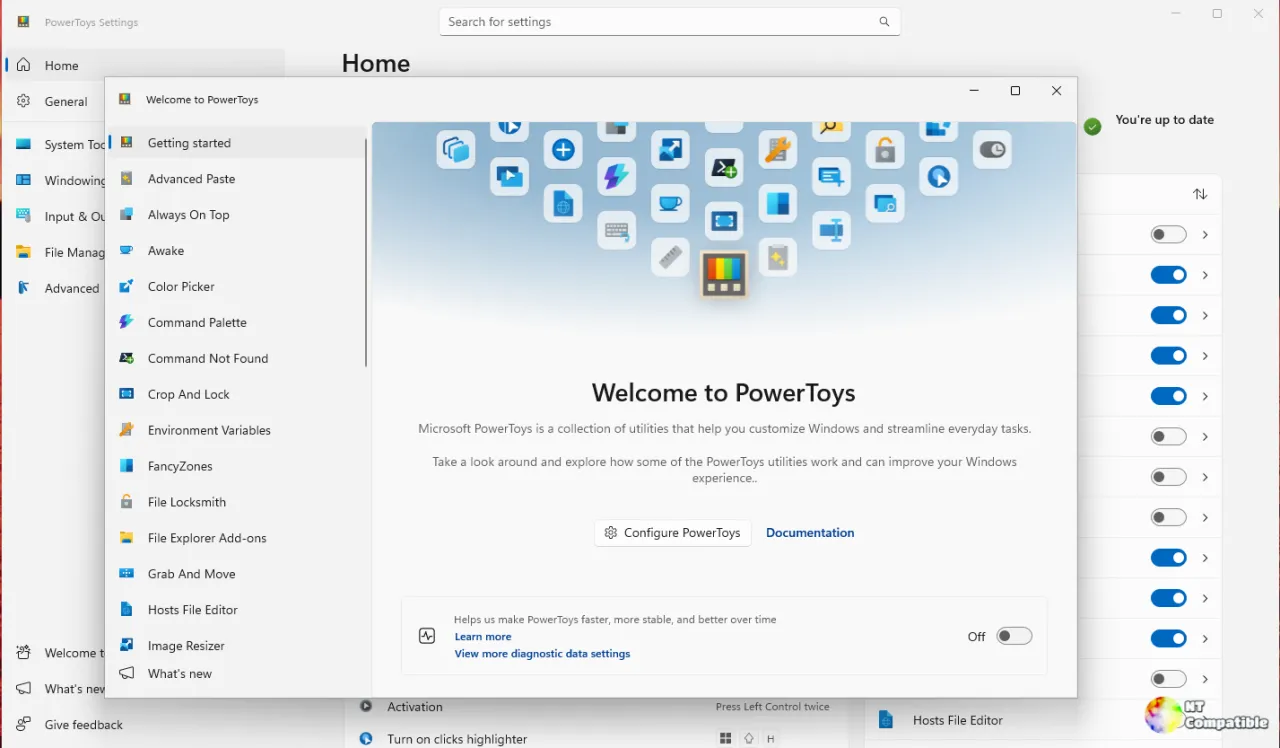
Version v0.102.3101.0 dropped on GitHub that day, repairing some of the sharper edges of the v0.102 feature release from three weeks prior. This is a "keep the ship clean" update rather than anything you'll write a blog post about. For an open-source utility suite that's quietly become a must-install for Windows power users, that's arguably exactly what it should be.
PowerToys has earned its reputation, and the v0.102 line made the case when it shipped on 21 October 2026. That release opened with two new mouse tools, a quick-access shelf for Command Palette, local dictation in ZoomIt, and a pile of new command-line hooks. It was a big one.
So three weeks later, Microsoft issued a targeted patch aimed squarely at the resulting regressions.
The File Explorer thumbnail hang
The most noticeable fix is also the most user-facing. PowerToys ships custom thumbnail providers for formats Windows doesn't render natively, SVG, Markdown, PDF, and 3D files like STL. For roughly two years, the thumbnail process could get pinned to a single CPU core for hours with zero file I/O, grinding the shell to a halt or crashing it outright.
If you browse folders full of vector graphics or 3D models, you know the feeling.
This hotfix (PR #49950 from contributor Gordon Lam) bounds how much time and resources each thumbnail request consumes. All six renderers stay in place, but slow or hung requests no longer block the others. SVG formatting and UTF-8 STL filenames survive the change too.
Here's a small aside: that work actually dates back to August 2026 and ran the full open-source gauntlet, including an AI-assisted Copilot review, before maintainer Boliang Zhang merged it. This patch just cherry-picked the commit into the hotfix branch.
It's a reliability win, not a new capability. For anyone who works with SVGs or 3D models, it removes one of the most notorious PowerToys complaints.
Mouse Without Borders, with a security caveat
The most interesting fix by far is the Mouse Without Borders pairing repair, and it doubles as a small case study in security engineering.
Mouse Without Borders lets you span a single keyboard and mouse across machines, pairing peers over named pipes with a signature check. A regression broke this, throwing an "untrusted-signature" error whenever the two components were signed by two different but valid Microsoft certificates. Perfectly valid installs got stuck in a loop, per issue #51567.
Contributor Matt Van Horn (mvanhorn) relaxed the peer verification. Each executable now just needs its own trusted Microsoft signature, rather than two embedding identical certificate bytes.
Relaxing a check like that is normally a red flag, which is why the added layers matter. A trusted signature alone is no longer enough. The peer must still chain to a machine root with the code-signing EKU and carry the correct product name and original filename. A renamed copy of some unrelated Microsoft binary gets rejected as the "wrong image."
It's not foolproof, though. The final subject check is still a substring match on "Microsoft Corporation," a slightly loose approach the author openly acknowledged, and one that Copilot's automated review flagged with high-severity concerns. Maintainer Zhang pushed back, approved, and merged it on 4 November.
For the many people who share a mouse across a multi-PC desk, this restores a genuinely broken feature. It's also a live demonstration of balancing security against real-world usability, done out in the open.
Diagnostics and the privacy question. The third fix is quieter but worth stating plainly. The v0.102 release had lost the ability to report certain optional diagnostic events from its native and managed components. Two coordinated PRs (#51896 and #51940) restored that reporting while leaving your Windows diagnostic-data preference untouched, and Microsoft bumped its telemetry SDK to v2.0.5.
Here's the thing: PowerToys telemetry is opt-in and off by default. This patch doesn't silently start reporting data. It just repairs the plumbing for people who opted in, so the team can catch bugs faster. It leaves defaults where they are, which is the right call.
Microsoft published four installers to cover per-user and machine-wide installs on x64 and ARM64. Grab them from the official GitHub release page or via the in-app "Check for updates" button, and verify the SHA-256 hash after downloading. The full filenames and hash values are on the release page.
As a reminder, PowerToys doesn't ship pre-installed and never has, which is part of why it's stayed a community-driven project under an MIT license. If you haven't tried it yet, this hotfix rides on top of the feature-rich v0.102 line, so there's arguably no better moment.


