Visual Studio Code 1.116 brings built-in Copilot and better agent debugging
The latest update to the editor finally integrates GitHub Copilot without forcing an extension install, alongside tools that help track down why AI agents are misbehaving in complex workflows. This release focuses heavily on making agent interactions more transparent and reducing friction for new users who just want code suggestions immediately. Visual Studio Code 1.116 removes the Copilot extension requirement to make the editor more self-contained from the first launch.
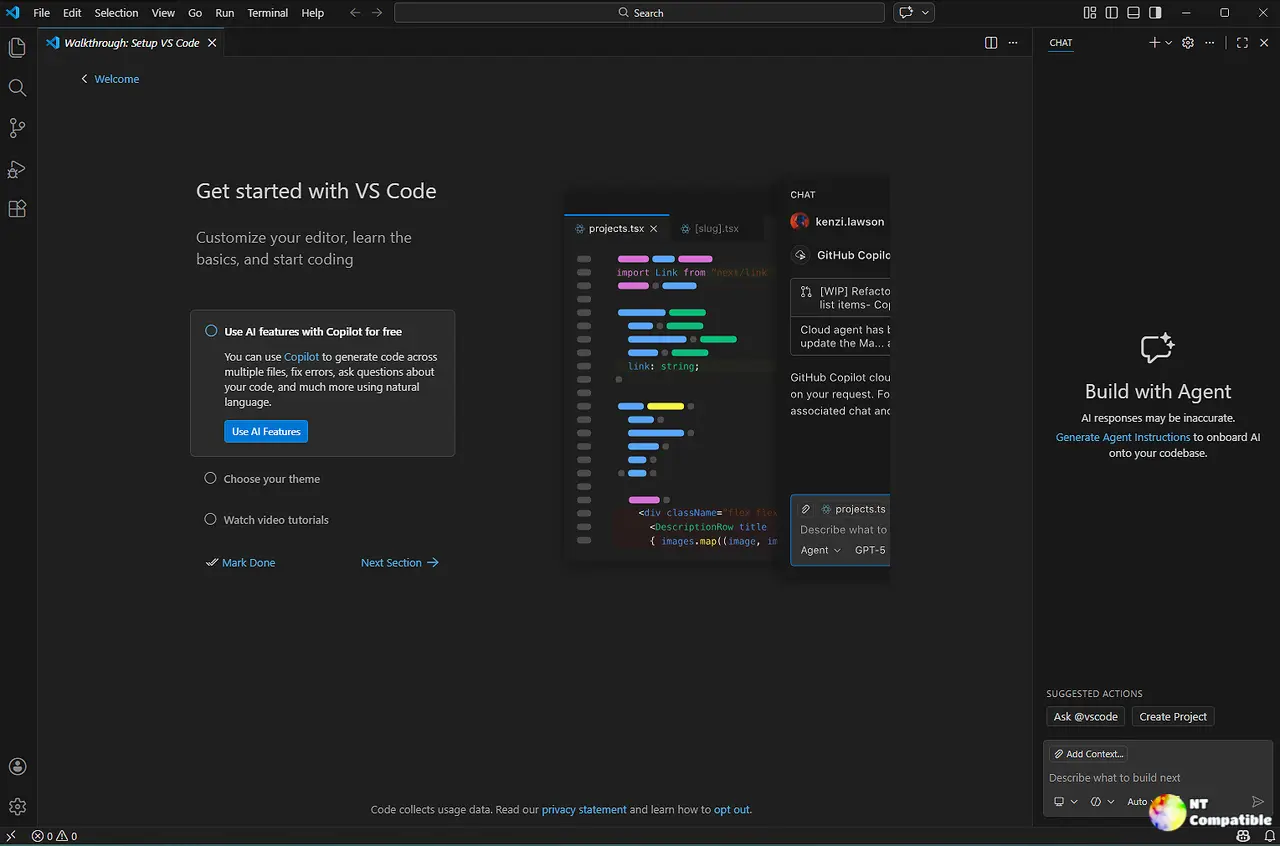
Visual Studio Code 1.116 removes the Copilot extension requirement
Microsoft has decided to ship GitHub Copilot Chat as a built-in extension rather than keeping it separate for new installations. This means access to chat, inline suggestions, and agents is now available without any setup steps required by the user. Existing users who already have the extension installed will see no change in functionality or workflow since the integration maintains backward compatibility. Those who prefer not to use AI features can disable them globally using the chat.disableAIFeatures setting found in the preferences menu. This move reduces friction for beginners but adds weight to every installation regardless of intent.
Agent Debug Logs help track down weird behavior
When an agent runs commands that break things, checking these logs helps find out why without guessing what went wrong inside the black box. The new Agent Debug Log panel shows a chronological event log of agent interactions during a chat session which is useful for understanding what happens when you send a prompt and to debug chat customizations. This setting can be enabled by changing the github.copilot.chat.agentDebugLog.fileLogging.enabled configuration option in settings to turn on file logging. Logs are persisted locally on disk so users can review past sessions even after they have ended which is essential for troubleshooting persistent issues. This feature is vital for anyone building complex agent workflows where understanding the reasoning path matters more than just getting an answer quickly.
Terminal tools now talk to foreground sessions directly
The send_to_terminal and get_terminal_output agent tools now also work with foreground terminals and not just background terminals that were created by the agent previously. This means the agent can read output from and send input to any terminal visible in the terminal panel, such as a running REPL or an interactive script being used for debugging. Background terminal notifications are enabled by default so agents receive updates when commands complete without needing to poll for output constantly which saves resources. Latency has improved because LLM-based prompt-for-input detection is removed which previously triggered extra calls on every chunk of text that was not always accurate. Users should keep one eye on Edit Mode removal coming in version 1.125 since that workflow is officially deprecated now. Until then there are plenty of tweaks to make agent interactions more reliable and transparent for everyone.


