Visual Studio Code 1.118 Update: Streamlined AI Agent Control and Faster Context Handling
The latest update brings tighter control over AI agent sessions, faster token handling, and a local history tracker that actually makes sense for standups. Users will get better tools to manage long coding workflows without drowning in context bloat or losing track of past decisions.
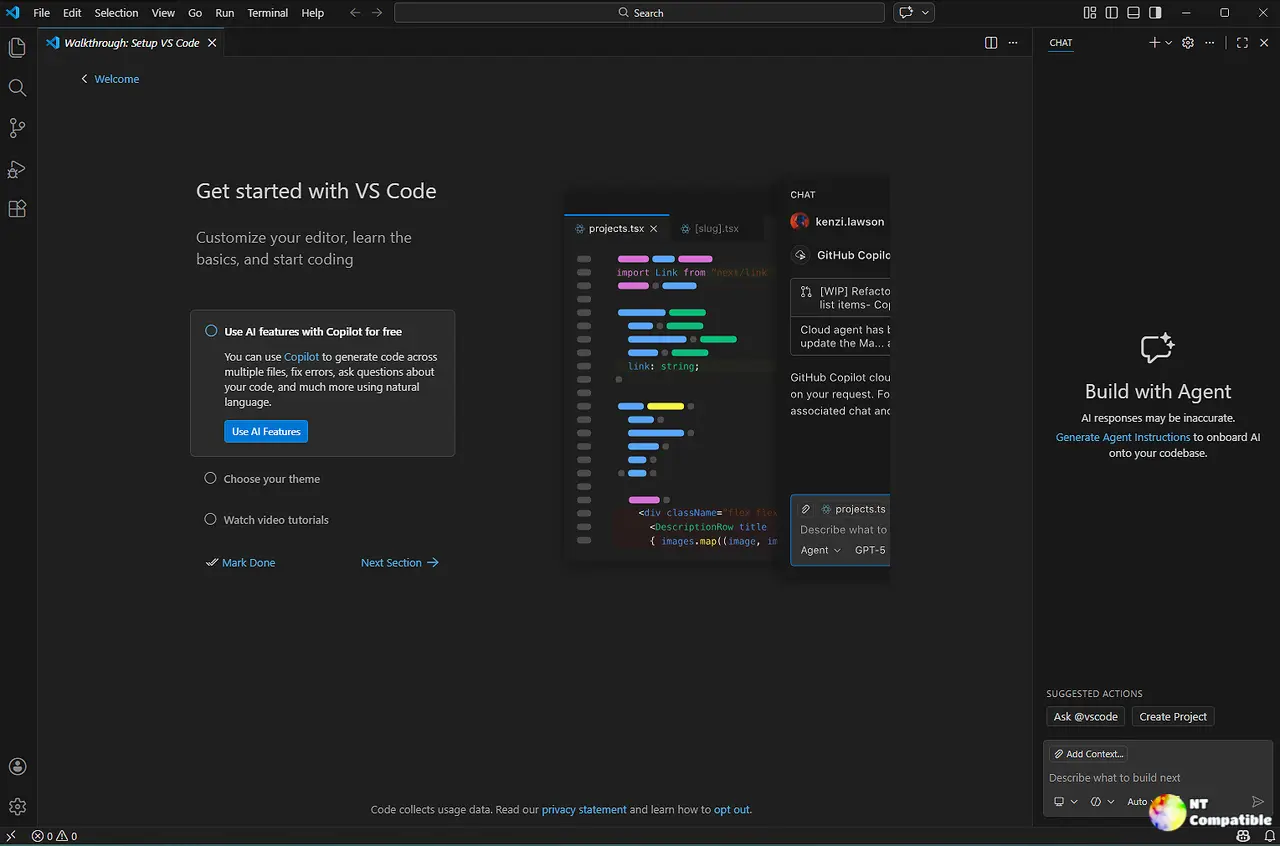
Remote Agent Control and Session Tracking
The update finally gives developers the ability to steer Copilot CLI sessions from GitHub.com or a mobile device instead of being stuck at the keyboard. This change matters because it removes the friction of sitting idle when an agent pauses for approval mid task. A real world scenario shows how this helps: imagine walking away from your desk after triggering a complex refactoring job, only to have the terminal prompt you for confirmation on another screen miles later. The remote control toggle solves that exact bottleneck by letting you approve or redirect work without switching contexts.
Token Efficiency and Caching Improvements
AI token costs add up quickly when running multi turn agent workflows, so GitHub implemented stricter cache boundaries and a tool search strategy to keep request sizes lean. The system now groups deferred tools predictably and uses background compaction to summarize older turns without losing context. This matters because it directly lowers the cost per request while keeping response times stable. Developers working with long conversation threads will notice fewer lag spikes as the model handles repeated prompts more efficiently.
Local History Tracking with Chronicle
A new experimental feature called Chronicle tracks chat interactions in a local SQLite database and surfaces them on demand. It generates standup reports, analyzes past week usage for prompting tips, and answers natural language queries about previous sessions. This matters because scrolling through scattered terminal outputs or chat windows to remember what was built yesterday wastes valuable time. The slash chronicle commands give developers a quick way to audit their own workflow without manually hunting through logs.
Editor Performance and TypeScript 7 Beta Support
Webview loading now streams resources in chunks instead of buffering entire files, which dramatically cuts memory usage when rendering large notebooks or media previews. Developers can also test the native TypeScript 7 beta compiler through a single extension install. This matters because legacy file handling often causes lag spikes during heavy builds, while the updated type checker slashes build times from roughly sixty seconds down to ten for fresh compiles. The shift keeps editor responsiveness high even when working with massive codebases.
Enterprise Controls and Security Updates
Organizations can now restrict AI feature access by enforcing approved GitHub account membership before chat surfaces appear. Read permissions in sandboxed environments also default to explicit path access rather than granting broad home directory access. This matters because it aligns AI tooling with standard corporate security baselines, preventing accidental data leaks when agents run background tasks or execute terminal commands across shared development machines.
Dev Container Lockfiles and Accessibility Tweaks
The devcontainer lockfile now pins feature versions by default to protect against supply chain updates breaking build environments unexpectedly. A new Alt+T keyboard shortcut also focuses the terminal directly from the question carousel without requiring mouse clicks. These changes matter because they reduce manual configuration overhead while keeping accessibility controls intuitive for developers who rely heavily on screen readers or custom keybindings during rapid prototyping cycles.
Downloads
Windows:
Mac:
Linux:
Keep the terminal open and the coffee brewing.


