Visual Studio Code 1.122 Brings Offline BYOK and Smarter Browser Testing to Your Workflow
The latest Visual Studio Code 1.122 update finally strips away the GitHub login requirement for Bring Your Own Key setups, which means developers can run local models without forcing a cloud handshake. This release also packs device emulation into the built-in browser and swaps out the old issue reporting form for a guided wizard that actually captures screenshots and video clips. Readers will learn how to configure air-gapped language model access, toggle sandbox rules, and use the new debugging tools without fighting legacy settings.
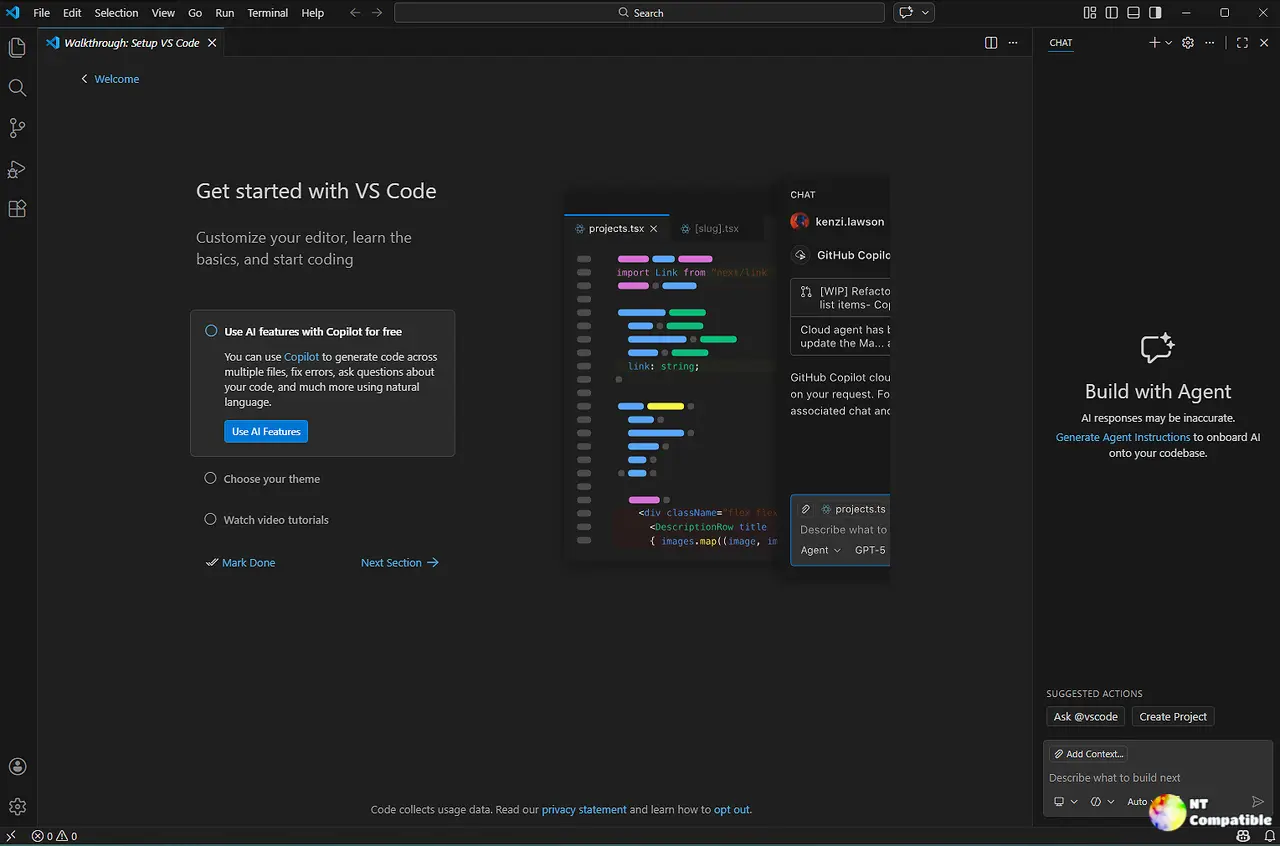
Visual Studio Code 1.122 Air-Gapped BYOK Setup Without Cloud Dependencies
Forcing a GitHub sign-in just to plug in an Anthropic or Ollama key was always a friction point for teams running restricted networks or fully offline workstations. The new flow skips the authentication step entirely, so users can drop their API credentials directly into the Manage Language Models dialog and start chatting immediately. Once at least one BYOK model is registered, the chat interface stays active while inline suggestions quietly wait in the background since those still demand a cloud handshake. A utility model notification pops up when features like commit message generation try to run without a fallback, giving users two clear paths forward. Picking Configure routes those lightweight tasks through the custom provider, while dismissing it keeps the workflow strictly focused on direct chat commands. The Custom Endpoint provider landing in Stable also means self-hosted enterprise models now get first-class support alongside standard OpenAI and Gemini integrations.
Integrated Browser Emulation and Screenshot Context
Web developers have long hated switching between VS Code and a full browser just to check mobile layouts or touch interactions. The updated integrated browser now ships with device emulation baked right into the overflow menu, letting users toggle screen sizes, custom user agents, and touch simulation without leaving the editor. Agents can even trigger these checks through Playwright scripts to catch responsiveness bugs before they hit production. Attaching a viewport screenshot directly to the chat window adds another layer of debugging context, which saves time when explaining layout shifts or CSS grid failures to remote teammates. The emulation toolbar stays out of the way until needed, keeping the interface clean for heavy coding sessions.
Visual Studio Code 1.122 Sandbox Rules and Agent Window Tweaks
Terminal sandboxing used to retry failed commands outside the restricted environment whenever approvals were bypassed, which basically defeated the whole purpose of running in a safe zone. It is common to see this behavior cause confusion after a driver update or when Autopilot mode runs unchecked, since the automatic retry removes any real safety benefit and makes troubleshooting harder. The update now restricts sandbox execution to Default Approvals only, creating a much clearer boundary between automated safety nets and manual overrides. The Agents window keeps getting polished with hover tooltips that instantly show harness types, project paths, and changed files without opening separate panels. Local harness support remains locked behind Insiders builds for now, but the session management flow already feels noticeably faster than juggling multiple terminal tabs. OpenTelemetry signals also got a structured overhaul, adding repository context and tool parameters to every agent run for better observability.
Issue Reporting Wizard and Platform Shifts
The old bug submission form felt like filling out tax paperwork, so the new issue reporting wizard replaces it with a step-by-step guide that captures relevant details automatically. Enabling the issueReporter.wizard.enabled setting unlocks screenshot attachment and video recording options directly from the editor, which drastically reduces back-and-forth when tracking down race conditions or extension conflicts. The update also marks the end of 32-bit ARM Linux host support, a necessary cleanup that frees up maintenance resources for modern container workflows. Users who rely on older hardware will need to stick with previous builds until they can migrate their development environment.
Download
Windows:
Mac:
Linux:
Grab the update when ready and test the BYOK flow against your local models first. The sandbox changes alone are worth checking, and the browser emulation saves enough context switching to justify the install. Happy coding.


