Visual Studio Code 1.123 brings session sync, a research agent, and safer extension updates
Visual Studio Code 1.123 gives developers a reliable way to keep AI chat history across machines without manually copying prompts between laptops. This release also adds a dedicated agents window, deeper browser screenshot tools, and a two hour delay on automatic extension updates to stop broken releases from breaking the workflow. Here is what actually matters for daily development.
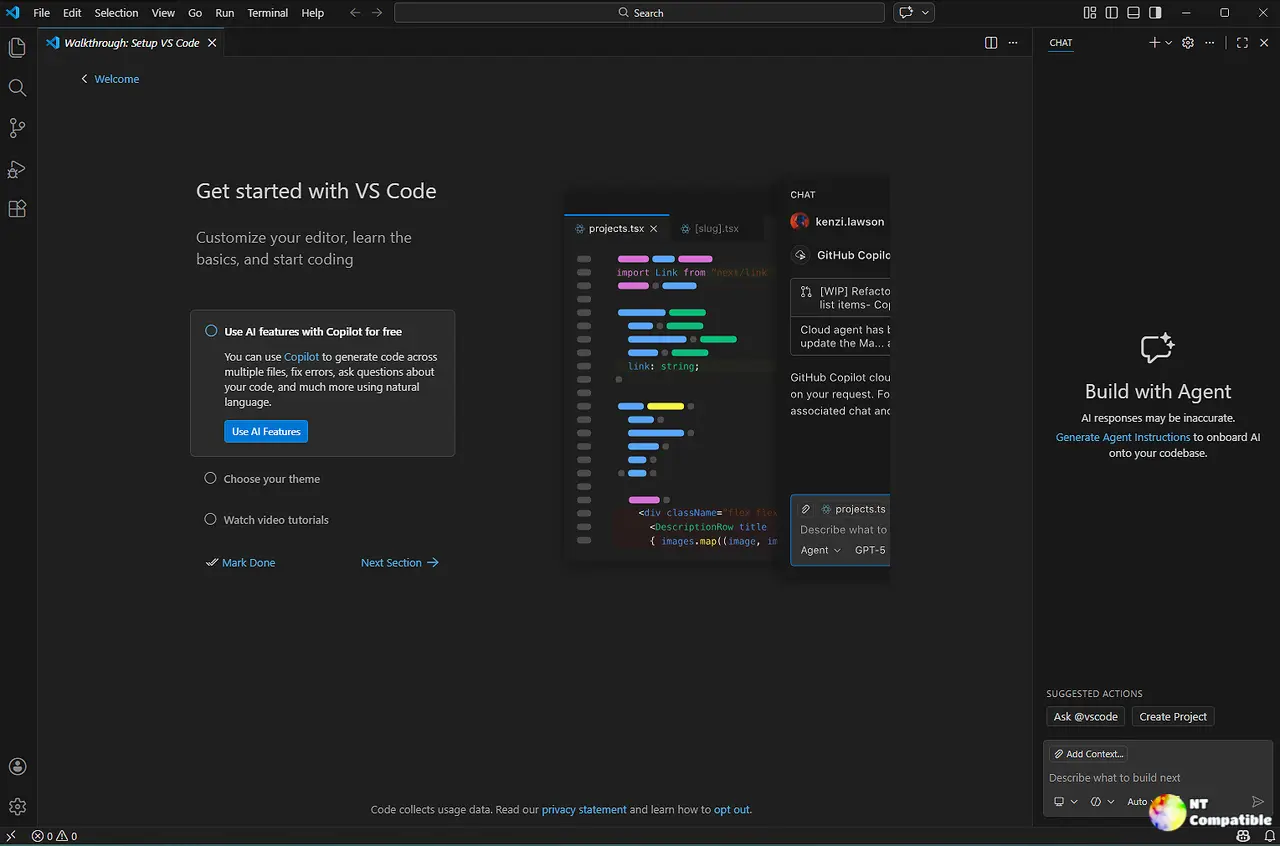
Keeping chat history across machines without the manual copy paste
The new session sync feature ties Copilot conversations directly to a GitHub account so developers can pick up exactly where they left off on another computer or workspace. Each saved session tracks the conversation, touched files, repository context, and any linked pull requests or issues. Running /chronicle in the chat window lets users search that history by topic, file, or PR, which saves time when generating standup reports or recalling why a specific fix was applied weeks ago. The setting lives under chat.sessionSync.enabled and stays locked at the organization level, so developers will need to check with their admin if it does not show up in the status bar.
Managing multiple agent sessions without losing context
The agents window now supports side by side session viewing, which means comparing two different AI approaches or reviewing parallel debugging attempts becomes actually possible. Users can pin specific sessions so they stay visible while switching contexts, and dragging a session into the view area opens it next to the active one instead of replacing it. Only one session controls the terminal and file views at any given time, which prevents accidental commits from running in the wrong context. The preview research agent takes this further by running /research commands that pull from the codebase, GitHub repos, and the web to generate a cited Markdown report. It reads only, so developers can safely investigate unfamiliar libraries or compare architectural approaches without worrying about the AI rewriting production files.
Smarter sandbox retries and better browser screenshots in Visual Studio Code 1.123
Terminal commands that hit network restrictions now get a second chance inside an unrestricted sandbox before falling back to unsandboxed execution. This handles common blockers like git fetch without forcing developers to manually adjust security policies every time a command needs external access. Development teams routinely lose half a day rolling back broken extensions after a rushed publish, which is exactly why that two hour buffer matters for extension updates. The integrated browser also gets a revamped address bar that doubles as a favorites manager, making quick navigation faster than hunting through history menus. Screenshot capture expands beyond the current viewport with area selection and full page options, which helps when debugging layout issues or capturing complete error states for chat context.
A two hour buffer stops broken extensions from breaking workflows
Automatic extension updates now wait two hours after a publisher pushes a new version before installing it on the machine. This delay gives developers time to spot early reports of crashes or compatibility breaks without waiting for a full patch cycle. The setting does not block immediate manual updates, and trusted publishers like Microsoft and GitHub still push changes instantly since their release pipelines are generally more stable. When an update is sitting in that two hour window, the extension details view clearly shows why it has not installed yet and exactly when it will run.
Release Visual Studio Code 1.123.0
https://code.visualstudio.com/updates/v1_123
The agents window preview needs a bit of polish before it replaces dedicated IDE panels, but the session sync and safer extension updates are solid quality of life improvements. Grab the update when ready and test the research agent on your next codebase review. Happy coding.


