Visual Studio Code 1.129 Lands With a New AI Architecture and Experimental Modern UI
The editor host decouples agent sessions, the Agents window gets a major overhaul, and a taste of the next visual identity arrives in Insiders.
Visual Studio Code 1.129 is available today. Microsoft has quietly pulled off one of the biggest architectural shifts in the editor’s history by moving agent sessions to a dedicated background process. That fundamentally changes how AI tools interact with your workspace.
This release is part of VS Code’s ongoing push to weave AI deeper into the workbench. You can opt into the new architecture today, though it comes with a few configuration walls worth knowing upfront.
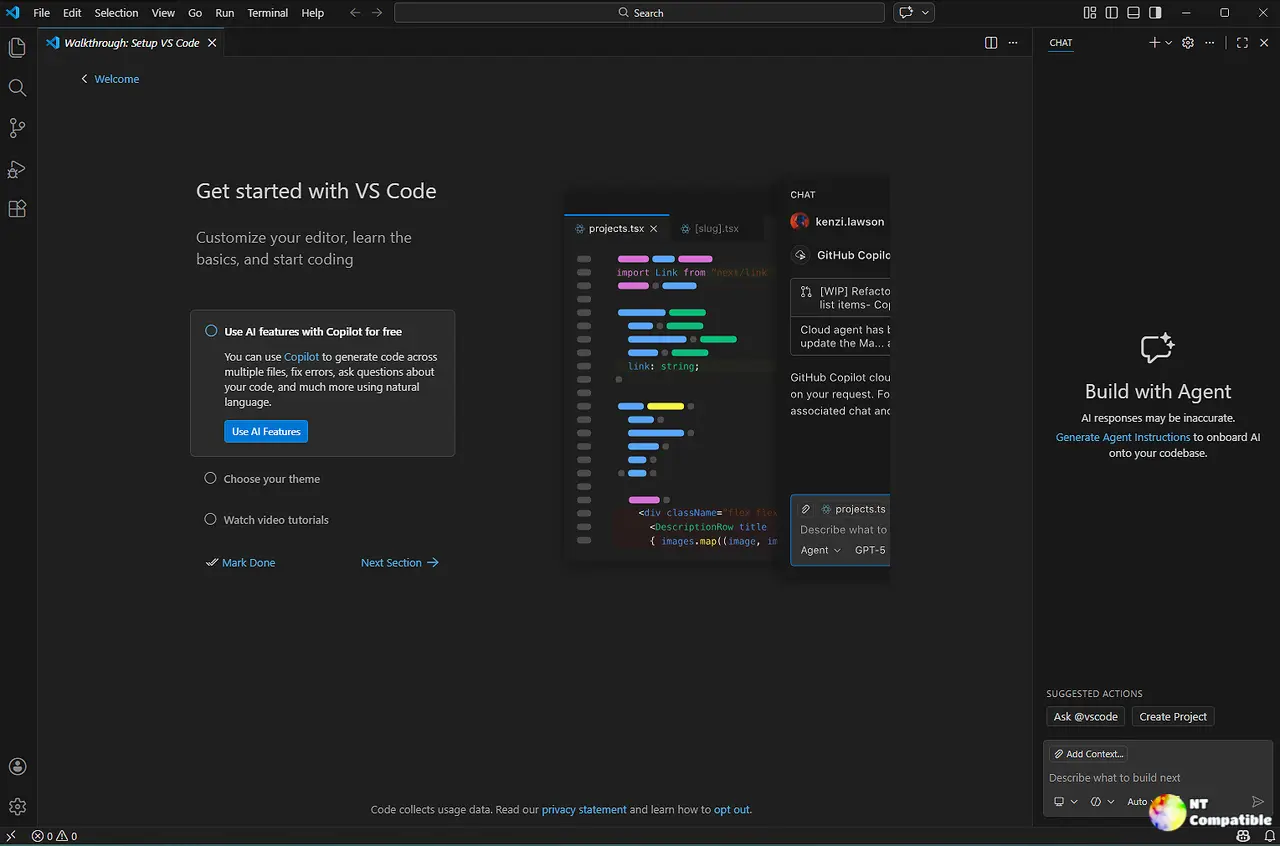
The Agent Host Changes Everything
The agent host is Microsoft’s direct answer to years of stability complaints. Microsoft says the shift is designed to prevent agent crashes from taking down the entire editor. Agents like Copilot, Claude, and Codex now run in their own isolated process. That means a hung model won’t freeze your editor. It also means you can attach the same session to multiple VS Code windows at once. The setup relies on the open-sourced Agent Host Protocol. Keep in mind that you’ll need to toggle chat.agentHost.enabled in your settings to actually use it. Enterprise admins will manage that toggle across the fleet anyway.
Microsoft has been experimenting with background AI processes since the early Copilot days. Those early builds crashed more often than they actually wrote code. This release finally stabilizes that mess. If you want to try it out, just pick your harness from the dropdown and reload. Some features here will explicitly call out the agent host requirement.
A Cleaner Agents Window and Chat Upgrades
Microsoft also completely redesigned the Agents window. The agent’s output and diffs now dock directly beside your chat conversation in a shared tab bar. You no longer have to juggle floating panels to review what the agent actually changed. The new Changes view supports inline and side-by-side diffs. Session state survives window reloads, which is a massive quality-of-life win. There’s also a single-pane detail panel you can enable with sessions.layout.singlePaneDetailPanel.
On the chat side, you can now prefix messages with an exclamation mark to run them as terminal commands. It’s a small touch, but it keeps your workflow from bouncing between chat and the terminal. BYOK models are also supported through the Copilot harness. This is a relief for orgs that prefer their own API keys over managed endpoints. Microsoft’s pushing prompt-to-skill migration as well. If you’ve been hoarding *.prompt.md files, the new migration tool will bundle them into a unified format.
When you switch a file between text, visual, or preview modes, you can now just hit the toolbar menu instead of digging through the Command Palette. GitHub Enterprise users finally get proper Copilot sign-in through the agent host. That means GHE-backed subscriptions actually complete the OAuth flow now. It fixes a long-standing roadblock for enterprise teams.
The experimental modern UI preview arrives in this build as well. Toggle workbench.experimental.modernUI to see Microsoft’s next visual direction. It’s enabled by default in Insiders, and frankly, it looks like a solid first pass. The proposed customEditorPriority API is also making waves for extension authors. You can now set text, diff, and merge priorities independently.
It’s a lot of machinery under the hood, and the agent host isn’t for everyone yet. You’ll hit configuration walls if your enterprise policy locks down settings. At the same time, the docked editor panel and BYOK support make this the most practical AI update VS Code has shipped in a while.
The stable build is available for Windows, Mac, and Linux right now. You can grab the x64 or Arm64 installers for Windows. Universal or Intel builds for macOS work just as well. You’ll find deb, rpm, tarball, or snap packages for Linux as well. If you want to test the modern UI preview without touching the main release, head to the Insiders channel. Keep in mind that the agent host and prompt migration tools are still maturing. Expect a few rough edges when you toggle them on.


