Visual Studio Code 1.129.1 lands with patch for Agent Host overhaul
Microsoft rewrites the agent architecture with a dedicated process, and the patch fixes the kinks.
Visual Studio Code 1.129.1 has dropped, but the real story here is the massive structural change Microsoft introduced with the base 1.129 release. The patch arrives roughly a week after July 15 to smooth out the rough edges of a new architecture that treats AI agents less like embedded plugins and more like independent processes.
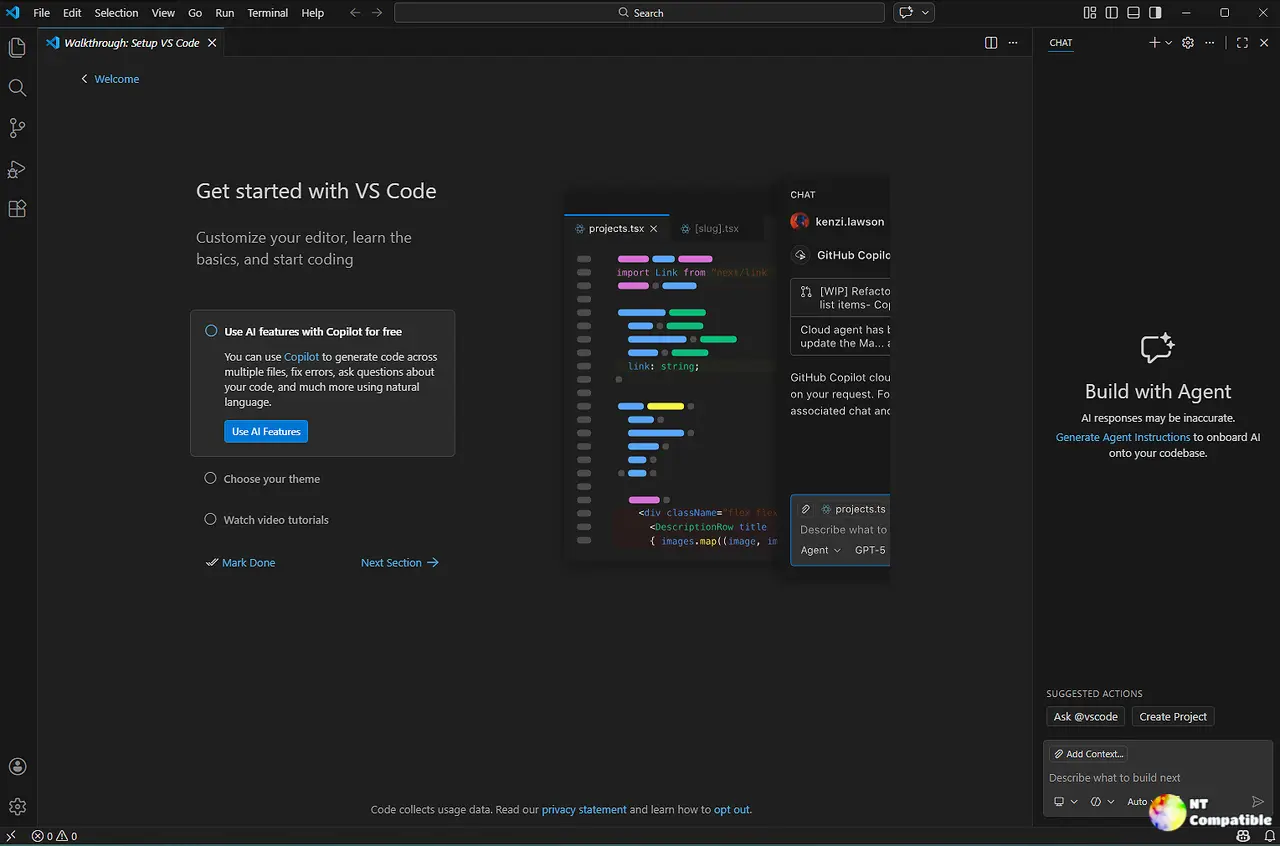
The headline feature is the Agent Host. VS Code is ripping agent sessions out of the main UI thread and moving them to a dedicated background process. This applies to Copilot, Claude, and Codex harnesses. Sessions now live on the Agent Host Protocol (AHP).
Why bother? Microsoft says isolation is the driver. A crashed agent won't take down your editor. On top of that, you can now attach the same agent session to multiple VS Code windows simultaneously. That's a shift from the embedded model we've seen since early AI integrations.
Keep in mind that this isn't on by default. You need to toggle chat.agentHost.enabled. Organizations can manage this setting at the group level. If you pick Copilot as your harness, it's now powered by the Copilot SDK, aligning behavior with the standalone GitHub Copilot app and the CLI.
If the agent host scales, you might see VS Code sessions shared between your desktop and a remote server without touching the main process. That's the kind of backend power we didn't expect from a code editor. The move to a dedicated process for AI logic fundamentally changes how VS Code handles workload distribution.
Agent workflows get a backbone
The agent host brings more than just isolation. You get session-management tools that let agents talk to each other. New agents can list sessions, read conversation history from a peer, or even send messages to a sub-task session. There's an "Open Session" pill for navigation.
The protocol caps bursts to prevent unbounded fan-out. Agents also cannot message their own chat, which prevents some of the loop behavior we've seen in other tools.
For users, there are a few direct features built on this. You can now use the ! prefix in chat to run commands. It works in the editor window and the Agents window. If you're running on Copilot, BYOK models are supported via the agent host. You can configure your own keys for cost or privacy.
GitHub Enterprise support finally hits the agent host too. If you sign in through a GHE instance, the OAuth flow runs against that host. This removes the previous wall where the agent host only worked with github.com.
UI tweaks and modern preview
Microsoft is also messing with the layout. The Agents window now has a new editor panel that docks the detail area and editor into a shared tab bar. You can toggle between inline and side-by-side diffs. Session persistence restores your width and open editors across reloads.
The setting sessions.layout.singlePaneDetailPanel gets you there. It requires a window reload.
There's also a modern UI preview. This updates the workbench look. The setting is workbench.experimental.modernUI. It's enabled by default in Insiders. First look at a refreshed visual design for the VS Code workbench.
Prompt files are being pushed toward skills. If you have chat.customizations.promptMigration.enabled on, you'll see a migration entry in the AI Customizations overview. Microsoft wants cross-harness compatibility, so the old *.prompt.md files are getting deprecated in favor of the skills format.
1.129.1 specifics
The patch release addresses issues from the 1.129.1 GitHub milestone. Typical weekly cadence stuff. Bug fixes for regressions in the agent host and modern UI. Stability improvements. Security patches.
Contributors like Arthur Cnops and Akshat Anand landed fixes for voice answers and tab decorations. The worktree checkbox now replaces the folder dropdown in the session picker.
If you're keeping score, 1.129 is a big swing. The agent host architecture could reshape how VS Code handles multi-agent workflows. It's arguably competing with standalone orchestrators now. The opt-in nature of the agent host suggests Microsoft knows some users will stick to the legacy model for now.
The stable build is available for Windows, Mac, and Linux right now. You can grab the x64 or Arm64 installers for Windows. Universal or Intel builds for macOS work just as well. You’ll find deb, rpm, tarball, or snap packages for Linux as well.


