Visual Studio Code 1.130 Ships With a Major Agent Architecture Overhaul
Microsoft fundamentally reworks how AI agent sessions live inside the editor, decoupling them from individual windows and giving third-party harnesses the same infrastructure as Copilot.
Visual Studio Code 1.130 is live, and the headline shift isn't a new feature button or a color scheme. It's an architectural pivot. Microsoft has introduced the Agent Host Protocol, which moves agent sessions out of the main editor process and into their own dedicated threads. You can now run a single agent session across multiple VS Code windows at the same time, and the Copilot harness finally talks to the same backend as the standalone app and CLI. That's been a point of friction for power users for years.
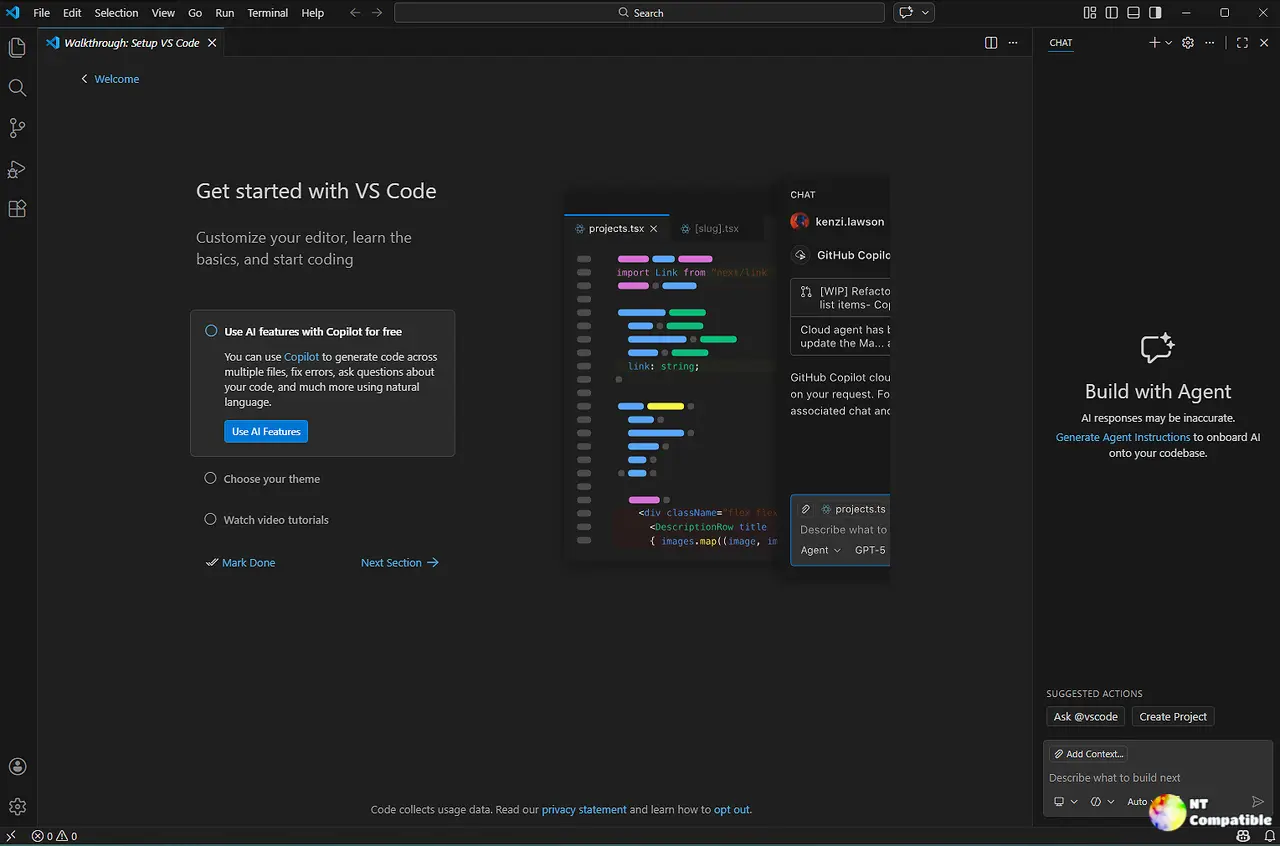
Agent Sessions Just Got Decoupled From Your Windows
The old behavior was rigid. Launch a Copilot, Claude, or Codex session in one window, and the session was permanently married to that window. Close it, lose the context. Microsoft's new Agent Host Protocol breaks that tether. Each harness now runs in its own process, which means a session can be attached to several editor windows simultaneously.
The Copilot harness now runs on the official Copilot SDK. If you've ever juked between the VS Code extension, the desktop app, and the CLI, you know they used to behave slightly differently. That divergence is gone. Claude and Codex sessions running on the host also get worktree isolation, meaning each harness spins up its own Git worktree. You can have a Claude task handling database migrations and a Codex task tackling authentication in the same workspace, with zero branch collisions.
The rollout is gradual. You opt in through the chat.agentHost.enabled setting, which organizations can manage centrally. Once enabled, you pick a harness from the dropdown in either the editor window or the Agents window. Microsoft is clearly steering future features toward this architecture, so expect new capabilities to only function when running on the host.
AI-Gated Permissions and the Rest of the Changelog
Long-running agent runs have historically stalled behind a wall of manual approval prompts. VS Code 1.130 tries to fix that with Assisted Permissions, gated behind chat.assistedPermissions.enabled. The language model now evaluates the risk of each proposed tool call before asking you to click approve. Low-risk operations run autonomously. Anything the model flags as genuinely uncertain gets pushed to you for review. It's a shift from binary prompts to a tiered system. Head here to read up on the security model details if you're running agents on shared machines.
The Agents window got some quiet polish, too. File headers in the Changes editor now show live insertion and deletion counts alongside the path. The multi-file diff view tightened the gutter, which actually leaves room for code in narrower panes. Quick chat sessions on the Agent Host dropped down to single-line rows in the session list, making it trivial to separate ephemeral chats from persistent work. Chat timestamps are back via chat.verbose, showing elapsed time per request so you can actually measure API latency. Copilot Business and Enterprise users also get aggregate credit usage in the status menu, even without a configured budget.
If you use diff.mnemonicPrefix in git, clicking terminal diff links used to resolve to broken paths. That's fixed now. VS Code strips the i/, w/, 1/, or 2/ prefix and opens the correct file. The repository itself is also now compiled with TypeScript 7, and the bundled extension targets it. It's the first major IDE to ship TS7 as a baseline, which carries some weight given VS Code's grip on the ecosystem.
Three themes define 1.130. Agent sessions are now treated as infrastructure, not transient dialogs. Safety is moving toward AI-assisted gating rather than manual escalation. And cross-provider parity means VS Code is positioning itself as an agnostic runtime rather than a Copilot-only product. It's arguably competing with dedicated agent orchestration tools at this point.
You can grab VS Code 1.130 starting today from the standard download page. To opt into the Agent Host early, flip chat.agentHost.enabled in your settings. Keep in mind that some harness features will only function once the progressive rollout hits your instance. Head here for the full changelog if you want the complete list of community contributions and bug fixes.


