Visual Studio Code 1.142 quietly makes the Copilot agent harness the default path forward
Microsoft released Visual Studio Code 1.142 (build 1.142.0) on October 14 as a Stable update that cares more about picking a side than about new toys. The single biggest change isn't even a headline feature. The Copilot harness, the SDK-backed agent runtime Microsoft owns, is now progressively becoming the default for new agent sessions. Enterprise admins who flip on sandboxing or permissions get moved onto it without being asked.
That quiet consolidation matters more than the preview features listed on the release notes. Let me get into what actually ships and what it says about where VS Code is headed.
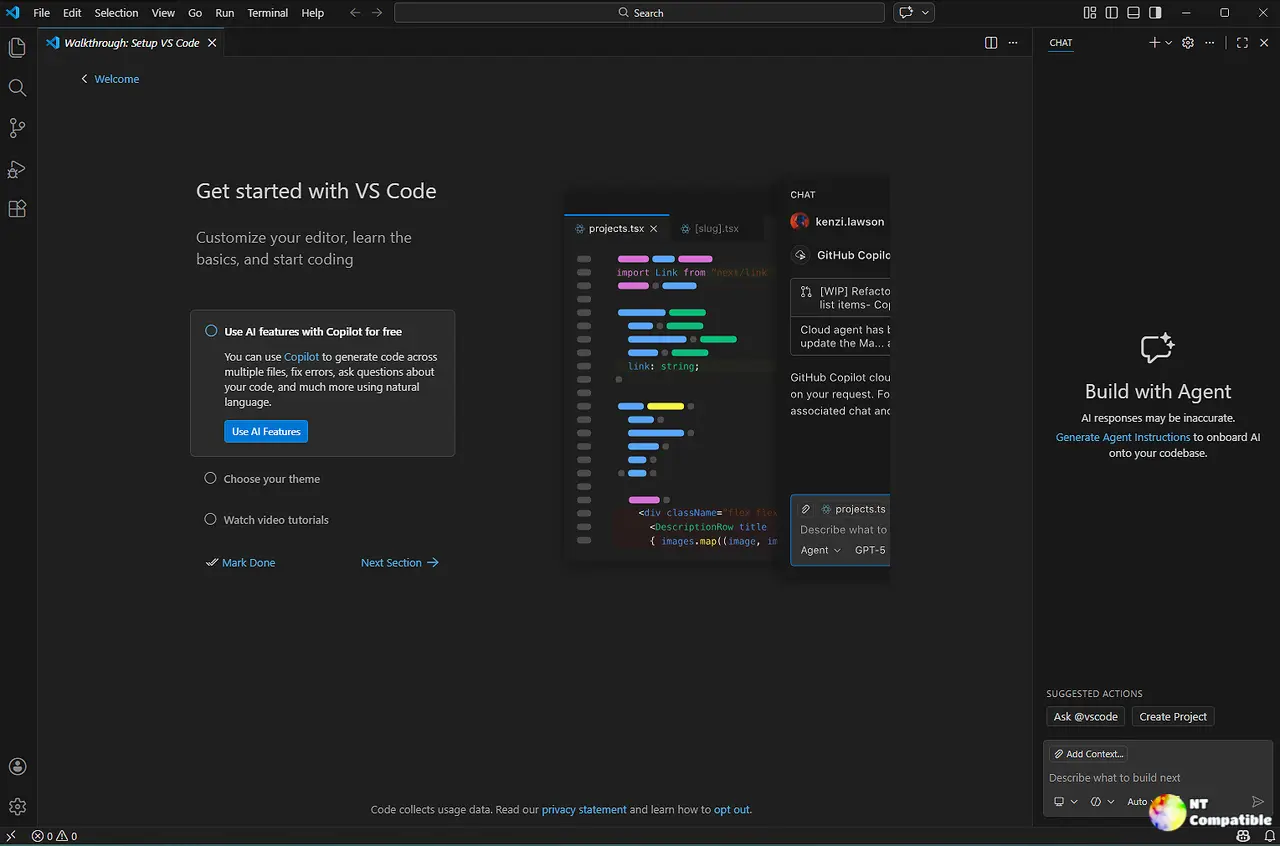
The Copilot bet, made permanent
Here's the part worth reading twice. When an organization configures a nonempty permissions object or sets sandbox.enabled to true, VS Code now requires the Copilot harness in Agent Host to enforce those policies. The reasoning is sound: only Microsoft's own runtime can reliably sandbox and gate permissions. The effect, though, is that Claude, Codex, and terminal chat simply disappear for that workspace.
Opening an existing Local chat under those policies triggers an automatic migration to Copilot. Your transcript and any unsent draft, attachments included, carry over. Nothing is sent automatically. Switch away mid-migration and the original stays put while the unopened destination gets discarded.
Administrators who want a grace period can set vscode.temporaryDefaultToLocalHarness to true in unified managed settings. That comes with a tradeoff, since it also overrides the sandbox and permission routing that Local doesn't enforce anyway.
What's actually new
Canvases are the most visible addition, and they're in Preview. A canvas is an interactive panel that opens beside the chat so you and an agent can edit the same artifact instead of trading text prompts. The sample is a Kanban board for planning implementation work: you move cards, the agent breaks a feature into tasks and updates their status.
Here's the catch. Canvases currently work only with the Copilot harness, which undercuts the "portable, collaborative agent" framing a little. They do carry across the editor window, the Agents window, and the standalone GitHub Copilot app, which at least signals a unified cross-product push.
To try it, set chat.canvases.enabled, start a new Copilot session, then type /create-canvas and describe the UI you want. A skill creates a canvas extension in your workspace and opens it.
Move chats between folders and worktrees is the feature that will actually save people time. Moving an investigation from one folder to a separate Git worktree previously meant starting a fresh chat and rebuilding all the context. Now, inside the Agents window, you ask the agent to move the current chat and it keeps the history intact, doing the work in the new worktree while your original checkout stays untouched.
It's limited for now: only Codex harness sessions, or Codex in Interactive mode, with exactly one chat and one local folder. So the feature that solves a universal pain point works with just one third-party harness. Microsoft will presumably widen it.
The Markdown editor gets a real overhaul too. Each source line now appears on its own visual line in edit mode, a screenshot pastes straight in, and the F2 rename propagates across file links throughout the whole document. Outline and breadcrumbs integration makes jumping around long documents painless, and code blocks pick up a copy button on hover.
Smaller, but useful. Chat titles now show the active harness (Copilot or Codex) right in the title, so you stop hunting for the picker. Copilot sessions gain a Background Shells pill that lists running commands, plus a Stop Shell option that ends just one of them. The redesigned model picker separates Copilot and BYOK models into tabs and lets you tweak thinking level and context window per model. Python users get Environments Extension fixes around discovery, interpreter selection, and uv-managed installations showing up under Global.
If you work in enterprise land, the fine-grained permissions change is worth knowing: you can permit Assisted while blocking Allow All, giving developers approvals without letting them bypass checks. The JSON is fiddly. The intent is clear, at least.
Keep in mind that Windows sandboxing for the Local harness is being deprecated. Head to an Agent Host session for sandboxed command execution on Windows. Another nudge toward the Copilot runtime.
What this says about where VS Code is going
Follow the release cadence and the message gets clearer. VS Code ran from 1.135 on August 26 to 1.141 on October 7 to 1.142 on October 14. That's near-monthly at a minimum, and weekly on Insiders, where Canvases and session-scoped layout mature before reaching Stable. It's a rather aggressive timeline for a tool that's fundamentally changing how it talks to AI, though the design and architecture do carry it.
The thing behind all of this, the Agent Host, introduced with an architecture blog on August 26, is doing the heavy lifting. A dedicated process now owns agent sessions, separate from the per-window extension host, so sessions survive folder closes, window reloads, and cross-device connections. That's what makes move chats and the synchronized Agents window possible.
The end result reads less like an editor update and more like a governance story. As agents gain the ability to run commands and edit files, Microsoft is building the guardrails, sandboxing, permission modes, policy-driven migration, telemetry attribution, that enterprises need before adopting agent workflows at scale. For what it's worth, it's arguably competing to become an endpoint-management product dressed up as an editor.
How to get it
Already running Visual Studio Code? Use Check for Updates. Head here to download Visual Studio Code for Windows (x64/Arm64), Linux (.deb/.rpm/.tar.gz plus Snap), and macOS (Universal/Intel/Apple silicon) for fresh installs.


