Windows Server vNext Preview Build 29574 introduces Quick Machine Recovery to automatically fix boot failures and expands network storage options with NVMe-over-Fabrics support over TCP and RDMA. Microsoft has established a hard baseline at Build 29531, meaning anyone running an older preview must perform a clean install since incremental upgrades will likely break VMs and clusters. The update also enables ReFS Boot but warns that manually deleting or resizing the WinRE partition can permanently lock users out without a fresh installation. Server Core environments may face minor AppCompat FOD licensing issues after upgrade, so testers should download the latest ISO directly and avoid attempting any incremental updates.
Windows Server vNext Preview Build 29574 Brings Quick Machine Recovery and NVMe-oF but Demands a Clean Install
Windows Server vNext Preview Build 29574 is live for Insiders, and while it adds some serious recovery tools, Microsoft has also drawn a hard line in the sand regarding upgrades. If you are running an older preview build, do not bother trying to upgrade; a clean install is now mandatory to avoid breaking your environment. This release introduces Quick Machine Recovery (QMR) to handle boot failures automatically, expands NVMe-over-Fabrics support for faster network storage, and enables ReFS Boot with some important caveats you need to read before touching your partitions.
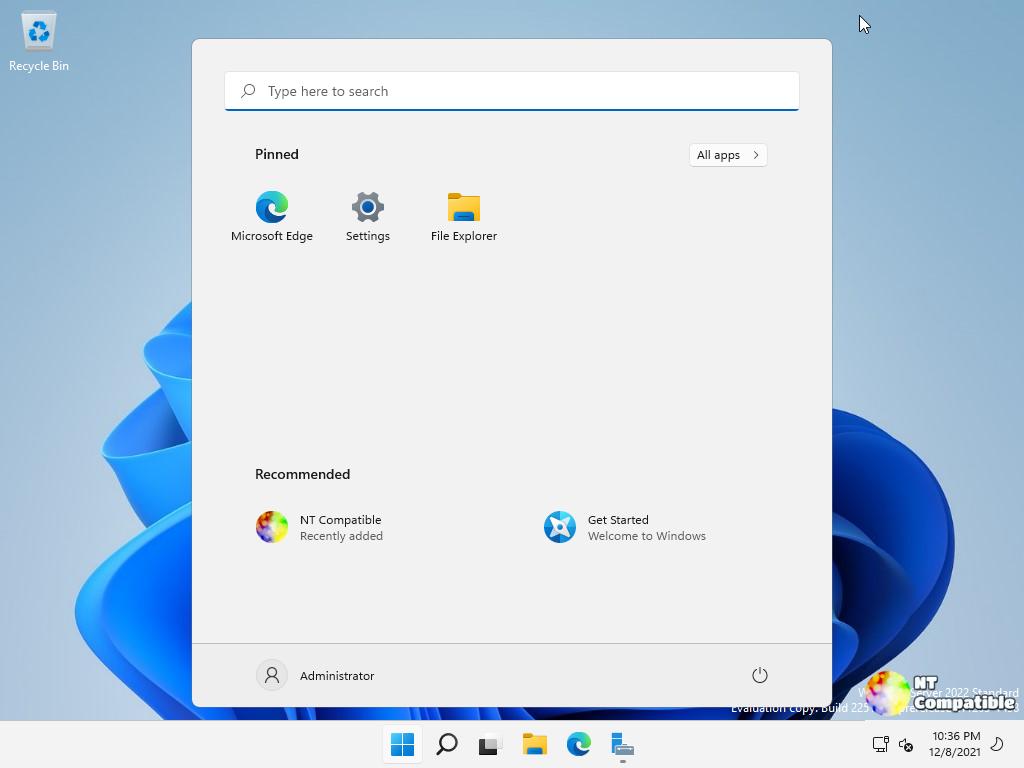
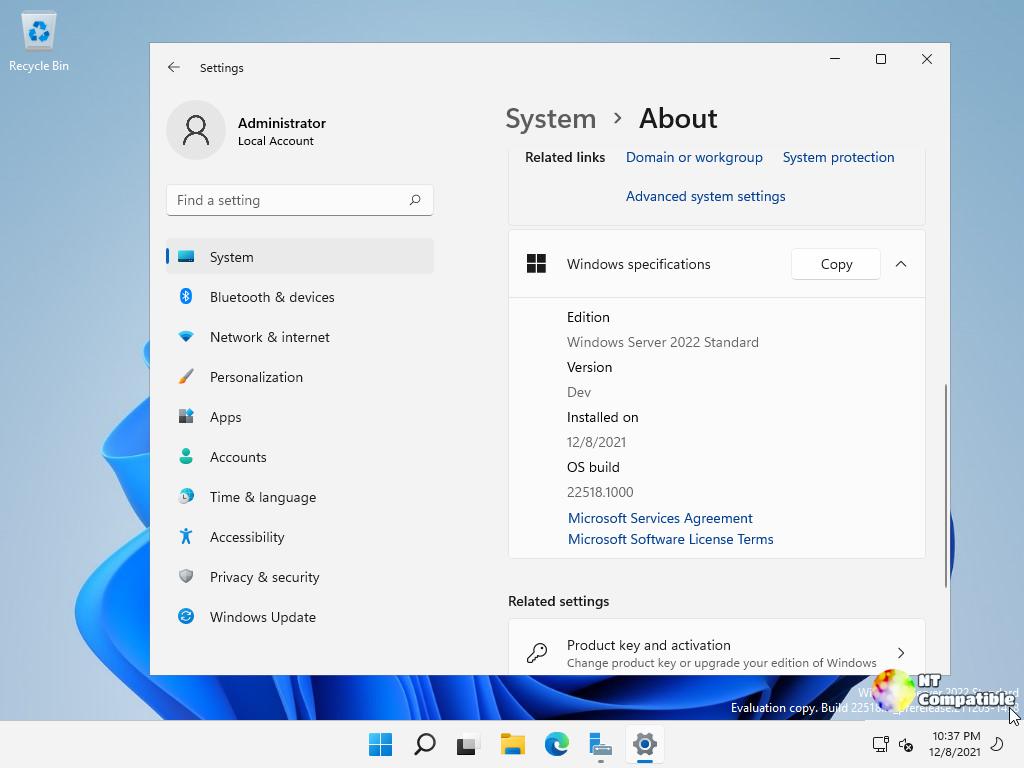
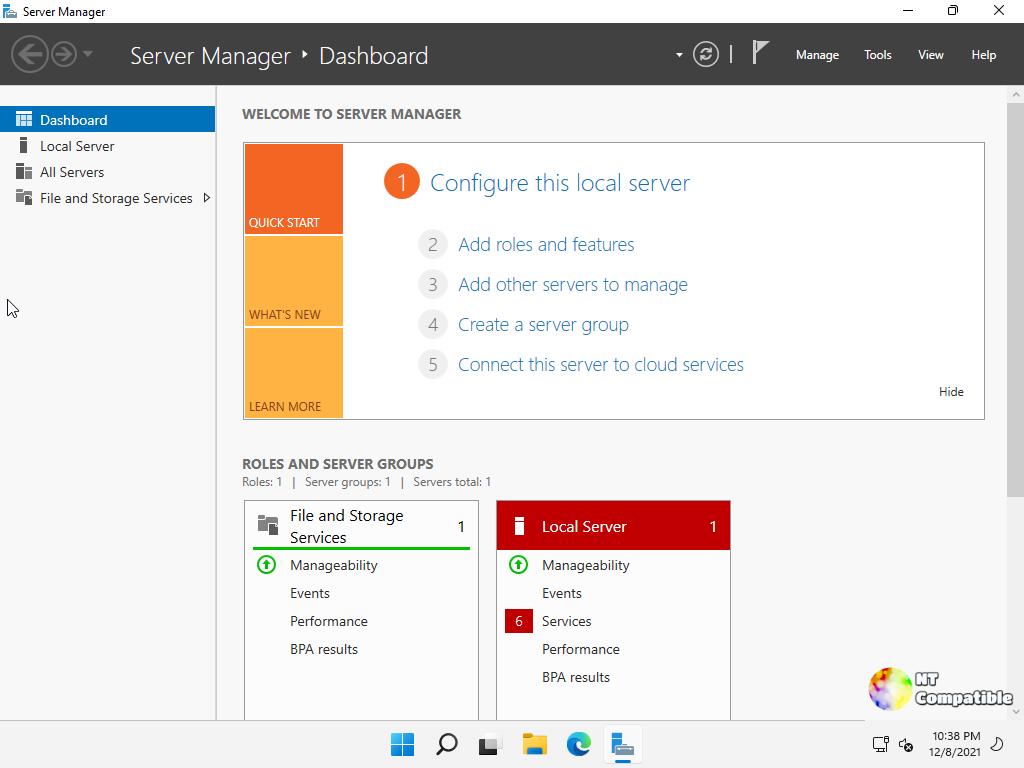
New Baseline Means Clean Install Only for Windows Server vNext
Microsoft has established Build 29531 as the new baseline for Windows Server vNext previews, and that means any attempt to upgrade from builds older than that is officially off the table. The setup wizard might let you click through an upgrade from legacy preview versions like Build 26525, but the results are unpredictable at best and catastrophic at worst. Upgrades from those older snapshots can break VMs, kill live migration capabilities, and crash failover clusters. If your current build is anything lower than 29531, wipe the drive and start fresh using the latest installation media. Flighting support also resumed with Build 29550, so stick to builds at or above that number for a stable testing experience.
Quick Machine Recovery Automates Boot Fixes
The headline feature here is Quick Machine Recovery, a tool designed to stop IT admins from having to physically walk to servers when they hit boot-critical errors. When a server refuses to start, QMR can automatically reach out to the cloud to find and apply remediations for widespread failures. This falls under the Windows Resiliency Initiative and aims to cut down downtime by pushing trusted fixes through Windows Update before anyone has to touch a keyboard. The feature is currently active in test mode, and while a Group Policy toggle will arrive later for administrative control, you can simulate the experience right now using command-line tools. To trigger a simulated crash recovery, open an elevated command prompt and run reagentc.exe /SetRecoveryTestmode followed by reagentc.exe /BootToRe, then reboot the machine to watch it auto-remediate safely.
NVMe-over-Fabrics Expands Network Storage Options
For those building out storage fabrics, Windows Server vNext now supports NVMe-over-Fabrics with a focus on accessibility and performance. The update brings support for NVMe-oF over TCP, which allows the protocol to run over standard Ethernet networks without requiring specialized hardware. It also adds NVMe/RDMA support for low-latency, high-throughput access over RDMA-capable networks using supported NICs like RoCE or iWARP. This moves away from legacy SCSI-based protocols such as iSCSI and lets hosts communicate directly with remote NVMe controllers using the native command set. If you are looking to modernize your storage architecture without buying expensive proprietary gear, this is a welcome addition that brings enterprise-grade speed to standard networking setups.
ReFS Boot Enabled with Partition Warnings
Microsoft has also flipped the switch on ReFS Boot for Windows Server vNext previews, but there are strict limitations that could leave a system in an unrecoverable state if you get careless. The setup creates a minimum 2GB WinRE partition, and space constraints can cause the system to disable WinRE entirely without removing the partition. The real danger lies in manual partition manipulation. If you delete the WinRE partition and then try to extend your boot volume over that space, the operation is unrecoverable and demands a clean install. Recovery nightmares from partition resizing gone wrong are common enough that messing with system partitions on ReFS requires extreme caution. Stick to the documented boundaries unless you enjoy restoring from backups.
Server Core Quirks and Download Details
There are a few other quirks to keep in mind before downloading. Server Core users might run into trouble enabling AppCompat FOD after reinstalling due to legacy third-party license compatibility checks that fail on upgraded devices. This appears limited to specific license scenarios and will be addressed later, but it is worth noting if you rely on those features. Also, the flight label in some download portals may incorrectly reference Windows 11; ignore that typo and proceed with the installation, as the package is definitely for Server vNext. The preview builds expire on September 15, 2026, so there is plenty of time to test, but you will need valid keys for Standard and Datacenter editions if you are evaluating outside the Insider program. Azure Edition does not require a key.
Grab the ISOs from the official download page, double-check your build number before attempting any upgrades, and report QMR feedback via the Feedback Hub under Recovery and Uninstall. Happy testing, and may your servers boot without needing a physical visit.


