Microsoft has released Windows Server vNext Preview Build 29621, introducing hardware-rooted security via Trusted Launch for virtual machines and native NVMe-over-Fabrics storage support. The update also enables automatic boot failure remediation with Quick Machine Recovery and allows the operating system to boot directly from a ReFS volume. Microsoft mandates a clean installation from baseline build 29531 onward, warning users to patch a critical TLS race condition before deploying in lab environments. The preview environment remains active until September 15, 2026, with feedback collected through the official Windows Feedback Hub and Microsoft Tech Communities.
Microsoft Unveils Windows Server vNext Preview Build 29621
The next LTSC release lands with Trusted Launch VMs, NVMe-oF support, and a strict clean install policy.
Microsoft has just dropped Windows Server vNext Preview Build 29621, a fresh insider build that marks the next Long-Term Servicing Channel release for Windows Server. If you're planning to test it, start by clearing out your old snapshots.
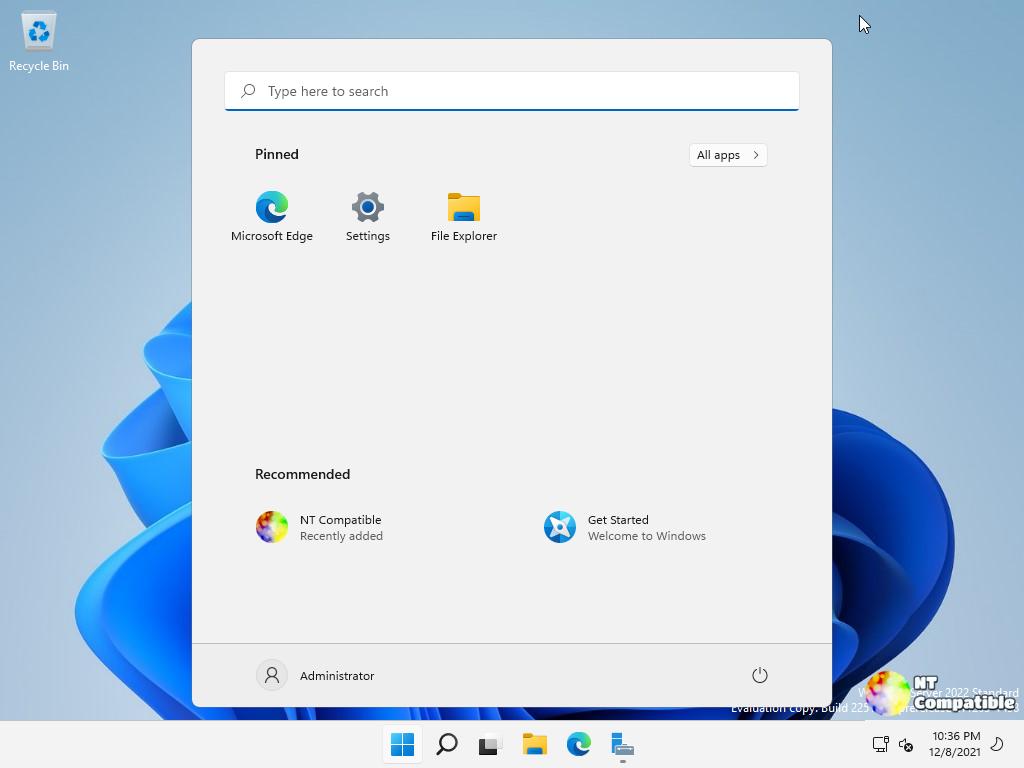
The preview still carries the lingering "Windows Server 2025" branding on its installer, but Microsoft is explicit: report all issues under "Windows Server vNext preview." You can grab ISO files in 18 languages or VHDX images in English only for both the LTSC preview and the Azure Edition evaluation. Standard, Datacenter, and Azure Edition keys are included in the release notes, though the Azure evaluation image refuses to accept traditional license strings.
Don't bother upgrading from an older preview build. Build 29531 established a hard baseline, meaning older setups like 26525 are completely unsupported. Clean installs only from here on out. While setup.exe might not technically block you, Microsoft has identified enough upgrade-related kinks to call the baseline off-limits for migration paths.
Security and storage take center stage
The headline grabber is Trusted Launch for Virtual Machines. Microsoft is finally pushing hardware-rooted security to the server side, enabling Secure Boot, vTPM, and guest state protection for Generation 2 VMs. You manage it all through PowerShell, though the feature is still pretty locked down right now. You can't move these VMs to another host, cluster them, or manage them through Windows Admin Center. The setup process involves a few registry tweaks and PowerShell cmdlets, and you'll want to verify the IGVmAgent service is actually running before creating your first isolated guest.
Quick Machine Recovery is another feature worth watching. It automatically hunts down cloud-based fixes when a Windows Server device hits a boot-critical error. The goal is straightforward: stop IT teams from manually rescuing dozens of bricked machines after a failed patch. It aligns with Microsoft's broader Windows Resiliency Initiative, though a Group Policy toggle to turn it on or off won't land until a future build. You can test the simulation yourself with a couple of reagentc.exe commands, but keep in mind that feedback needs to go through the Recovery and Uninstall category in the Feedback Hub.
LTSC builds have always walked a fine line. You get the long-term stability that embedded controllers and mission-critical servers demand, but you also accept that you won't get quarterly driver refreshes or the newest security tooling. This preview lands right in that gap, giving admins a chance to test the next generation without promising a finished product.
Then there's NVMe-over-Fabrics support. Windows Server can now push the NVMe protocol across a network fabric using both TCP and RDMA transports. It's a direct hit on legacy SCSI and Fibre Channel workflows, promising lower overhead and preserved parallelism for remote storage. Configuration happens through nvmeofutil.exe, and PowerShell cmdlets are still MIA. If you're eager to see how the initiator actually behaves, check out Yash Shekar's companion blog post from mid-March, though it's been a while since that dropped.
ReFS Boot is finally enabled, letting the OS live on a resilient file system volume. It's a meaningful shift for environments that rely on ReFS, though you'll need to watch your partition layout closely. The installer carves out a minimum 2 GB WinRE partition, and if that space runs dry during an update, Windows might just disable recovery entirely. Delete that partition and extend your boot volume over it, and you'll need a clean install to survive.
The build isn't without its kinks. A race condition in the TLS hybrid key exchange implementation can crash LSASS when hybrid groups negotiate. You'll want to disable X25519_MLKEM768 and similar groups via Group Policy before pointing this at anything production-adjacent. Server Core users should also brace for AppCompat Feature on Demand failures if they're juggling third-party licenses. And yes, the flighting label still sometimes mislabels the package as Windows 11. Ignore it. The ISO installs the correct server build regardless.
Microsoft says this preview will expire on September 15, 2026, giving you plenty of runway to break things and report them. File feedback under the Windows Server category in the Feedback Hub, or hit up nvmeofpreview@microsoft.com if you're testing storage paths. Keep your diagnostic data set to Optional while you're in the preview channel. You can grab the ISOs directly from Microsoft's official download portal, though you'll need your insider credentials handy.
Head here for the official announcement.


