WSL Manager 2.0.0 Ships with macOS VM Support, AI Agent, and a No-Subscription Model
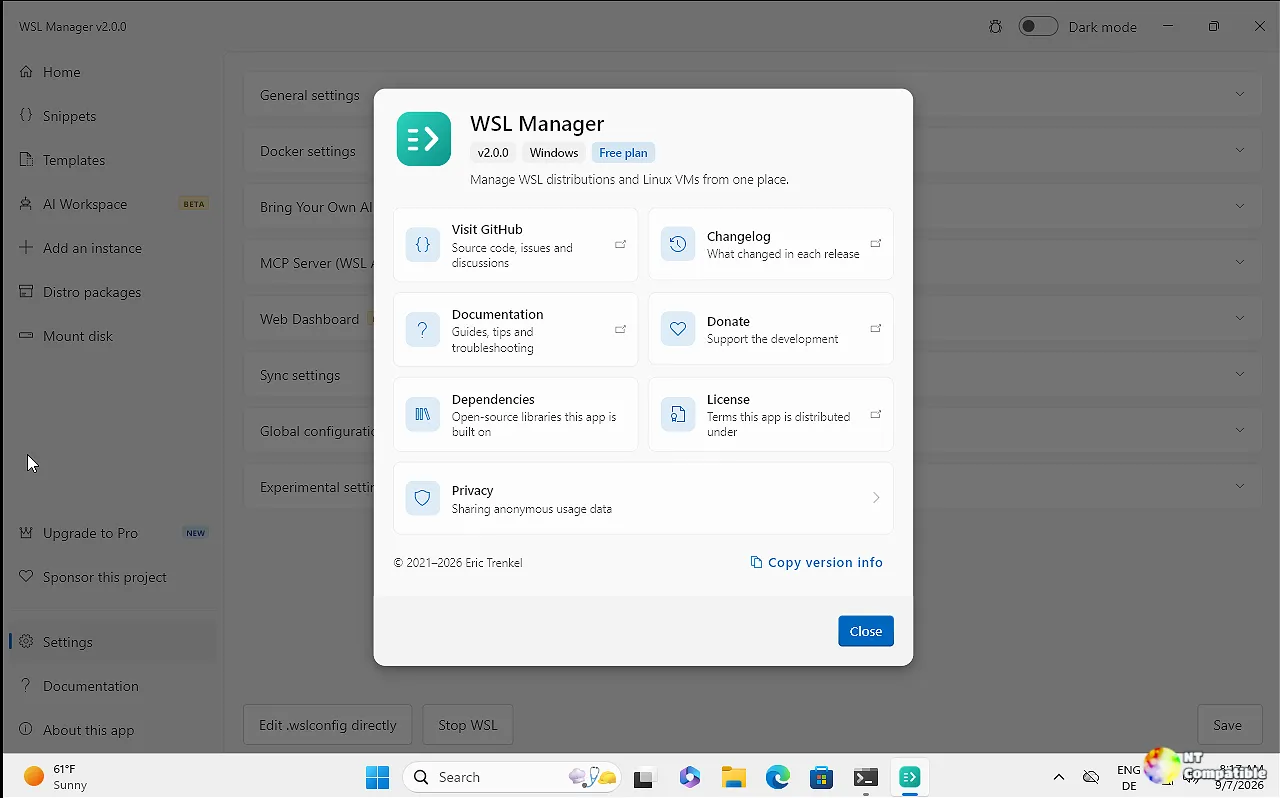
Eric Trenkel has released WSL Manager 2.0.0, the biggest update to the popular Linux distro manager since the project first appeared in 2021. The new version is bringing Apple Silicon support, a built-in AI agent layer, and Model Context Protocol tooling to the open-source toolkit.
The app, formerly known as wsl2-distro-manager, now sports a cleaner name and a broader scope. The shift to macOS support is significant. WSL Manager now manages native Linux virtual machines on Apple Silicon, tapping directly into Apple's Virtualization framework from within a Flutter app.
macOS and Native Linux VMs
The macOS version runs in beta, but the experience mirrors the Windows side. You get the same list, start, stop, import, and export flows for managing distros and VMs. The create VM page pulls from a curated catalogue of bootable images. Ubuntu, Debian, Alpine, and eight other arm64 cloud images are available for direct download. Trenkel converts qcow2 files on the fly, so you won't end up with unbootable guests.
Rows display the guest IP and real disk usage. The app opens the actual VM disk in Finder and refuses to start a VM if the disk is still mounted by another process. That's a practical safety net. You can also show the screen on demand or attach a serial console for headless operation.
Keep in mind that boot source selection is mandatory. The app won't let you create a VM without a way to boot it. Remote WSL is also supported now. You can drive a remote Windows host's WSL installations over SSH, including from the macOS version, with storage-path handling and VHDX compaction on cleanup.
AI Agent and MCP Tooling
The second major pillar is the AI layer. This is a Pro feature available as a one-time purchase. Trenkel spins up a dedicated Linux distro running Hermes Agent, OpenClaw, and Open WebUI. You bring your own API key for any OpenAI-compatible endpoint. The developer isn't hosting a service here, and there are no quotas. Pro unlocks the features; it doesn't buy you credits.
The AI assistant functions as an agent rather than a simple chat box. It has access to the same tool set as the built-in Model Context Protocol server. Trenkel writes, "When you ask 'what distros do I have?' or 'install Ubuntu and set my default user,' it calls real tools against your WSL rather than guessing."
External agents can now drive the app via MCP. Claude Desktop, Claude Code, and opencode can connect directly. A built-in Cloudflare tunnel adds a shareable web dashboard with a QR code for quick access. The AI configuration assistant can also diagnose WSL problems, which is useful when things go sideways.
Under the Hood
The release closes 214 UI/UX findings. Buttons, keyboard navigation, and error messages have all been audited. The app now ships in ten locales, including a new Korean translation. Page navigation replaces the old stacking behavior, and the dark and light themes are resolved entirely from the theme itself.
There are also solid bug fixes. Trenkel addressed child-process leaks tied to wsl.exe by tying them to a job object. WSL output decoding now uses UTF-16LE for proper non-ASCII support. A WinGet installation issue where the package manager got stuck on a symlink relaunch has been resolved. The developer also replaced templates with distro packages based on wsl-distribution.conf, moving toward reproducible, portable configurations.
The business model draws a hard line. WSL Manager stays free and open source under GPL-3.0. The Pro tier funds Trenkel's continued work with a one-time fee. "Managing your distros and VMs stays free," Trenkel writes. "Pro is what turns the time spent on this app into planned, regular work on the next releases, free features included."
You can grab the installer from the Microsoft Store, use winget, or grab the source. macOS users can install via Homebrew.
Head here to visit the GitHub release page.


