WSL Manager 2.6.1 tightens containers, AI and Mac VMs in a small, one-man patch
A week after shipping container support, developer Eric Trenkel has released WSL Manager 2.6.1. It quietly folds three threads together: running containers inside WSL, an AI assistant that actually manipulates your Linux box, and fixes for the app's macOS virtual-machine backend. Released November 19 under the github-actions bot, this is a modest patch by the numbers. Six commits. Twenty-three files.
The release lands on the 2.0.0 rewrite from September, the overhaul that turned a niche WSL helper into a cross-platform management suite. Containers arrived in 2.6.0. This one just polishes them and finishes off the AI layer. Keep in mind this is a self-funded, one-person project built in evenings and weekends, so "rounds out three threads" is arguably a lot for what's barely a dot release.
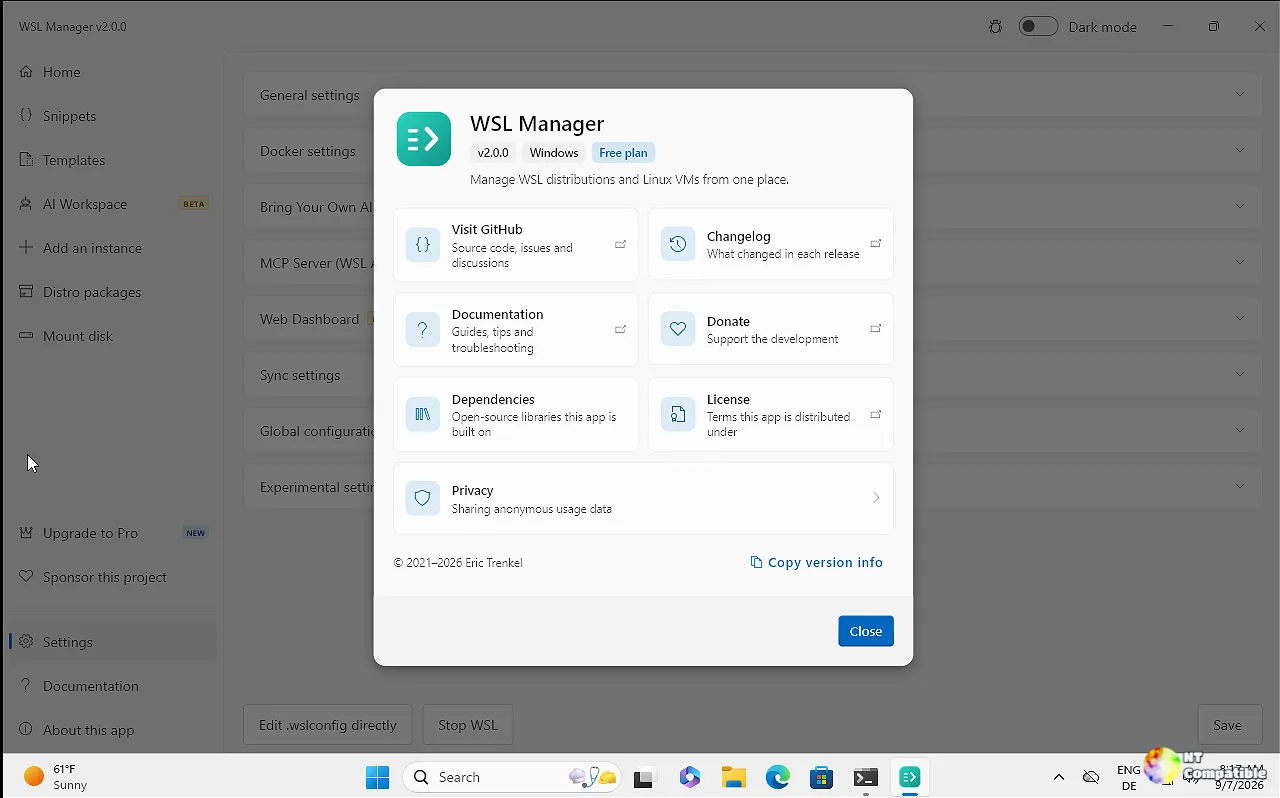
Containers now include WSL's own engine
The headline feature carried over from 2.6.0 is first-class container management. You pick an image, optionally name it, and set published ports, volumes, environment variables and a command. Every field maps onto the engine's own run command. Docker isn't required, and any compatible engine works.
The new bit in 2.6.1 is support for WSL's built-in container engine, wslc. On Windows running WSL 2.9.3 or later, containers created by wslc show up alongside Docker and Podman instances. They're drivable by both the in-app AI assistant and the MCP server, which effectively makes WSL a first-class container host without a separate daemon sitting in the background.
An AI assistant that does work, not just chat
The AI layer is Pro-only and runs on a bring-your-own-key model. You point it at any OpenAI-compatible endpoint, whether OpenAI, Azure, a LiteLLM proxy, Ollama or LM Studio, using your own base URL, key and model. No service is hosted or included. No quota. Nothing passes through anyone else's servers.
The 2.6.1 changes mostly concern how the assistant behaves. The chat panel is redesigned: the input grows as you type, the Send button flips to Stop while it works, and tool calls render more clearly. A whole conversation now records into a single snippet instead of spawning a new one per reply, which makes review, re-run or sharing simpler.
There's also a settings tweak for the AI Workspace distro. You can stop ai-workspace from auto-provisioning so that deleting it stays deleted, with an explicit set-up-again button on the AI Workspace page.
macOS VMs: fixing disk corruption
On Apple Silicon, the app manages native Linux VMs and macOS ones on a best-effort basis through Apple's Virtualization framework. The serious fix here is disk corruption under heavy writes. Disks now attach with full sync, a single disk can't be opened by two VMs at once, a VM gets a fair shutdown before being forced off, and restart waits until the disk is released.
Other Mac additions include a "View console log" feature that saves each VM's serial console, helpful when a guest is stuck in fsck or emergency mode. A stale IP address also stops lingering; the address is now only reported when the lease genuinely belongs to the guest and it actually answers. The macOS build now requires macOS 12 or later.
Head here to the GitHub release page.


