Xbox's "Disc to Digital" feature went live for all console users, closing out a month-long Insider beta. Insert an eligible Xbox One or Series X disc and you receive a free digital license tied to your account, unlocking Xbox Play Anywhere and Cloud Gaming while the physical disc keeps working. Only Xbox One and higher discs qualified, and losing or selling the disc can revoke your digital access. Roughly 1,568 games are already supported. Widely read as a bridge toward a possibly all-digital "Project Helix," the program has earned praise as a consumer-friendly move even as Square Enix and Bandai Namco decline to participate.
Xbox Now Lets Everyone Turn Physical Discs Into Free Digital Licenses
Microsoft's "Disc to Digital" feature went live for all Xbox console users on September 29, closing out a month-long Insider beta.
For decades, owning a game meant holding a piece of plastic you could shelf, lend, resell, or trade in. Microsoft is quietly rewriting the deal as of last week. Pop an eligible physical disc into the drive and you get a free digital copy tied to your Microsoft account. The disc keeps working exactly as it did before. It isn't a swap. It's an add-on.
Keep in mind that this isn't Xbox's first pass at the idea. The feature was teased on August 26, opened to Insiders on August 31, and rolled out to everyone on September 29. The announcement dropped somewhat out of nowhere via Eden Marie, an Xbox lead engineer, on X. "This should now be available to everyone, not just Insiders! You may need to restart your console to get the new functionality," she wrote. Pure Xbox confirmed a restart is needed to activate it.
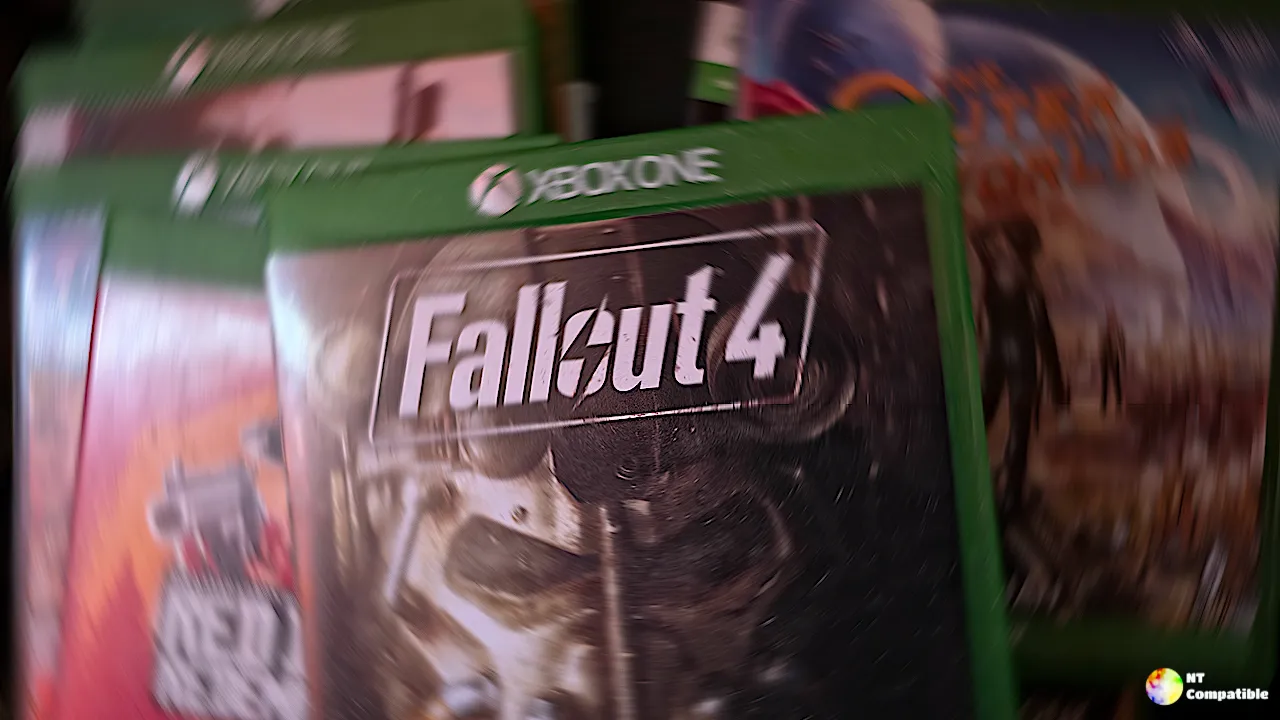
What it actually does
Play the game once after inserting an eligible Xbox One or Series X disc, and the console grants a digital entitlement tied permanently to your account. From there you can launch that same game with the disc out of the drive. If the disc happens to support Xbox Play Anywhere or Cloud Gaming, you pick those up too, where supported. Microsoft's support page frames it as a way to make "many of your disc-based games easier to access wherever you play."
The important caveat, spelled out in the same document, is that eligibility isn't universal. Microsoft says only "many" disc-based games qualify, and that it can change based on "technical, licensing, publishing, manufacturing, and other factors."
Which discs count
Only Xbox One and Series X discs qualify here. Original Xbox and Xbox 360 discs are out, and Xbox VP Jason Ronald confirmed that at Gamescom, saying there was "nothing to announce" for older hardware. The likely reason is that the newer discs carry a unique embedded serial identifier, and the older-era discs simply don't.
Microsoft keeps saying "most," and it means it. Not every One or Series X title works. Community tracker XCT.live logged 1,568 supported games shortly after launch, which is roughly three-quarters of what's been tested so far.
Known problem cases include early Xbox One-era discs from around 2013 to mid-2014, delisted titles, and games with third-party licensing restrictions like Forza Horizon 3. Battlefield 4 has also been reported not to work. The two major publishers still sitting this out are Square Enix and Bandai Namco. Ubisoft was the first big publisher to join, followed by SEGA.
Insert an unsupported disc and you'll usually see something along the lines of "Digital license unavailable. This game is not participating in digital licensing."
The catch you'll want to read first
Here's the part people ask about most. The digital license follows the physical disc, not you. Lose it, sell it, or hand it over, and Xbox can revoke your access to that digital copy. Microsoft's support page is blunt about it, warning that "without possession of the qualifying disc, you may lose the disc to digital licensing benefits."
Try claiming the digital version, selling the disc, and then demanding the buyer play offline-only, and it might sound like a win. In practice it's "highly inconvenient," since the disc still needs to be inserted and validated. The genuinely nice part is that you can keep the flexibility of digital, which includes cloud streaming, Play Anywhere, Quick Resume, and free cloud saves, while holding onto the disc itself.
The bigger picture
There's a fair amount of chatter that Xbox is prepping for an all-digital future, possibly tied to its next console, internally known as Project Helix. Both Digital Foundry and Windows Central have pointed out that sourcing Blu-ray disc drives is getting harder, and the number of disc manufacturing facilities is shrinking. That makes this program look less like a giveaway and more like a stepping stone, one that lets players carry their libraries forward into hardware that may not even have a drive.
Xbox hasn't confirmed whether Helix will ship disc-less or with an optional external drive. CEO Asha Sharma leaned heavily on preservation language at launch. "Your physical game library is more than a collection of discs," she wrote. "It holds years of memories and stories worth preserving."
How to get it working
The underlying support reportedly shipped quietly in the September 22 console update but stayed hidden until now. No separate update is required. If the option won't appear, restart the console. Head to Settings => General => Power Options => Restart Now, and you should get the claim prompt when you insert an eligible disc. Hover over the game tile and press the Menu button on the controller also works.
Insert the disc, launch the game once, and claim the license when it asks. Then keep the disc, because it's both your proof of ownership and the literal key to the digital license.
To check whether a specific title is supported, XCT.live maintains a running list with about 1,568 games.
Head here to the Xbox support page for the full FAQ and troubleshooting paths.


