Fort Firewall v3.21.4 Lands After Lightning Five-Release Sprint
The solo-developer Windows firewall just dropped its fifth update in ten days, with a major driver attribution change that affects users of packet-injecting tools.
Ten days. Five releases. That's the pace Nodir Temirkhodjaev has been moving with Fort Firewall, dropping v3.21.4 today after a burst of development that started with v3.21.0 on November 17.
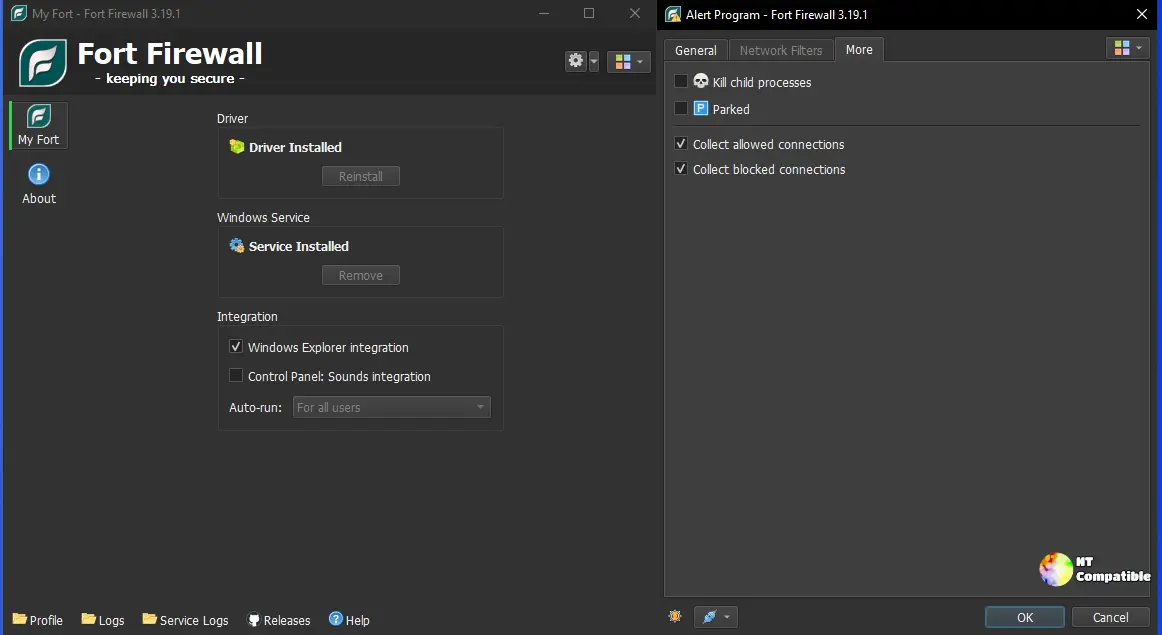
The headline change in v3.21.4 is how the driver attributes network traffic. Packets injected by third-party kernel drivers, things like WinDivert-based tools including zapret and GoodbyeDPI, are now attributed to the program that owns the driver instead of being lumped under "System."
That's a security hardening improvement, but it's also a breaking change. If you've been relying on Fort's global "System" allow rule to cover these programs, they'll now be subject to per-program filtering rules. You'll need to add them to the Programs list explicitly. Not exactly a dealbreaker, but worth knowing before you update.
The Five-Release Sprint, in Context
To understand what v3.21.4 is building on, you need to look at what came before. The v3.21 series started with a landmark DNS Forwarder in v3.21.0, a per-device Pi-hole-style resolver with DNS-over-HTTPS upstreams, Hosts Zones for blocking domains, and the ability to lock down ports 53 and 853 so other programs can't bypass it.
v3.21.1 brought a redesigned Main window, an Activity window for tracking live connections, and removed the VC Redist x86 dependency. v3.21.2 added a dedicated Graphs window and fixed a Windows 7 regression. v3.21.3 polished the graphs with hover tooltips, theme options, and taskbar positioning fixes.
Then came v3.21.4 with the driver attribution changes, a new Filter button in the Connections window, an "Expand All" checkbox in Activity, and various UI tweaks like overlaying a Cancel icon when filtering is off.
It's a lot of changes. Temirkhodjaev's been pushing commits on a schedule that would make most indie developers envious, and he's clearly responding to community feedback, the "Ask to Connect" filter mode shipped in v3.21.0 after being requested multiple times.
Why This Matters for Windows Firewall Users
The market for Windows firewalls has thinned considerably over the years. GlassWire went donation-only and proprietary. TinyWall sits abandoned. What's left is a small field of open-source projects, with Fort occupying a unique position.
The trade-offs are real. The kernel driver conflicts with Windows Defender Core Isolation, so you'll need to disable Memory Integrity on Windows 10 and 11 if you want to use it. That's a genuine security consideration for enterprises with strict hardening policies. The installer now shows a runtime warning instead of a hard block, but it's still worth getting approval before deployment in regulated environments.
The developer's notes mention a BSOD issue (closed November 17) related to PAGE_FAULT_IN_NONPAGED_AREA crashes on certain hardware configurations. The community has been working around it, and the issue appears resolved, but if you're on unusual hardware, you might want to test before going all-in.
What's in It for You
If you're running zapret, GoodbyeDPI, or similar WinDivert-based tools, you'll need to update your Fort configuration to allow those programs explicitly. The global System rule won't cover them anymore.
If you've been waiting for better DNS filtering, the Forwarder shipped in v3.21.0 has been refined through the sprint. You can now resolve local names via your adapters' DNS servers instead of only upstream servers. The host() rule filter lets you make hostname-based network rules, which is genuinely useful.
The UI improvements are scattered across the releases but add up. The new Activity window shows live process connections with speeds, bytes, direction, and reason codes. The Graphs window gives you upload/download breakdowns with hover tooltips showing daily and monthly totals. You can switch between light and dark themes or create custom ones.
If you're on Windows 7, and yes, it's still supported, you'll need KB4474419 for SHA-2 driver signatures. The DNS Forwarder has a known quirk where Windows 7's DNS client ignores the Name Resolution Policy Table, so you'll need to manually set adapter DNS to 127.0.0.1. It's a minor inconvenience, but worth noting if you're still running an older OS.
Where to Get It
The three installer variants cover Windows 7 SP1+ through Windows 11, with both x86 and ARM64 builds for the modern versions. Each is roughly 8 MB. You can grab them from the GitHub releases page, and yes, VirusTotal scans are available for all three builds.
Head here to the GitHub release page.


