NanaZip 6.0 Update 8 Patches Critical Security Flaws and Refreshes Compression Code
NanaZip 6.0 Update 8 lands with a heavy focus on security and core library updates. The release addresses a long list of vulnerabilities reported by security researcher JarLob and syncs critical compression implementations from the upstream 7-Zip ecosystem. Users who rely on this Windows file manager for handling archives will want to grab this build to keep extraction routines safe and stable.
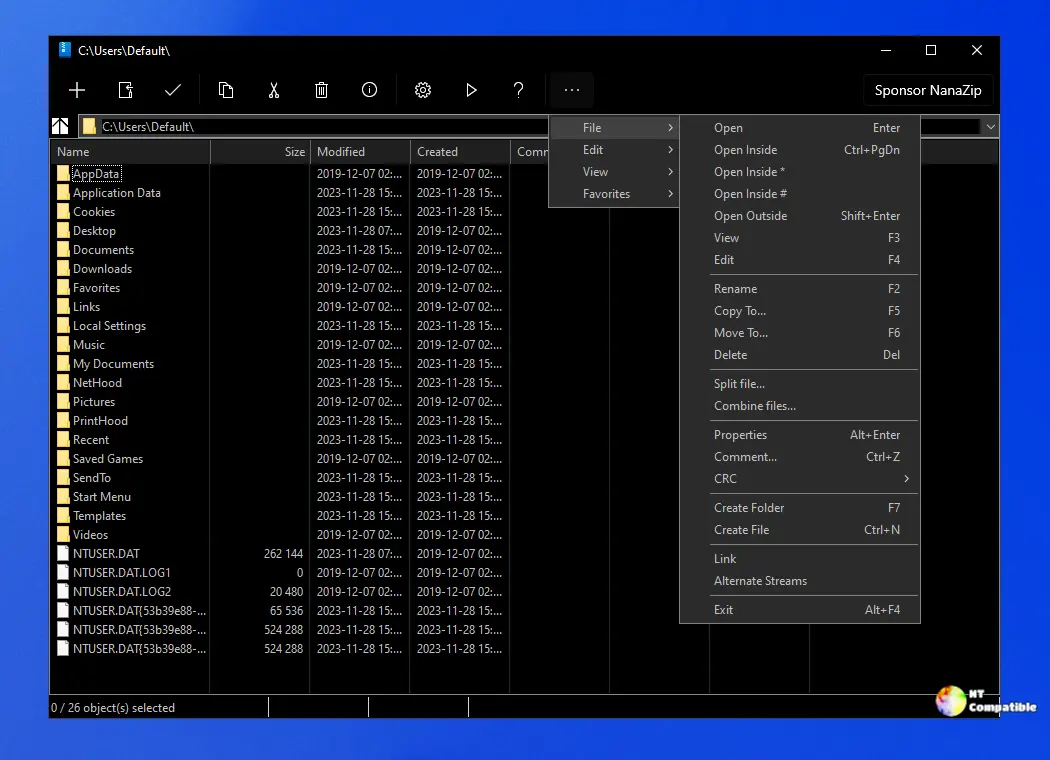
NanaZip 6.0 Update 8 Security Fixes and Upstream Sync
The update tackles a serious cluster of issues labeled GHSL-2026-116 through GHSL-2026-140. Most of these flaws sync directly from 7-Zip 26.01, which means anyone running a forked version of the original tool will eventually face the same problems. NanaZip specifically patched code paths in "LvmHandler.cpp" and "AvbHandler.cpp" that developers enable when adding custom archive support. The maintainer notes that the software avoids GHSL-2026-115 because that particular flaw only touches the 7-Zip SDK. Security numbers like CVE-2026-48092 and CVE-2026-47222 now cover the affected extraction routines. Running this update prevents corrupted archive handling and stops malformed files from triggering unexpected memory behavior. Technicians frequently notice broken extraction logs after skipping minor updates, and the patched memory routines in this release stop that pattern before it starts.
Compression Library Updates and Translation Changes
The zstd implementation receives a direct sync to a specific commit from the 7-Zip-zstd repository. This change improves how the file manager handles modern compressed archives and aligns the codebase with recent performance improvements. Korean translation updates arrive alongside a bump to the Mile.Mobility component, which now sits at version 1.1.564. The release notes point readers toward a technical focus document for future development directions. Keeping the compression engine current matters because outdated libraries often struggle with newer archive formats or cause slow extraction speeds on larger files. The file manager interface stays exactly the same, which is usually a relief when people just want their archives to open without throwing errors.
NanaZip 6.0 Update 8 Installation and Routine Checks
The update drops through Windows Update and the Microsoft Store automatically. Users who prefer manual downloads can grab the installer directly from the official repository. The file manager interface remains unchanged, but the backend improvements reduce the chance of encountering broken archives after extraction. Some power users skip these updates until they see independent reports, but the security patches here address real memory handling flaws that older builds still expose. Running the update clears out the old extraction routines and replaces them with the patched versions.
Release NanaZip 6.0 Update 8 (6.0.1742.0)
I'm excited to announce that we've released the NanaZip 6.0 Update 8, now available for download. Note: Read NanaZip Technical Focus from Kenji Mouri to clarify some future directions of NanaZip.
Keep the archives tidy and let the update run. The file manager will handle the rest without breaking existing workflows.


