UniGetUI 2026.2.5 adds searchable settings and update skip controls
The package manager GUI gets configuration convenience and a few stability fixes ahead.
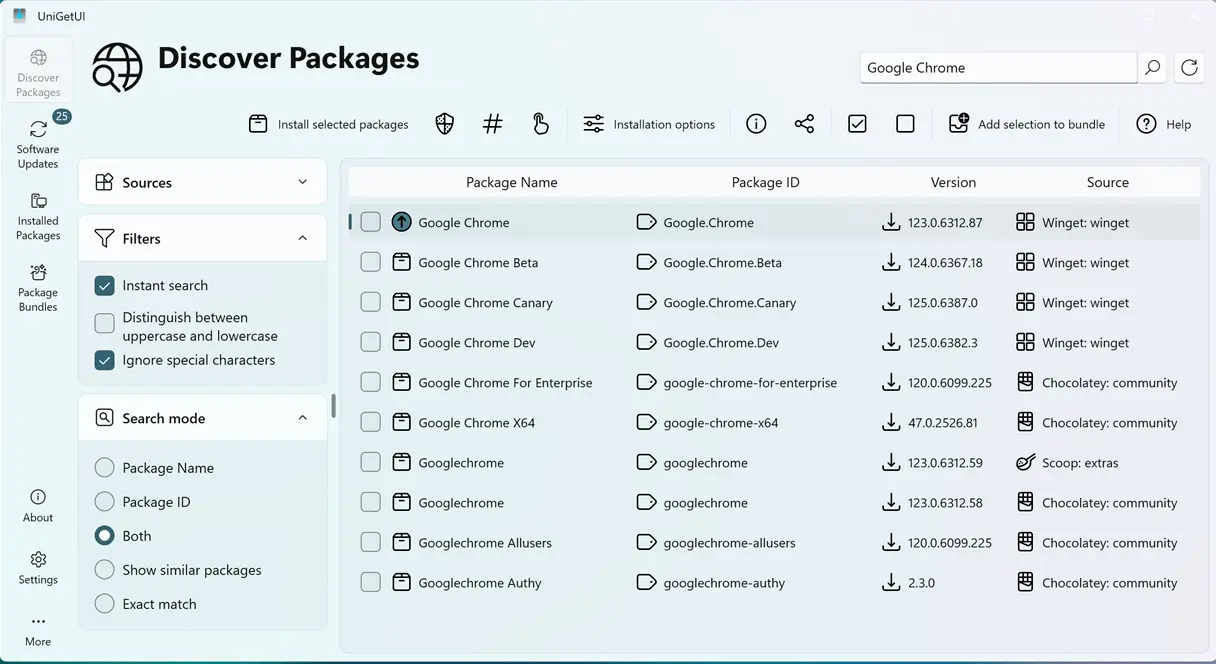
UniGetUI v2026.2.5 has landed. The open-source package manager GUI dropped on July 16, bringing a searchable settings page, the ability to skip minor updates, and a fix for that maddening toast notification behavior.
It's the fifth minor release in the 2026.2 series. For those keeping score, this comes just days after v2026.2.4. The release contains seven commits. You can get it across Windows, macOS, and Linux.
Configuration and UX tweaks
Searchable settings page. Update skip controls. Context-switching fixes.
The biggest change is in the settings menu. UniGetUI now includes a search function there. If you're digging through dozens of options, you won't have to scroll blindly anymore.
There's also a configurable skip level for minor updates. You can finally tell the app to ignore a certain tier of updates. This addresses noise complaints about notification frequency. Some users find the update checker too aggressive. This gives you more control.
Fixes that matter
It's not just new features. The app no longer yanks you to the Updates page when a toast notification pops up. That was a common gripe. The context switching was annoying enough to warrant a fix.
PowerShell module installation scope got fixed too. If you've had modules installed in the wrong scope, this patch helps. There's also a sort fix for the installed packages list under NativeAOT builds.
Installation and warnings
You can grab v2026.2.5 via your preferred channel. The Windows installer for x64 is 28.3 MB. Portable builds are available too.
winget install Devolutions.UniGetUI
scoop install extras/unigetui
choco install unigetui
macOS users have DMGs for both ARM and Intel. Linux gets deb, rpm, and tar.gz options.
Keep in mind that the release notes warn about fake websites. Domains like wingetui.com and unigetui.com are third-party knockoffs. Don't trust those. Stick to the GitHub releases or your package manager.
Head to the GitHub release page to download the latest version directly. Or just update from within the app.


