Visual Studio Code 1.120 Brings Agents to Stable and Fixes Token Tracking for BYOK Models
Visual Studio Code 1.120 finally moves the Agents window out of preview and into stable, while tightening control over Bring Your Own Key model usage. The update also adds risk badges for terminal commands and a Markdown diff viewer that actually renders formatted text instead of raw syntax. Here is what matters for developers who want to keep their workflows fast and their context windows from filling up with noise.
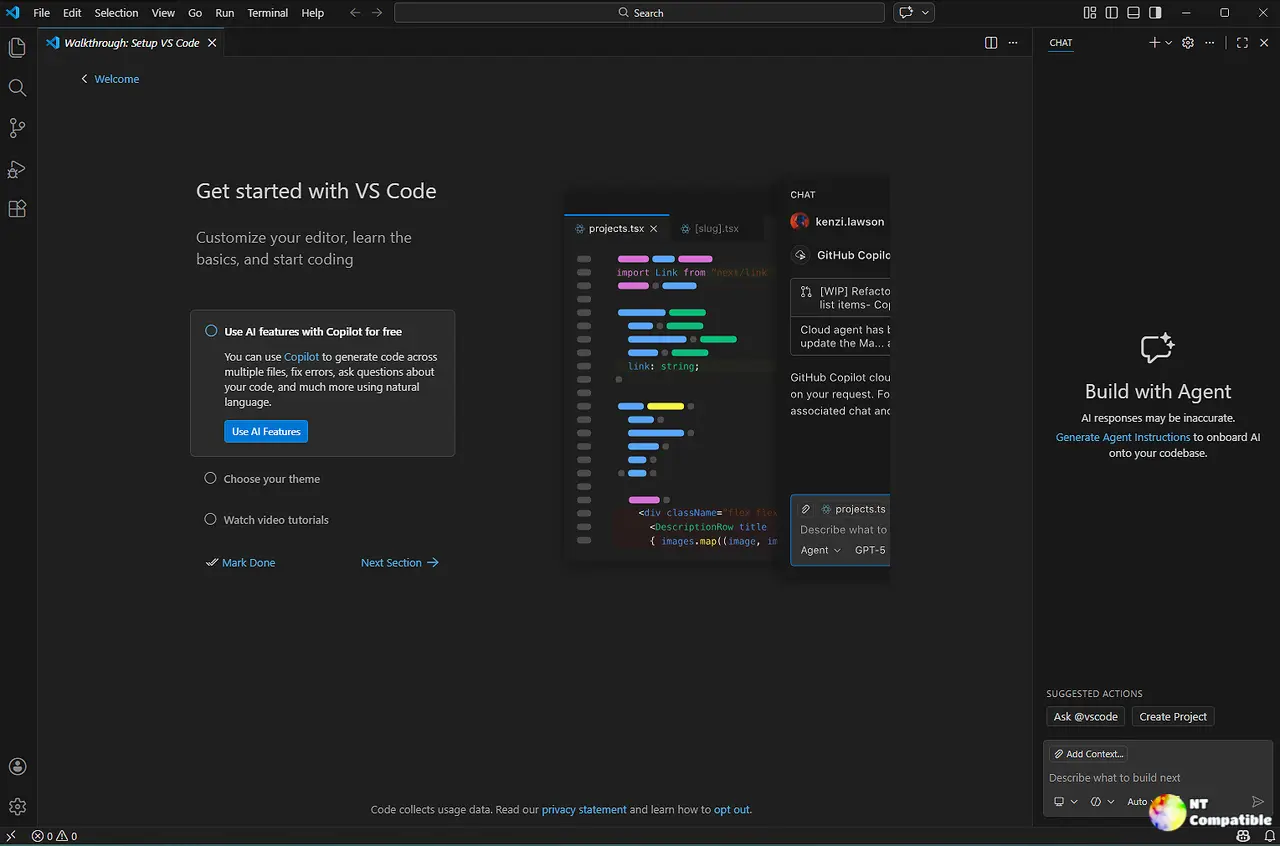
The Agents window in Visual Studio Code 1.120 gets a stable home
It is about time Microsoft stopped keeping the new layout locked behind Insiders builds just to test edge cases on early adopters. The interface shifts away from single workspace editing to handle multiple agent sessions across different projects without constantly switching tabs. Users can now pick their preferred agent harness, run tasks on remote machines, and keep themes or keybindings consistent with their main editor. Recent tweaks make the workflow much more predictable. Dropdown selections like isolation mode stick around when starting new sessions, and a sync button in the Files panel pulls upstream changes before an agent starts working. The Changes panel also got faster because actions now run deterministically instead of guessing what to do next. Anyone juggling documentation updates alongside code refactoring will appreciate being able to jump between recent sessions using the arrow buttons in the title bar.
Better control over Bring Your Own Key models and token usage
Tracking context window limits has always been a headache when using external API keys for AI coding assistants. Previous builds showed zero tokens used because accounting only worked for built in models. Visual Studio Code 1.120 finally fixes that by displaying accurate token counts and percentage full metrics directly in the Chat view control panel. The update also adds thinking effort configuration for reasoning models, letting users balance response quality against speed and cost without leaving the model picker. Models now group by provider instead of a flat list, which saves time when juggling OpenAI, Anthropic, or custom Azure endpoints. Typing slash models in the chat input still provides quick access to switch between them on the fly.
Risk badges and output compression keep terminals from choking the context window
Long terminal outputs like git diff or npm install easily eat up a model available tokens, leaving less room for actual code reasoning. Developers have watched context windows fill with package manager logs until the AI started hallucinating variable names, so this compression feature actually matters. The new chat.tools.compressOutput.enabled setting strips progress bars, deprecation warnings, and unchanged diff hunks before sending data to the AI. A short banner appears at the top of compressed output so users know exactly what got filtered out. Terminal command confirmations now include a risk assessment badge that explains what each command does in one sentence. Green badges mean safe reads or prints, orange flags warn about workspace modifications or network calls, and red warnings highlight actions like force pushes or outside workspace deletions. This setup prevents the kind of accidental repository overwrites that happen when an AI misinterprets a complex shell script.
Markdown diffs render properly while older preview habits get retired
Opening a Markdown file from Source Control now offers a rendered diff view instead of raw syntax highlighting. Users can switch to side by side or inline formatting through the Reopen Editor With menu, making it much easier to spot updated headings or broken image links without mentally parsing markdown characters. The built in preview also drops two legacy features by default. Double clicking no longer switches back to the source editor since that behavior confused people who wanted to select text normally. Line marking in the editor has been removed because modern workflows rarely need that visual cue anymore. Both settings can be re enabled through configuration if old habits die hard, though enabling workbench.diffEditorAssociations for markdown files makes sense only when reviewing documentation changes where raw syntax highlights distract from actual content shifts. Smart selection for Markdown tables now expands from a single cell to full rows and entire tables using standard keyboard shortcuts.
Custom editor diffs get proper APIs while extension authors adjust
Developers building custom file viewers can finally render dedicated diff interfaces instead of falling back to text comparisons. The new customEditorDiffs proposed API lets extensions handle inline or side by side layouts with full scroll synchronization. Separate priority settings for editing, diffing, and merging give fine grained control over which editor handles specific file types. A documentDiff API also exposes the built in diff algorithm directly through workspace.getTextDiff, allowing extensions to match VS Code behavior without shipping their own comparison logic. Extension authors can opt into Agents window support using a simple JSON configuration that specifies which IDs should activate automatically.
Downloads
Windows:
Mac:
Linux:
Keep an eye on the GitHub issues if you run into rough edges with the new agent workflows or Markdown previews. The core editor feels tighter, and token tracking finally works the way it should. Happy coding.


