Visual Studio Code 1.123.2 Patches a File Write Security Gap
Visual Studio Code 1.123.2 drops today to plug a security oversight that let automated file approvals slip through path expansion quirks. The update forces the editor to treat shell tilde and Windows environment variable paths as untrusted until explicitly resolved. Readers will see exactly what changed, why the old path resolution failed, and how to keep terminal integrations running smoothly without triggering false alarms.
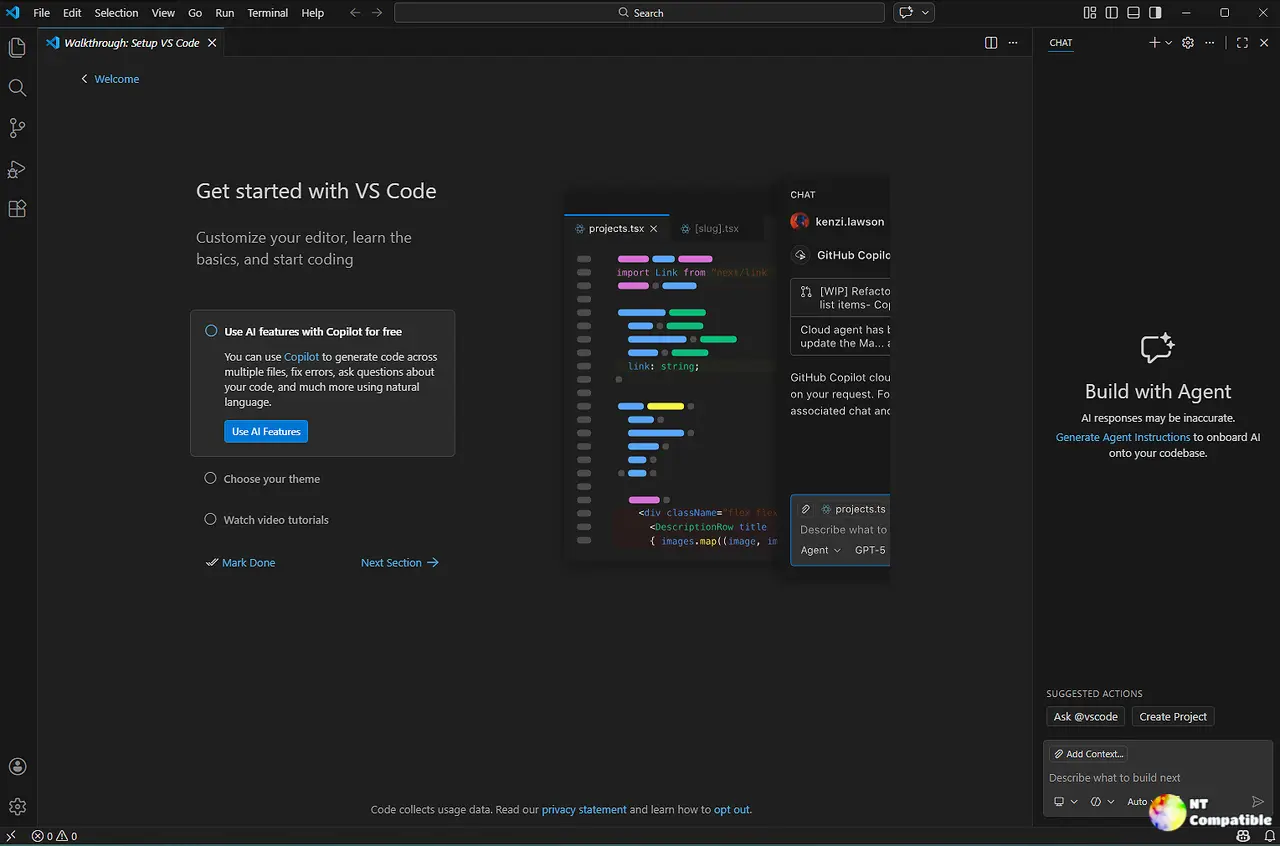
Visual Studio Code 1.123.2 Path Resolution Changes
The previous release relied on absolute path checks that completely missed shell tilde notation and Windows environment variable syntax. Neither the POSIX nor the Windows path resolver marked those patterns as absolute, which created a blind spot for the auto approval system. Power users who automate terminal approvals often noticed unexpected file writes in hidden directories when shell variables stayed unresolved. This gap allowed misconfigured programs to slip past the editor safety net by hiding inside unexpanded path strings. The new guard forces the runtime to expand those paths first, then verify the resolved destination before granting write access. Testing now covers both bash and PowerShell scenarios to catch similar regressions before they reach stable builds.
What Changes for Terminal and Extension Users
Terminal command auto approval workflows will now evaluate the fully expanded path instead of the raw string. Extensions that generate temporary files or log outputs should behave normally once the path resolves to a known directory. Users who rely on custom shell configurations might notice stricter validation when paths still contain unresolved variables. The editor simply refuses to grant write permissions until the destination becomes a clear, absolute route. This behavior aligns with how modern security tools handle dynamic path resolution across different operating systems. Developers can verify the fix by checking terminal command logs or testing extension file operations in a fresh workspace.
Keeping the Update Running Smoothly
The installer replaces the previous build without touching user settings or workspace configurations. Extensions that depend on terminal command auto approval will automatically adopt the new validation logic after a quick restart. Users who run custom shell profiles should verify that path expansion works correctly in their specific environment. The editor logs will show expanded paths when write requests occur, making it easier to track where files actually land. Anyone noticing delayed approvals should check for unresolved environment variables in their terminal setup. The fix targets a narrow edge case, but it stops a class of attacks that relied on path ambiguity.
Visual Studio Code 1.123.2
https://code.visualstudio.com/updates/v1_123
Grab the update when it shows up in your normal channel and test your terminal workflows. The path resolution logic now plays nice with both POSIX shells and Windows environment syntax without breaking existing setups.


