VS Code 1.132 Lands: Side Chats, Browser Annotations, and a Steadier Agent Host Rollout
Microsoft shipped VS Code 1.132, packing four headline features into a monthly stable build that continues to push the editor past simple text editing. The update leans hard into agent orchestration, on-device voice transcription, and a new conversational pattern that lets you side-track a running AI turn without killing its context.
This release arrived just six days after 1.131, which is about as fast as VS Code's monthly cadence gets. Microsoft is rolling it out gradually to existing users, so if you don't see it yet, you'll need to hit "Check for Updates" or switch to the Insiders channel. The nightly build has been carrying some of these features ahead of schedule.
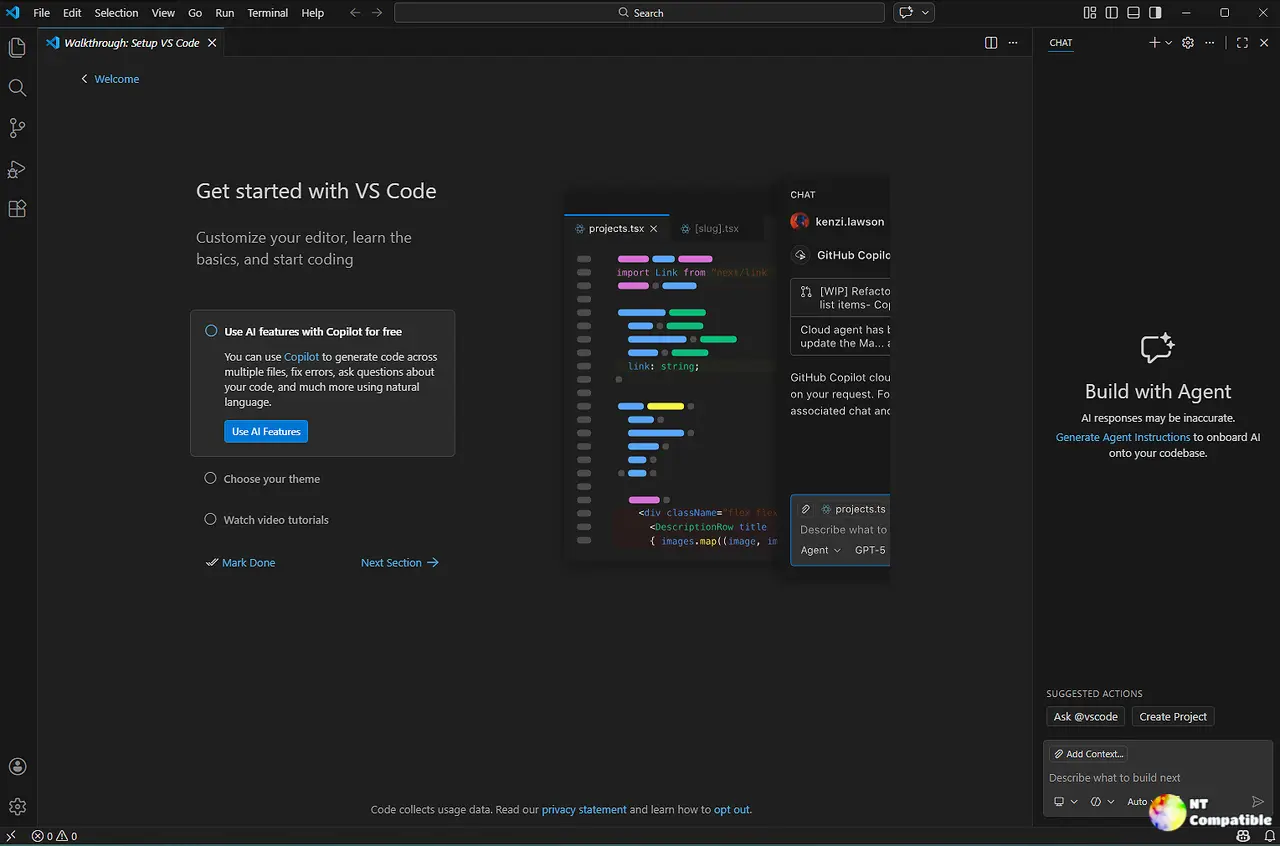
Agent Host Gets a Dedicated Process and a Smoother Entry Point
The Agent Host architecture is finally getting past the experimental phase. In 1.131, you had to flip chat.agentHost.enabled and pick a harness from a dropdown just to test it. Now, the dropdown in the editor window stays the primary way to route Copilot, Claude, or Codex through the dedicated host process, and the whole thing runs on the open Agent Host Protocol.
That architectural shift matters. Agents now live in their own process, completely isolated from the extension host, so a hung Copilot SDK won't freeze your editor tabs. Multiple windows can share a session, the host can run remotely over SSH or a dev tunnel, and the Copilot harness specifically mirrors the standalone Copilot app and CLI via the GitHub Copilot SDK. However, at the same time, running a separate host process for every agent turn does burn more memory on the initial handshake. You can even run a standalone host yourself with code agent host, which defaults to localhost with a connection token and the --tunnel flag for remote access.
Keep in mind that the policy to centrally disable the Agent Host via ChatAgentHostEnabled is gone now. Microsoft removed the enterprise-grade kill switch, which means administrators can no longer block the feature across a fleet. Individual preference still lives in chat.agentHost.enabled, so you can keep it off if you don't want isolated agent processes.
Four New Ways to Talk to Your Editor
The first of the headline features is /btw, a side chat command that opens a contextual conversation alongside a running agent turn. It shares prompt cache and workspace context with the main chat, so you can poke at a specific response without losing your place. Drag a chat tab into the input, type #chat: followed by a title, or highlight text in any response to ask follow-ups that stay tied to the original thread.
Element-level commenting in the integrated browser gives agents the ability to actually see what you mean when you're debugging a layout. You enter annotation mode, click multiple web page elements, drop comments on each one, and send the whole set to chat at once. It cuts out the guesswork of describing coordinates or XPath selectors in text.
On-device dictation now runs on multilingual Nemotron 3.5 with automatic language detection. Audio never leaves your machine, and if your network blocks the initial model download, an error notification offers a button to import a Foundry Local package from disk. Terminal dictation got a shell-aware cleanup pass, too. Say "git commit dash m hello world" and it becomes git commit -m "Hello World", not a literal word-by-word paste. You can also point instruction files like ~/.copilot/dictation.md at the editor to tailor final transcripts to your project's jargon.
The experimental hybrid Markdown editor now accepts diffs alongside it. Modified content gets gutter highlights, the document stays editable while you review changes, and a breadcrumb dropdown lets you flip between the text diff and the rendered view without hunting for a command.
Chat, APIs, and the Cleanup Crew
Terminal output in Chat now reflows to the available width as you resize the panel. That solves the old fixed-width wrapping problem that wasted space in wider layouts. It works for both local harnesses and Copilot harnesses running through the Agent Host.
A new proposed API, customEditors.priority, lets extensions specify separate priorities for text versus diff editors. An extension could be the default for normal files while leaving the built-in editor to handle diffs, or the reverse. Microsoft plans to promote it to stable in the next release.
Simon Siefke shipped seven pull requests this cycle, mostly targeting memory leaks across the title bar, notebook view model, chat service, settings tree, and history service. If your editor has been feeling heavier over the months, those are likely why. The Python Environments extension also hit 100% rollout as the default, consolidating concurrent scans and deferring Conda discovery until it's actually needed.
Where This Fits
VS Code 1.132 is doing exactly what it's been signaling since late last year: treating the editor as a control surface for AI workflows rather than a standalone coding environment. The Agent Host isolation, the on-device Nemotron model, and the multi-track conversational pattern all point toward an orchestration layer that refuses to depend on cloud APIs for basic interaction. The pace of iteration is aggressive, though the experimental tag on side chats and the Markdown diff editor suggests these are still being hardened before they leave the preview track.
Head here to download the stable build, or grab the Insiders channel if you want features a few days early. Microsoft keeps a detailed changelog at the official release notes, which includes the full list of contributor commits and known issues.


