Microsoft released new Windows 11 Insider Preview builds today across the Beta, Experimental, and Experimental (26H1) channels, confirming active development of three concurrent Windows versions. The Experimental 26H2 flight introduces highly requested per-app camera, microphone, and location permission toggles for traditional Win32 desktop applications, closing a long-standing privacy gap. Users can also test a WinUI 3–based AutoPlay dialog, auto-previewing of web-downloaded PDFs in File Explorer, and a new "Open Apps Maximized" accessibility toggle. Meanwhile, the Experimental 26H1 channel has officially removed the legacy WMIC command-line utility and pulled the experimental Drag Tray feature based on insider feedback.
Windows 11 Insider Builds (August 21): Three Concurrent Versions Now in Active Flight
Microsoft released new Windows 11 Insider Preview builds on August 21, and the headline isn’t just what shipped. It’s the version roadmap staring us in the face. Stephen Lines, head of the Windows Insider Program, dropped announcements for the Beta, Experimental, and Experimental (26H1) channels simultaneously. Dev and Canary, meanwhile, got a week off.
Here’s the math: Beta lands on build 26220.9223 for the version 25H2 enablement package. Experimental moves to 26340.9233 for 26H2. The Experimental 26H1 branch picked up 28120.2738 (which actually shipped on August 17, though Microsoft consolidated it into today’s roundup). Three channels. Three concurrent feature sets. Microsoft is clearly juggling its next three Windows releases at once, and the Experimental builds are where you’ll find most of the novelty.
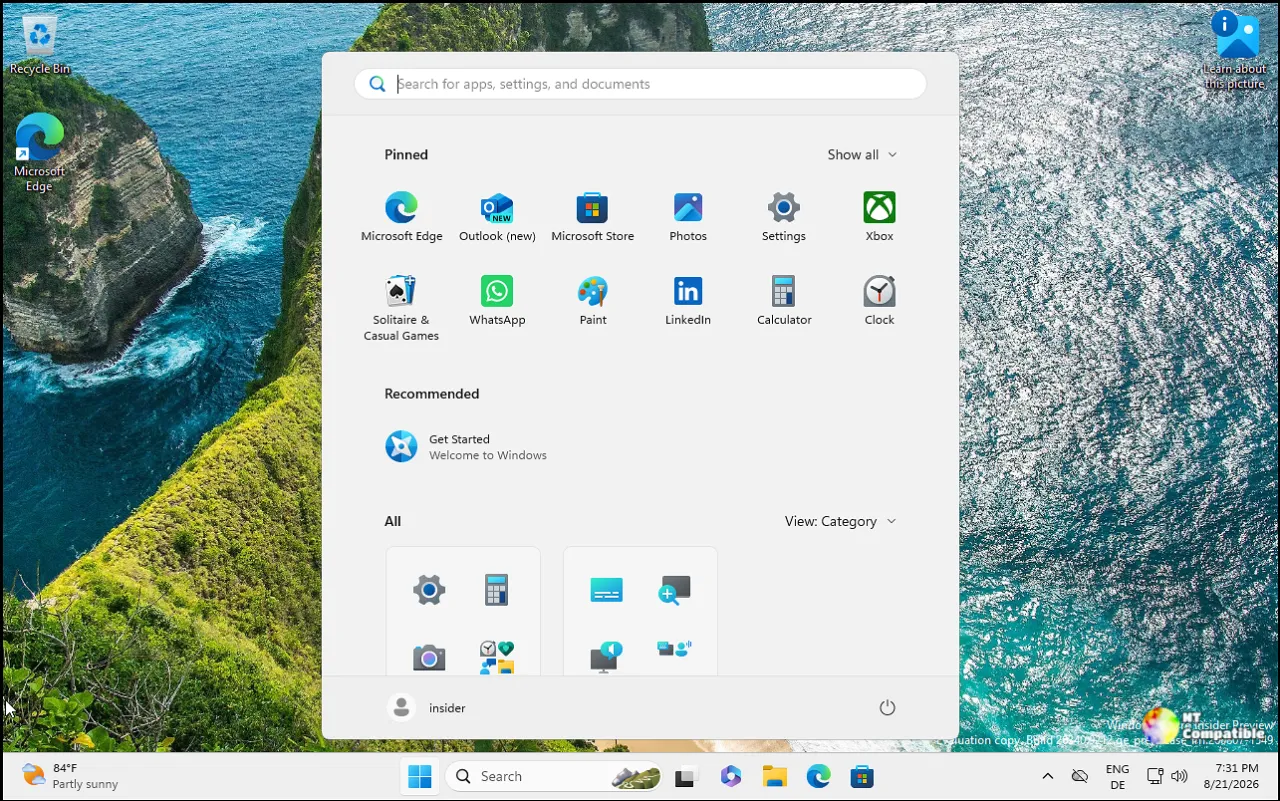
What’s actually new
The long wait for desktop apps is finally over. Microsoft is rolling out per-app camera, microphone, and location toggles for traditional Win32 software. UWP apps got granular controls early on. Legacy desktop apps got left behind with a single master switch. Now you can manage each individually in Settings > Privacy & security. Apps will prompt on first use, existing permissions carry over, and enterprise policies stay intact. Just keep in mind that some apps relying on shared browser components might show up under odd names, and a few could be listed as "Unsigned" until Windows verifies the publisher.
You’ll also find the rebuilt AutoPlay dialog in the Experimental flight. It’s been rewritten from the ground up in WinUI 3. Dark mode actually works now. Text scaling behaves properly. Instead of popping into the middle of your desktop like a digital telemarketer, notifications for the dialog dock directly into the notification center. The familiar actions still work, but the underlying experience finally matches the rest of Windows 11.
Microsoft is adding an "Open Apps Maximized" toggle under Settings > Accessibility > Visual effects. Turn it on, and every window launches full-screen. The stated target is screen reader and magnification users, though it’s arguably a better fit for tablet mode or anyone who hates clicking "maximize" twice. In File Explorer, PDFs and non-HTML files downloaded straight from the web will now auto-preview in the preview pane. No more clicking "Open with" just to glance at a document. Next up, packaged WinUI 3 apps that require admin elevation can now integrate Microsoft Store in-app purchases, closing a gap that frustrated developers.
On the Experimental 26H1 branch (build 28120.2738), the story is mostly cleanup. The WMIC command-line tool has been yanked from the build, joining the long list of deprecated Windows utilities. If you still rely on wmic.exe for automation, you’ll need to migrate to PowerShell CIM/WMI cmdlets or the newer win32_ PowerShell equivalents. The Drag Tray experiment got the same treatment. Microsoft says it heard the feedback, pulled the feature, and will share details on a future replacement when it has one.
Bug fixes land across both Experimental channels. The 26H2 build patches broken taskbar animations, a missing mouse cursor in certain apps, and a regression that left the Insider Program flags page empty. The 26H1 build resolves Settings crashes when opening Notifications and a Magnifier launch failure. Notably, PUBG: BATTLEGROUNDS is blacklisted on the 26H1 flight until Microsoft sorts out a compatibility issue with the developer. If you own it, stick to the other channels for now.
It’s a solid roundup. The per-app desktop permissions are the real headline. However, at the same time, they close a decade-long privacy gap in one of Windows’ most-used subsystems. The AutoPlay rewrite is competent housekeeping, and the "Open Apps Maximized" toggle is the kind of low-friction accessibility addition that usually gets overlooked until someone actually needs it.
If you want to see exactly what changed in each flight, head here to the official release notes for Beta 26220.9223, Experimental 26340.9233, and Experimental 26H1 28120.2738.


