Windows 11 Release Preview builds drop: WinRE Wi-Fi reuse lands, PC-to-PC migration pulled
Builds 26100.9539 and 26200.9539 are now rolling out for Windows 11 24H2 and 25H2, marking the last quality checkpoint before general availability.
Microsoft pushed Windows 11 Release Preview builds 26100.9539 and 26200.9539 to Windows Update today. If you're tracking the pre-release quality gates, these are it. Both builds are now available via gradual and normal rollout phases.
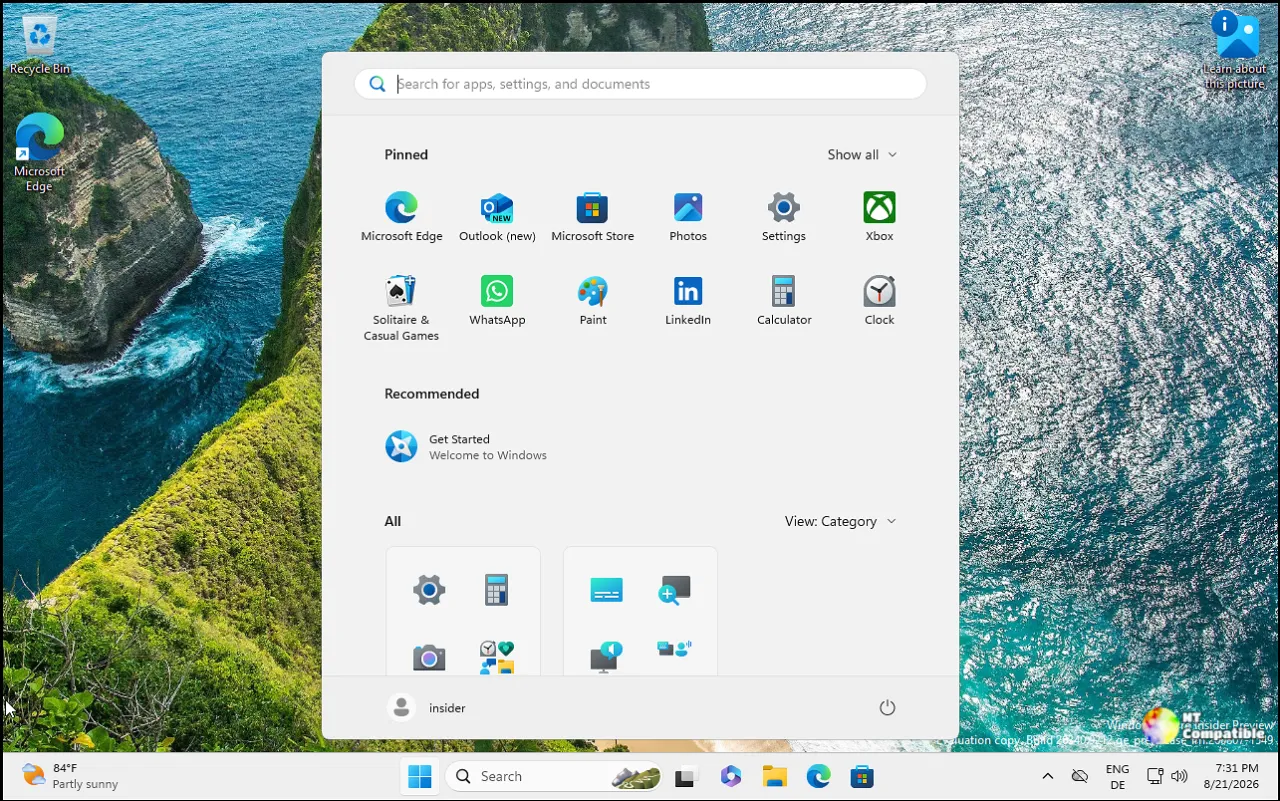
Release Preview sits at the end of the pipeline. It's the final stop before a build hits every supported device. There's no known issues section in the release notes for either build, which tells you exactly what you need to know. Microsoft considers this build ready to ship.
The most consequential change is also the quietest. PC-to-PC migration is gone.
Microsoft introduced the feature in July 2026 as a way to transfer files directly from an old PC to a new one during setup. It lasted roughly two months. Now it's deprecated. The company directs users to Windows Backup and OneDrive instead.
It's a clear signal about where Microsoft wants data portability to live. You'll need a Microsoft account and OneDrive storage to replicate the old workflow. The free tier caps out at 5 GB, which might not cut it if you're moving large libraries of photos and videos. The deprecation aligns with the broader cloud-first strategy, though the speed of the retirement suggests the feature might not have found the audience it needed.
WinRE Wi-Fi reuse and remote management
On the enterprise front, the WinRE Wi-Fi reuse feature is a standout. Devices in recovery mode can now automatically connect to wireless networks using profiles already saved in the main OS. This includes certificate-based networks like WPA2/3-Enterprise.
IT admins can finally skip the wired Ethernet fallbacks when a fleet-wide update goes sideways. The feature reads Wi-Fi profiles from the OS-side wlanprof registry and applies them in WinRE. It's on by default, though admins can disable it via Group Policy or MDM.
A new Recovery Remote Management plug-in is also previewed. It lets MDM providers run remediation scripts inside WinRE to repair configuration issues or restore system state before the device attempts a normal boot.
Bluetooth reliability overhaul
Bluetooth gets a massive reliability update in this build. If you've dealt with crashes during audio streaming, you're in luck. Microsoft fixed the 0x139 BSOD that occurred during Bluetooth audio playback. LE Audio performance is improved, and shared audio mode is more stable.
There's also a fix for the Bluetooth toggle bug where the settings switch indicated the radio was on, but it was actually off. Adjusting volume on a Bluetooth Classic accessory during a voice call now triggers the Windows shell volume flyout, so you get visual feedback instead of guessing.
Copilot key remapping and Emoji 17.0
For keyboard-dependent users, the Copilot key remapping is a welcome addition. The dedicated Copilot key replaced Right Ctrl and Context Menu keys on many devices, disrupting muscle memory and accessibility workflows. This build adds a setting in Settings > Bluetooth & devices > Keyboard that lets you remap the key to either Right Ctrl or Context Menu.
Emoji 17.0 support is here. You can add the distorted face , fight cloud, and hairy creature to your chats. The building blocks emoji got a redesign too, alongside tweaks to the saluting face, goose, and lotus for better cross-platform consistency. Hit Windows key + Period to grab the new characters.
File Explorer gets some usability bumps. Downloaded HTML files now show a "Preview anyway" button to bypass the security prompt. PDFs downloaded from the web auto-preview without asking. File Explorer Home now remembers which sections were expanded or collapsed across sessions. Cloud thumbnails in the Details pane are more reliable, and the address bar finally stops clearing when you click near the right edge.
Widgets gain a new Tips widget that offers contextual guidance for underused features. You can add it to the Widgets board or the lock screen. Camera roll backups are supported now, too, with a QR code setup flow from Settings. Kiosk mode gets tighter restrictions, disabling Win+Tab in Restricted UX mode and locking Win+A and Win+C in Single-app mode. Touchpad users get new single-finger edge scrolling and automatic scrolling options. Ebrima font picks up support for Garay and Beria Erfe scripts.
The PC-to-PC migration removal consolidates Windows identity around OneDrive and removes a tool that many users relied on for offline transfers. If you were planning to use PC-to-PC for your next upgrade, the long answer is Windows Backup and a solid internet connection.
These builds are available now. Head here to check the official release notes.


