WinGet v1.30.100-preview brings --ignore-unavailable and AI-driven issue triage
Microsoft shipped the second preview of WinGet v1.30 this week, adding a long-requested safety net for bulk installs and experimenting with Copilot to manage its own growing backlog of issues.
The new release landed on August 13, 2026, following the v1.30.90-preview from last week. If you're running winget install against a list of dozens of packages, you know the drill. One package gets renamed, deprecated, or dropped from a source, and the whole command aborts. The remaining packages sit uninstalled. That's a headache for anyone provisioning multiple machines.
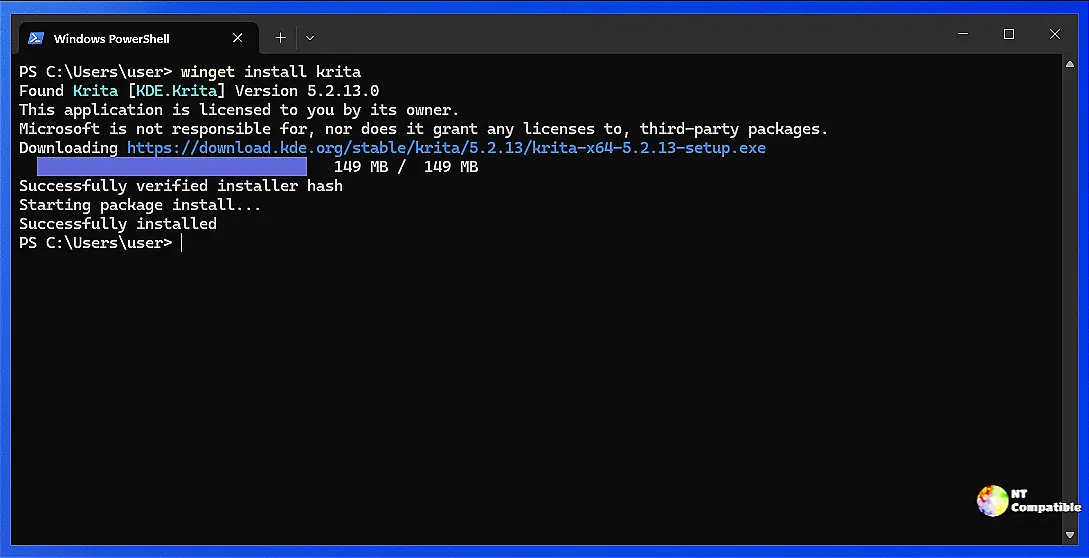
This preview adds --ignore-unavailable to the install command. WinGet will now skip the missing package and continue with the rest of the list. The feature comes from community contributor @CatBraaain, who noted in their pull request that they routinely use a single install command to provision multiple packages across machines. When a maintainer renames a package, the entire provisioning command fails. The flag resolves that for automated workflows.
Keep in mind that this flag mirrors behavior already available for import operations. The contributor suggested it might also make sense for upgrade, though the current PR is scoped to install only. It's a meaningful quality-of-life update for anyone managing a fleet.
AI handling its own housekeeping
WinGet has climbed to roughly 26,300 stars on GitHub. The issue tracker is equally impressive, with about 1,200 open issues. Triaging that volume without burning out maintainers requires some help.
This cycle, the team swapped out a basic lexical deduplication workflow for a GitHub Agentic Workflow powered by Copilot. Instead of matching keywords, the agent reads issue content semantically. When it spots a duplicate, it adds a Possible-Duplicate label and posts a comment with up to five candidates. Safety is baked in. The agent will never close an issue, remove triage labels, or trigger the duplicate moderator bot. A safe-outputs allowlist constrains it to adding that one label and posting one comment.
The team iterated on this workflow three times within this single preview cycle. PR #6410 fixed a recall miss where a new feature request for "show manifest verbatim" wasn't caught against a near-verbatim duplicate from 2020. The agentic approach caught that semantic match with high confidence.
It's a clear example of dogfooding. Microsoft is testing this tooling on its own repository before potentially rolling it out elsewhere.
Bug fixes and infrastructure updates
Enterprise admins should pay attention to the crash fix for --disable-interactivity. There was an error code 0x8000ffff that popped up when using that flag alongside the Resume experimental feature. Automated deployments that rely on non-interactive installation were getting blocked. This preview clears that up.
The preview also includes an NUnit v4 update and a fix for winget search --id returning Microsoft Store packages without the --exact flag. Build infrastructure is getting a refresh too. Build agents now run on VS 2026. The vcpkg port overlay tooling has been updated to use PowerShell 5, which keeps compatibility with older Windows Server environments that still ship PowerShell 5.1.
WinGet continues to mature as a development tool. The combination of community-driven features, aggressive bug fixing for automation scenarios, and the adoption of AI-assisted governance suggests the project is settling into a healthy rhythm.
You can try this preview right now. Run winget upgrade Microsoft.WinGet.Client --source winget --accept-package-agreements to grab the latest build.
Or grab the assets directly from the GitHub releases page. Just remember this is a preview. Roll it out to test environments before touching production fleets.


