WSL Manager 2.3.0 Ships With Experimental Cloud, Kubernetes, and Playbook Support
The one-person WSL manager stacks devOps-grade features behind opt-in switches, and adds a global AI off button.
WSL Manager 2.3.0 has been released. The update brings Kubernetes, cloud deploys, and "Playbooks as code" to the small open-source tool, all parked behind a single opt-in switch. That's deliberate. Maintainer Eric Trenkel clearly didn't want cluster management to jeopardize the stable core.
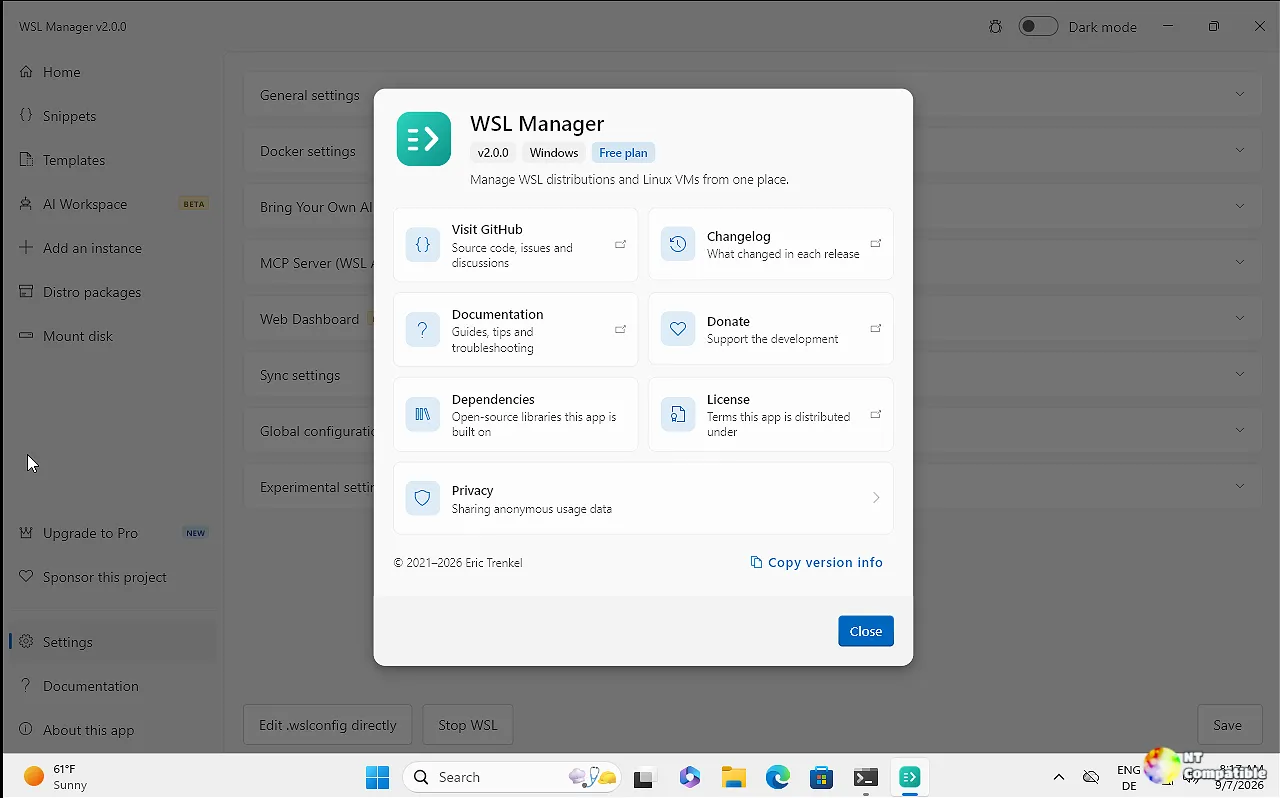
Experimental, and gated behind a switch
The headline feature is a new "Experimental features" section in Settings. Five things ship in 2.3.0, but every one stays disabled until you flip it on yourself.
You get Turnkey-style containers running, you get Kubernetes cluster management, and there's a Cloud option aimed at Hetzner. That cloud piece will boot systemd on the host network and refuse to talk to servers whose architecture doesn't match your own machine. cloud-init configs and Playbooks round it out, letting you describe an instance's state as code and apply it to something that already exists.
Toggling any of these takes effect everywhere at once. Your nav pane, your Settings screen, and the AI assistant's tool list all update in real time. Nothing quietly lands in the background.
It's an ambitious set for a tool whose reputation was built on managing local distros. Gating it behind opt-in betas is honestly the sane way to ship it. But you also won't be running a real Kubernetes cluster on your Windows box until you dig into Settings and admit you want to.
An AI you can turn off entirely
Most AI work stays a Pro perk. 2.3.0 adds a handful of refinements, but the standout is the global off switch. Pro users can now kill the assistant, the error diagnosis, and the AI Workspace all at once under Settings. It's a rare, deliberate call for an app that just gained an AI agent.
The AI chat itself is moving to the web dashboard, so you can poke at it from a phone or a second machine. Every AI Workspace tool inherits the assistant's endpoint, key, and model on install, meaning you set them once and don't repeat the process. Any AI run that actually changes an instance gets saved as a snippet too, so you can review it, rerun it on a fresh instance, or share it.
Keep in mind that no AI service is hosted here. The layer runs on credentials you bring yourself, whether that's OpenAI, Azure, Ollama, LM Studio, or another OpenAI-compatible endpoint. Pro unlocks features but doesn't buy you credits.
Trenkel's reasoning for a paid tier is fairly blunt. He writes that the goal is to make maintenance "planned, regular work instead of whatever time is left over." The privacy pitch is equally explicit: no hosted service, no quota, and no requests passing through anyone else's servers. That's a rare thing to see advertised this plainly.
Is it worth the price?
The core stays free and open source under GPL-3.0. Pro is a one-time purchase, roughly $14.99, with free updates and no subscription. The whole thing being open source and running on your own keys softens the cost. At the same time, a one-person app funding a devOps roadmap from a single one-off fee is a counterpoint worth remembering in an era of subscription fatigue.
2.3.0 lands at the end of a fast cycle. 2.0.0 dropped on September 6 with macOS VM support, the AI layer, remote WSL over SSH, and a UI audit that closed 214 findings. Everything since has moved briskly, from Store licensing tweaks to the wslmanager.com Pro sales. If this is any indication, the pace isn't slowing.
Where to grab it
Download options are unchanged from earlier this cycle. The Microsoft Store is the recommended route, but you can also grab a direct installer, a portable zip, or install via Winget, Scoop, Chocolatey, or Homebrew on Apple Silicon.
Head here for the GitHub release if you want the direct installer or the notarized macOS disk image. The full diff between 2.2.0 and 2.3.0 is up on the repo too, along with the changelog and the full release history.


